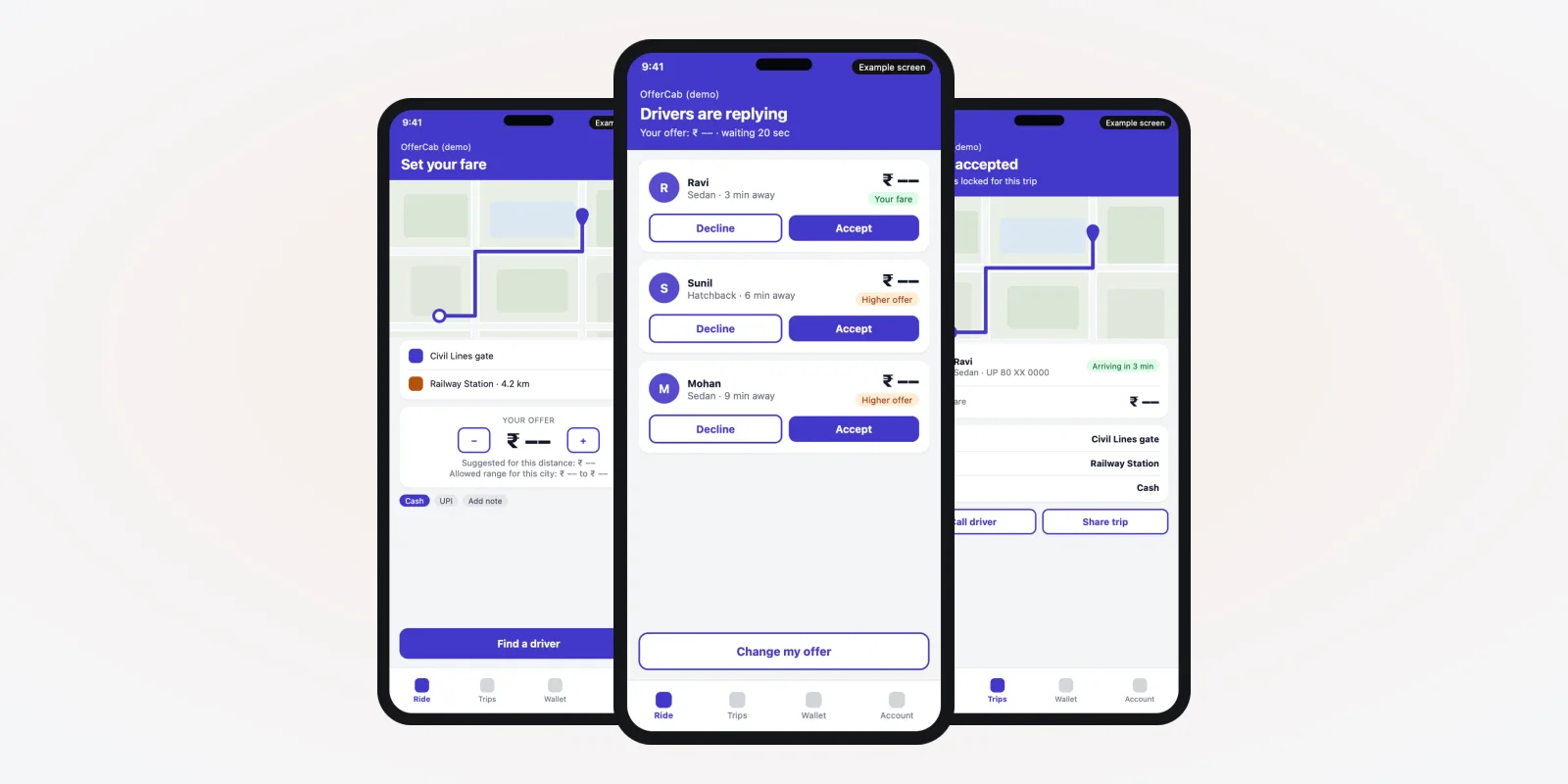
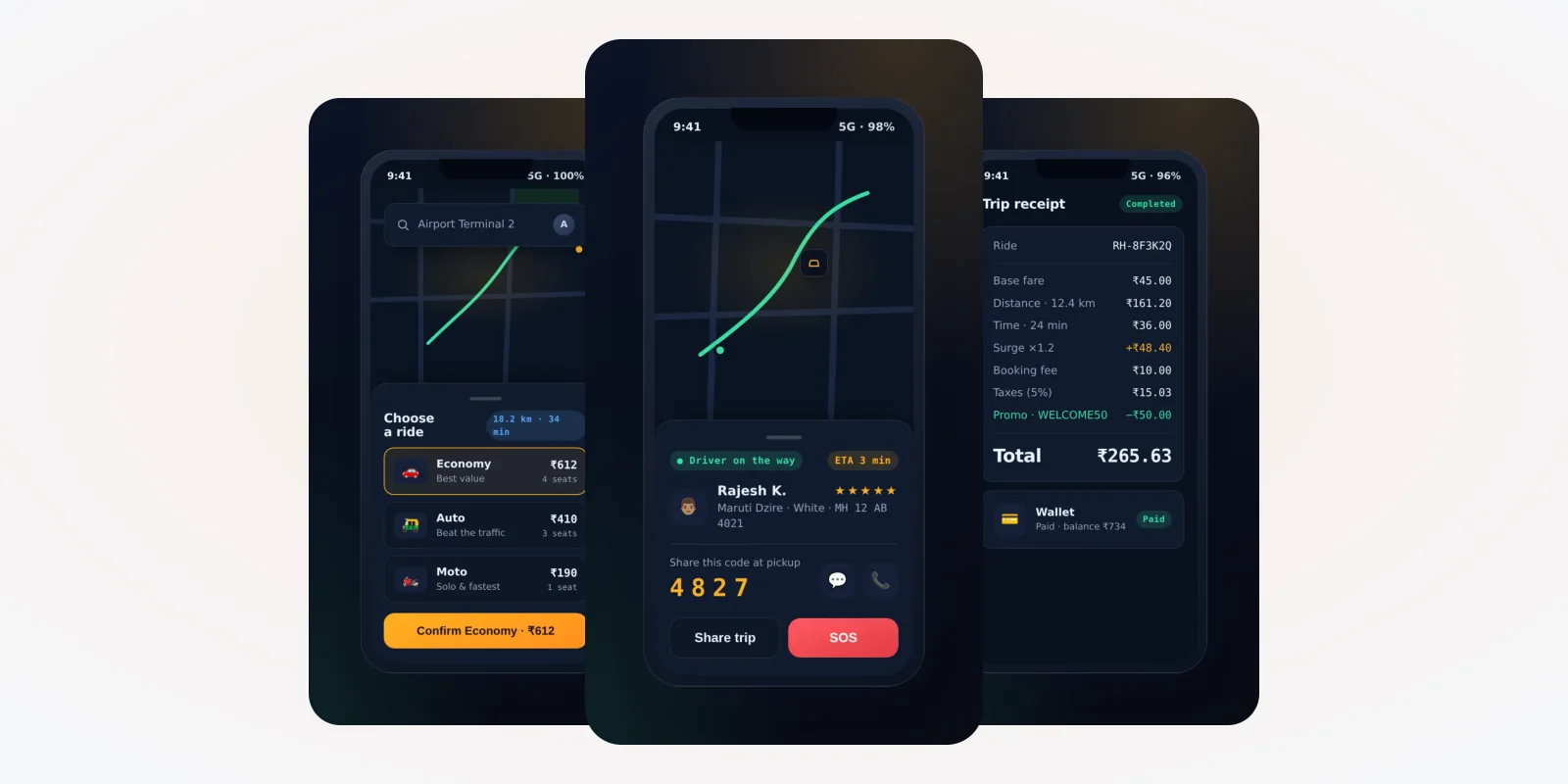
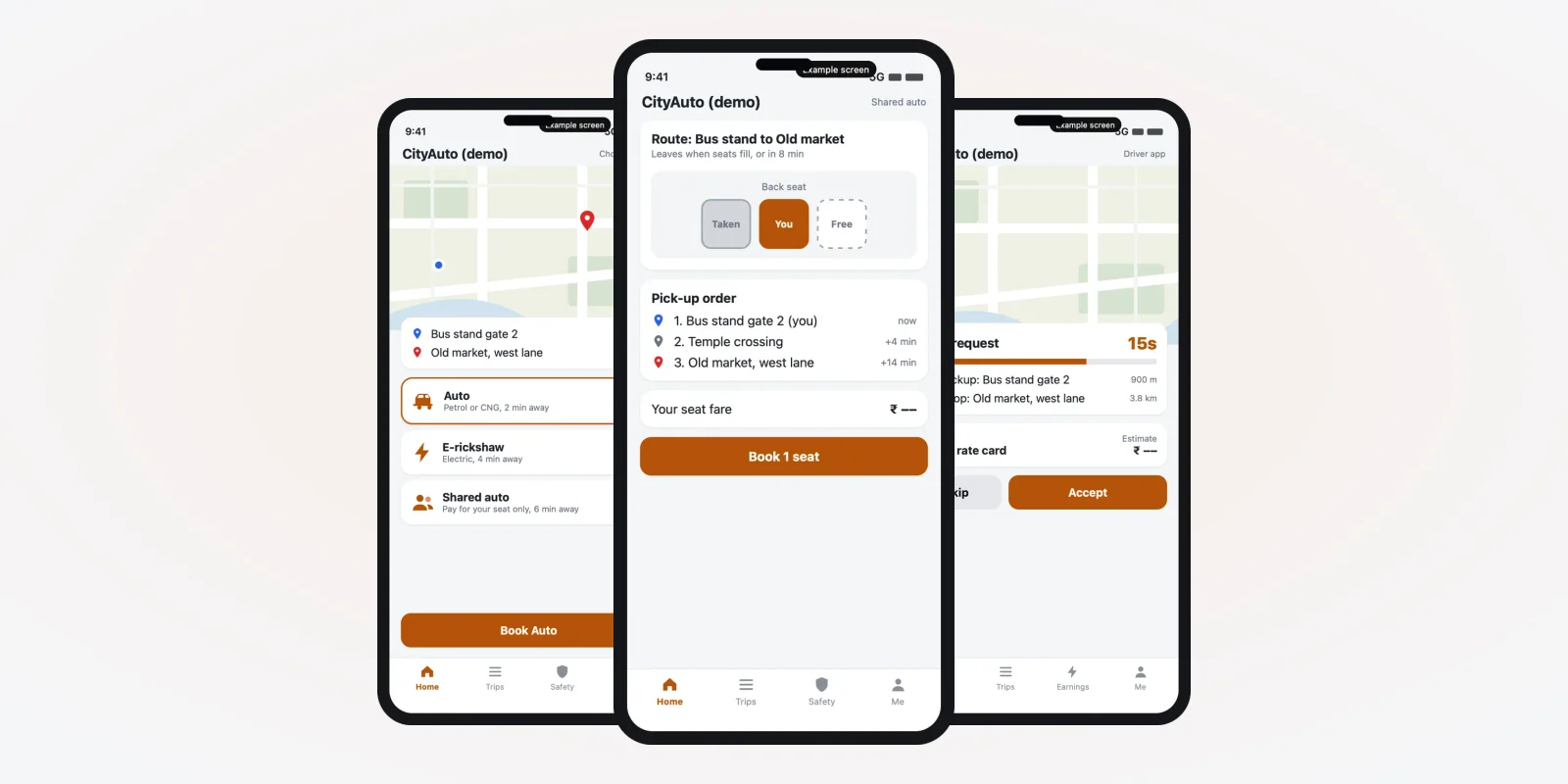
Taxi Booking Website: Build One Beside Your Rider App
A taxi booking website brings riders who search on Google. We build it on the same system as your app, under your brand.

Written by Aditi, Business Developer
Reviewed by Mukesh, PRS India software & mobile app development team
10 min read
Written from production. Our articles draw on products we run live and the client work behind them, and are revised as the systems they describe evolve.
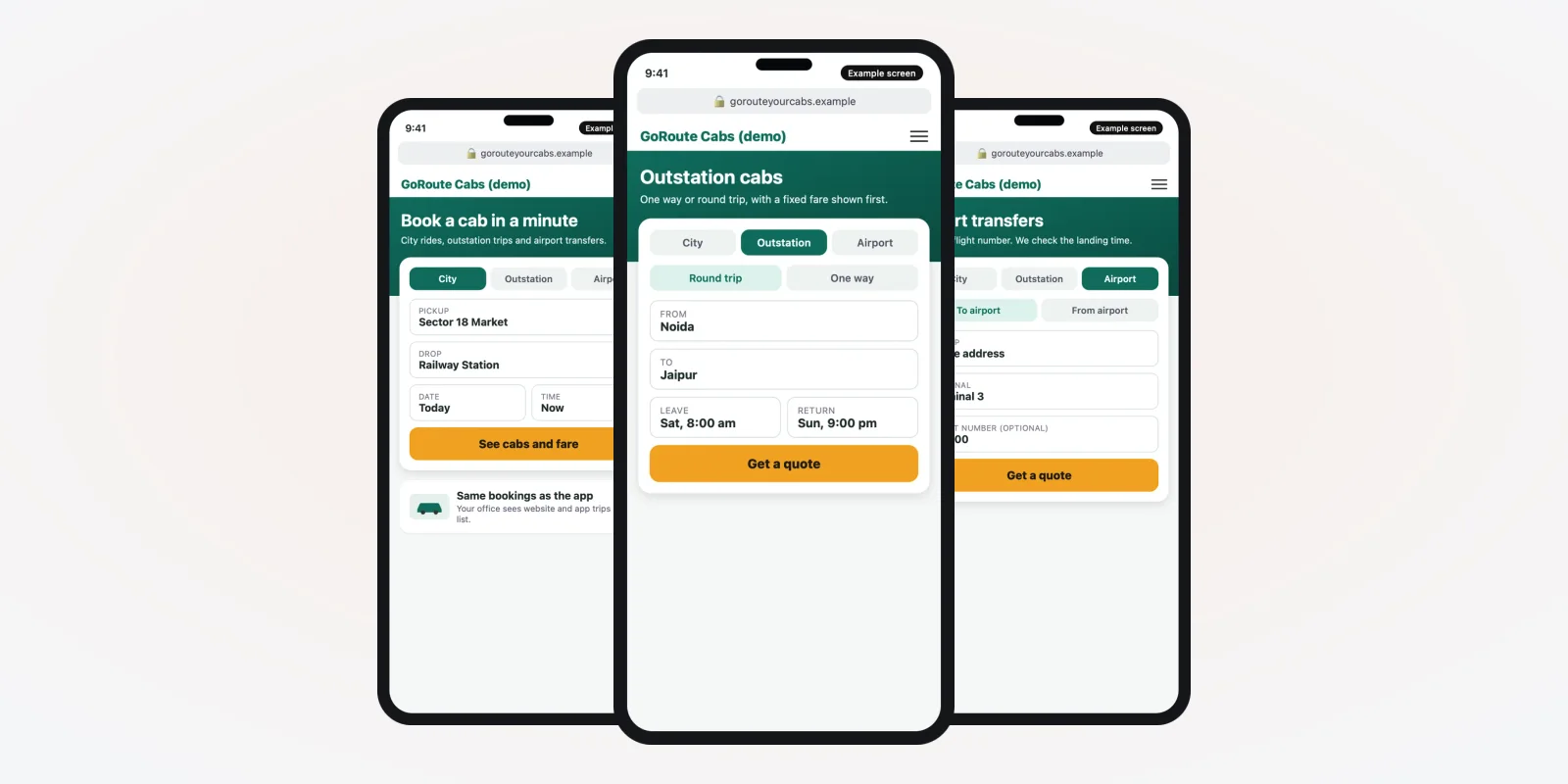
Many people still search "cab to the airport" or "Delhi to Jaipur taxi" on Google, and never open an app store. If your cab business has only a rider app, those people never find you. A taxi booking website gives them a form, a quote and a confirmed booking, in a browser, with nothing to install.
This guide explains what such a website should do, how it shares data with your app, and how PRS India builds it. We build your own taxi booking system: rider app, driver app, web admin and a booking website that all use one database, under your brand and with your source code.
Key takeaways
- A website brings riders who search on Google and will not install an app for one trip.
- It must use the same bookings, fares and drivers as your app. A second system means double work.
- Outstation and airport trips are a good fit, because people plan them in advance.
- Show the fare and what it includes before asking for a phone number.
- Route pages, such as one page per city pair, bring search visitors if you write them for real.
Why a cab business needs a booking website
An app is great for repeat city riders. A website is better for a first booking. A tourist, a family planning a wedding trip or an office admin booking for a guest will not download an app they use once.
A website also works on any phone and any laptop, and you can show it in Google results and ads. If you are still choosing your first channel, read how to build an app like Ola, then add the website next to it.
What the home page must do
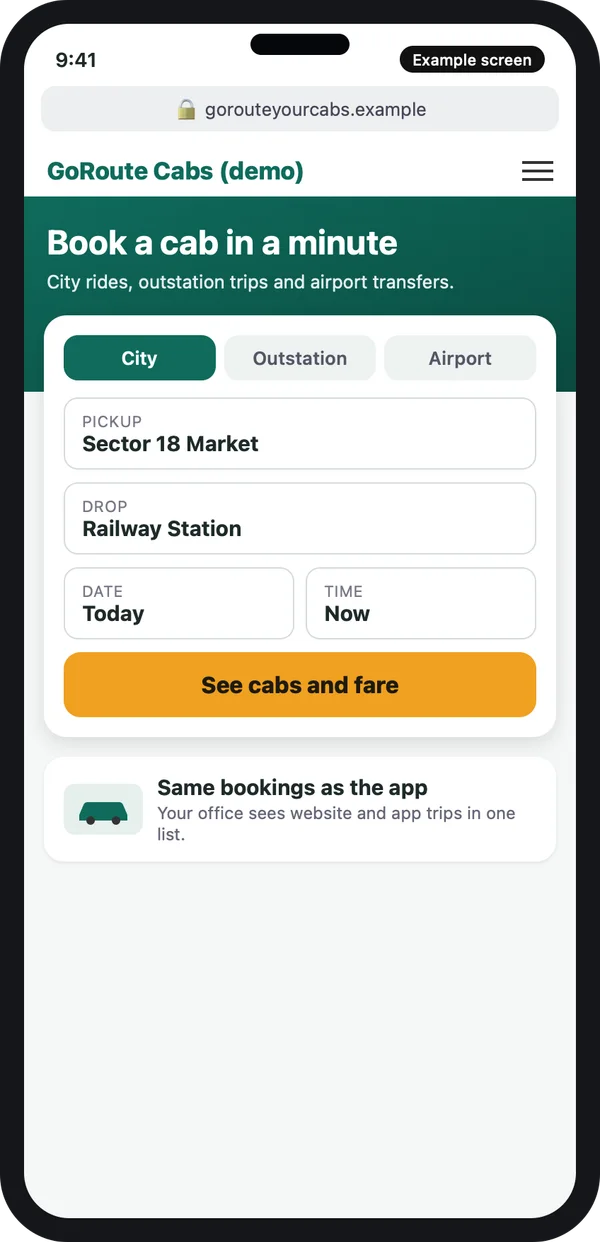
Show the booking form first, above everything else. Tabs for city, outstation and airport let each rider reach the right form in one tap. Put your promise in one line, such as the trip types you run.
The form should work with a thumb on a small screen. Most visits will come from a phone.
The problem
What a cab business loses without a website
Six common losses.
- Search visitors. People who search on Google find only listing sites, not your own cabs.
- Phone-call load. Every quote needs a call and a note on paper.
- Advance bookings. Outstation riders compare three sites and book on the one that shows a fare first.
- No written record. The rider has no email copy, so she calls to check.
- Two lists of trips. App bookings and phone bookings sit in different places.
- No proof of trust. A business with no site looks small to a company buyer.
The booking flow, step by step
A good flow has five short steps: details, quote, choose a cab, rider details, confirm. Each step should fit on one phone screen. Do not ask for a login before the quote.
Outstation and airport tabs
Each trip type asks different questions. Outstation needs a return date. Airport needs a terminal and, ideally, a flight number. Our guides on custom taxi software explain why a script rarely has these forms.
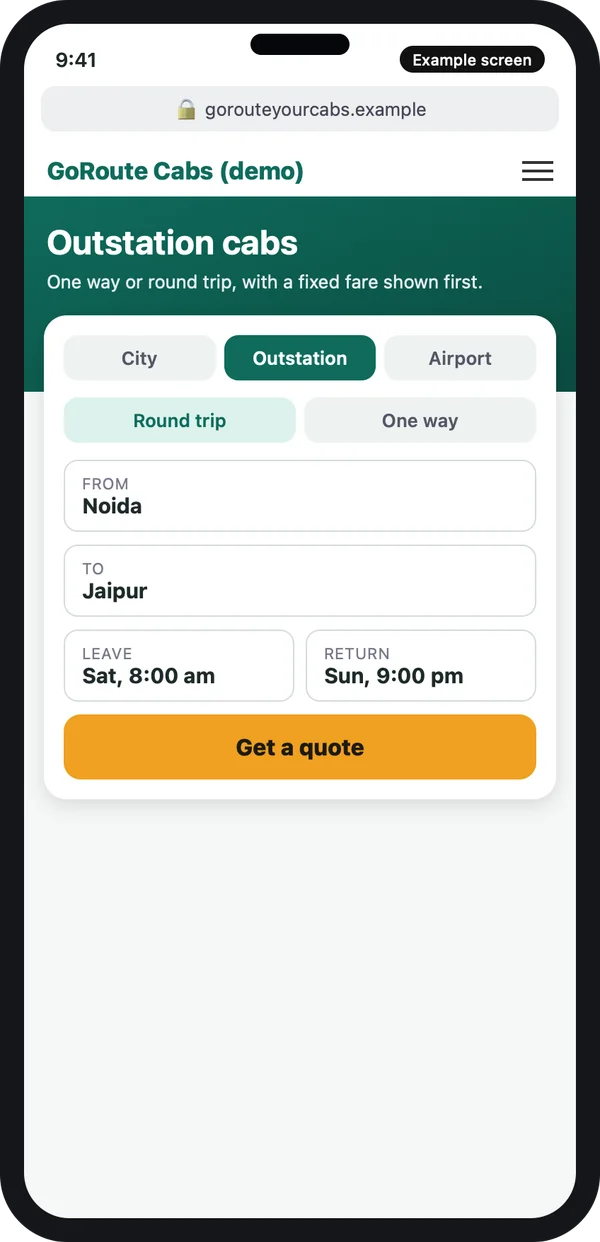
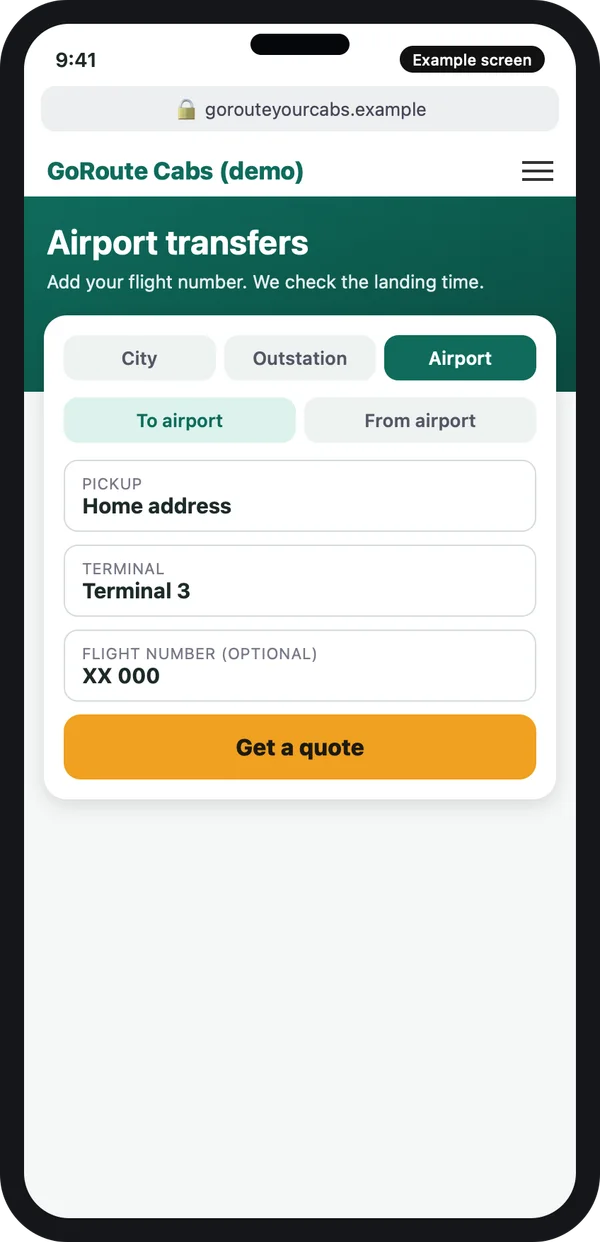
Example design with demo data.
The quote page
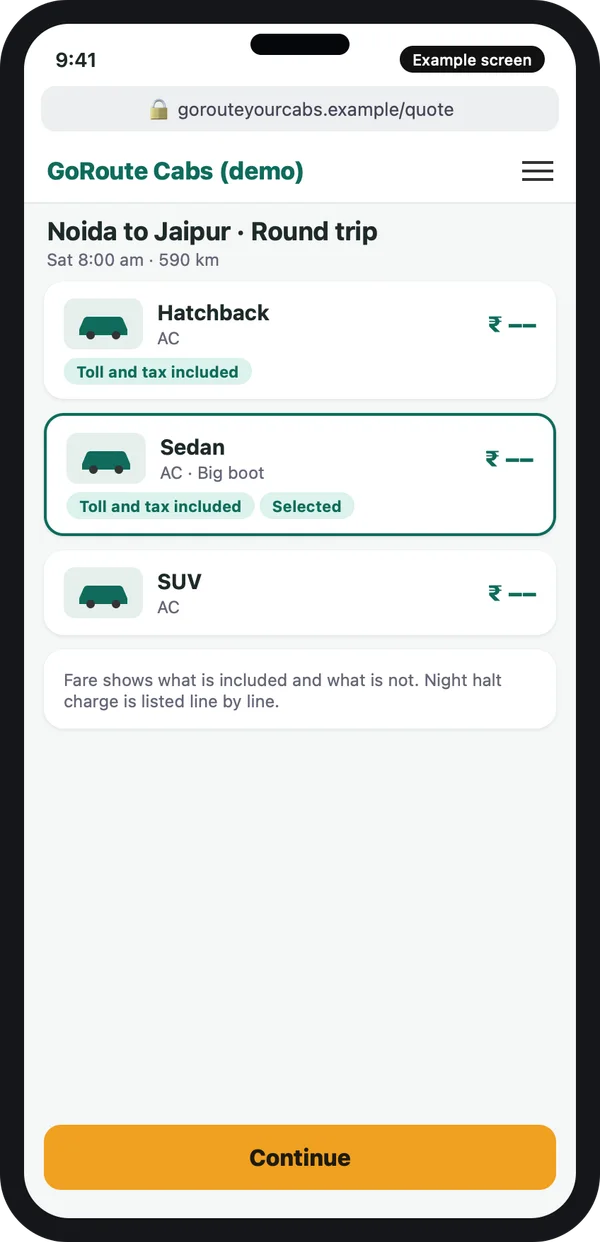
Show the cab types with the fare and what it covers: toll, tax, driver allowance. If night halt or waiting is extra, list it line by line. Riders leave when the final bill is higher than the quote.
The fare comes from the same fare rules you set in your admin panel. If you change a rate for Jaipur trips, the website, the app and the office screen all change together.
No fares are typed twice. That is the main reason to build the website on your own system, not as a separate form.
Rider details and payment
Ask for name, mobile (with an OTP) and email. Offer the payment choices you accept: part now, full now or pay in the cab. Payment opens in your payment partner's secure page. The website does not store card numbers. The Reserve Bank of India explains card tokenisation, which keeps real card details away from merchants. Source: RBI.
Confirmation and booking email
After the booking, show a clear confirmation and send an email with the details and a link to change or cancel. The driver and car details can follow before pickup.
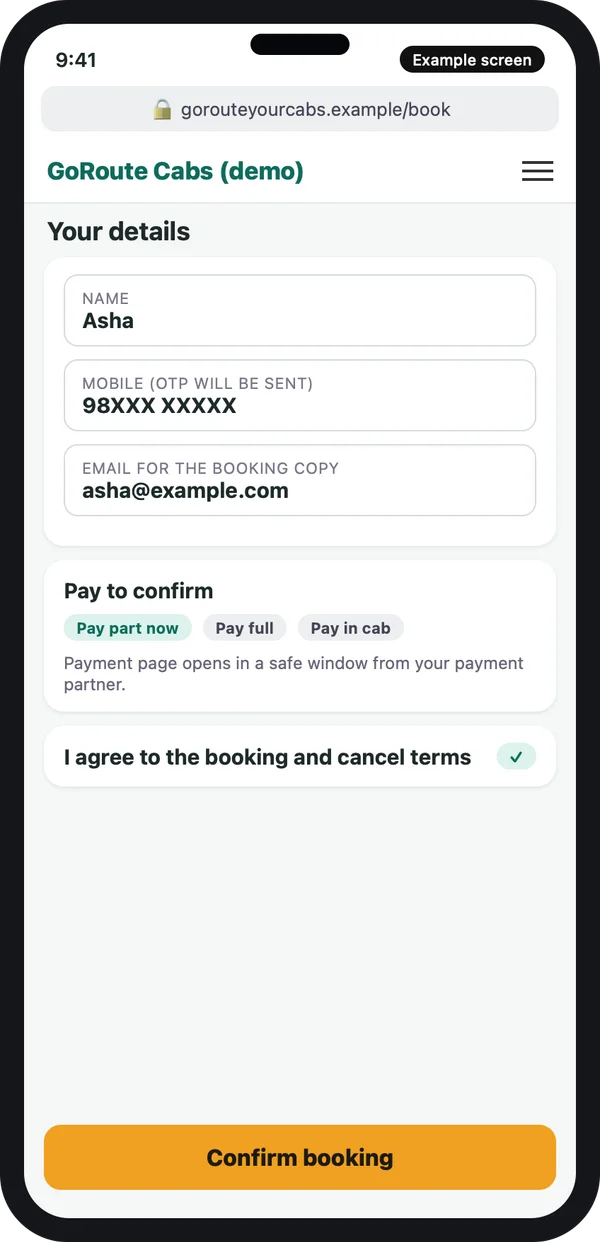
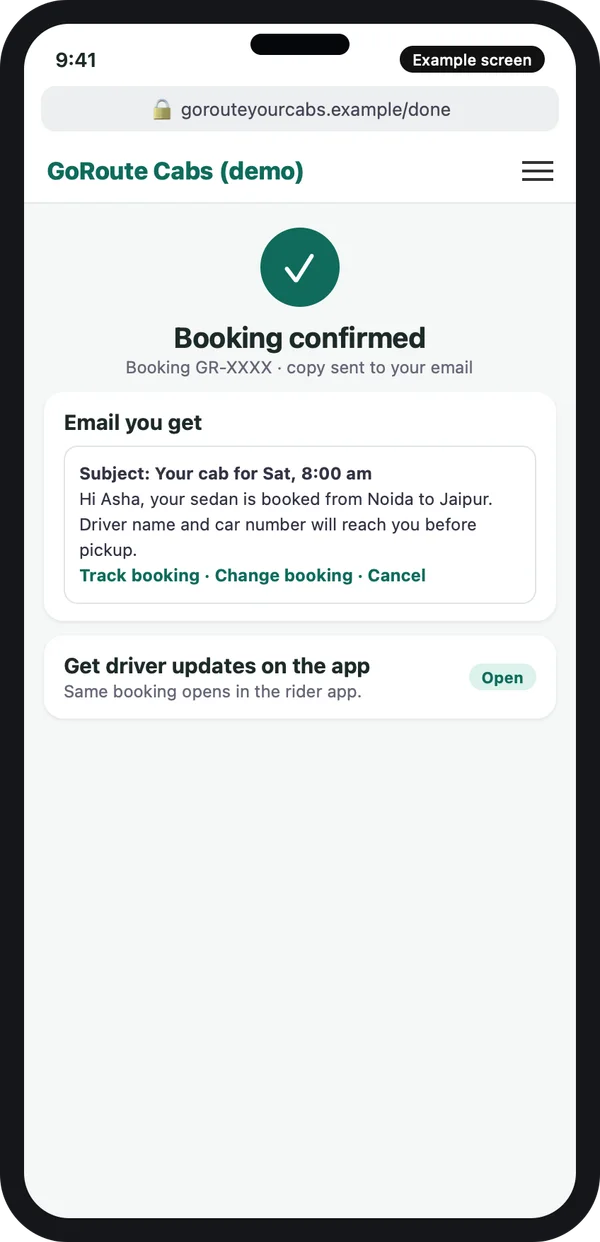
Example design with demo data.
One system behind the website and the app
The website, the rider app and the driver app should call the same server. A website booking then appears on the dispatcher's screen and goes to a driver's phone like any other. The rider can later open the same booking in the app by logging in with her mobile number.
Our team builds the website with Next.js or Laravel, depending on your plan, and the apps in Flutter. All share one web admin.
Route pages and search visitors
A taxi booking website can bring visitors from Google, but only with real content. Make one page for each route or airport you serve. Each page should have its own cab types, trip time, rules and a short answer to common questions. Do not copy one text for fifty cities.
A public booking site also needs basic security care. CERT-In, the government agency for cyber incidents, is where serious security incidents are reported. Source: CERT-In. We keep the site on HTTPS and keep software updated.
We also add basic SEO setup: page titles, structured data for your business, a sitemap and fast mobile pages.
What your office sees
Your dispatcher should see website bookings in the same list as app and phone bookings, tagged by source. You choose which trips are confirmed automatically and which wait for a call back. For large outstation trips, many owners prefer to call the rider first.
You also get simple reports: bookings by source, by route, and by trip type.
Booking website vs app only
| App only | Website plus app | |
|---|---|---|
| First-time rider | Must install | Books in a browser |
| Google search | Little help | Route and airport pages can rank |
| Outstation quotes | Often by call | Shown on the page |
| Office list | App and calls | One list for app, web and calls |
| Booking proof | In app | Also by email |
Worked example: a weekend trip booked on the web
- Asha searches "Noida to Jaipur taxi" and lands on your route page.
- She fills the outstation form with leave and return times.
- She sees sedan and SUV fares with toll and tax listed.
- She verifies her mobile with an OTP and pays the part you ask for.
- Your dispatcher sees the booking in the same list as app trips and assigns a driver.
- Asha gets an email with a link to track, change or cancel.
Our service
How we build your taxi booking website
- We learn your trips. City, outstation, airport, corporate. Your routes and your rules.
- We design the pages. Our UI and UX team shows clickable pages first.
- We build the website and link it to your system. Same fares, same drivers, same admin.
- We test with your office. Your dispatcher books through the website like a rider.
- We launch under your brand. Your domain, your logo. See our process.
- We support and improve. New routes, new trip types, new pages.
Taxi booking website: what decides the cost
We do not publish a fixed price. The cost depends on four things: how many trip types and forms you need, how many route pages, whether the website is new or added to an app you already own, and which payment, SMS and email services you connect. Hosting is a separate line.
| Website builder or plugin | Custom website built for you | |
|---|---|---|
| Link to your fares and drivers | Usually a separate form | Same system as the app |
| Outstation and airport rules | Limited fields | Built to your rules |
| Brand | Template look | Yours |
| Source code and data | With the vendor | Yours |
Send us your trip types and we will reply with a written quote after one call. You can also read our guide to white-label taxi booking apps to compare paths.
Whoever builds your website, make sure it can:
- Use the same bookings, fares and drivers as your app
- Show separate forms for city, outstation and airport
- Show the fare and what it includes before asking for details
- Verify the mobile number with an OTP
- Send a booking email with a change and cancel link
- Show website bookings in the dispatcher's list, tagged by source
- Load fast on a phone and support route pages
- Give you the source code and your data
FAQ
What is a taxi booking website?
It is a website where a rider enters pickup, drop and time, sees a fare and books a cab in the browser. A good one uses the same system as your app, so every booking reaches your dispatcher in one list.
How long does it take to build a taxi booking website?
It depends on your trip types and how many pages you need. After one call, we share a plan with dates, starting with clickable pages you can review.
Will I own the website and its code?
Yes. We build it under your brand and your domain, and hand over the source code. Your data stays on your server.
Can the website and the app use the same bookings?
Yes. We build both on one server. A booking made on the website shows in the office panel, goes to the driver app, and can be opened in the rider app.
Does the website take payments?
It can. We connect your chosen payment partner. Card details are entered on the partner's secure page, not stored on your website.
Can I take outstation and airport bookings on it?
Yes. Each trip type gets its own form and fare rules, such as return date, night halt, terminal and flight number.
Will the website show up on Google?
It can, but nobody can promise a rank. We set up clean pages, titles, structured data and a sitemap. Real content on each route page matters most.
Is rider data safe on the website?
It should be. The site runs on HTTPS, uses an OTP for mobile checks and keeps access limited. The Digital Personal Data Protection Act, 2023 applies to rider data, so ask a lawyer to review your privacy note.
Can PRS India build a taxi booking website?
Yes. We build the website, the apps and the admin together. Book a consultation and we will show you pages for your trip types.
Related guides
- How to Make App Like inDrive: Fare Bidding Taxi Guide
- Taxi App UI Design: Rider, Driver and Admin Screens
- Roadside Assistance App Development: Tow Truck Booking
- Auto Rickshaw Booking App Development: Driver and Rider
- Motor Vehicle Aggregator Guidelines 2025 India: State-Wise Rules
- Car Rental App Development: Self Drive Business Guide
- Taxi mobile app development
- Web development
- Mobile app development
Written by
Aditi · Business Developer
Business Developer at PRS India. Meets business owners, writes down how their work runs today, and turns it into a clear plan for the app or software they want built.