


Swasthya Sarathi
A healthcare-companion platform for Swasthya Sarathi
A website and mobile app development project for a multi-service healthcare companion — It helps peo...
Read itRetail & restaurant billing systems
Cloud POS with offline-first billing that never stops when the internet drops. It has GST e-invoicing, live stock across many outlets, UPI and card payments, and full connection to your hardware for retail and restaurant floors.
Last updated
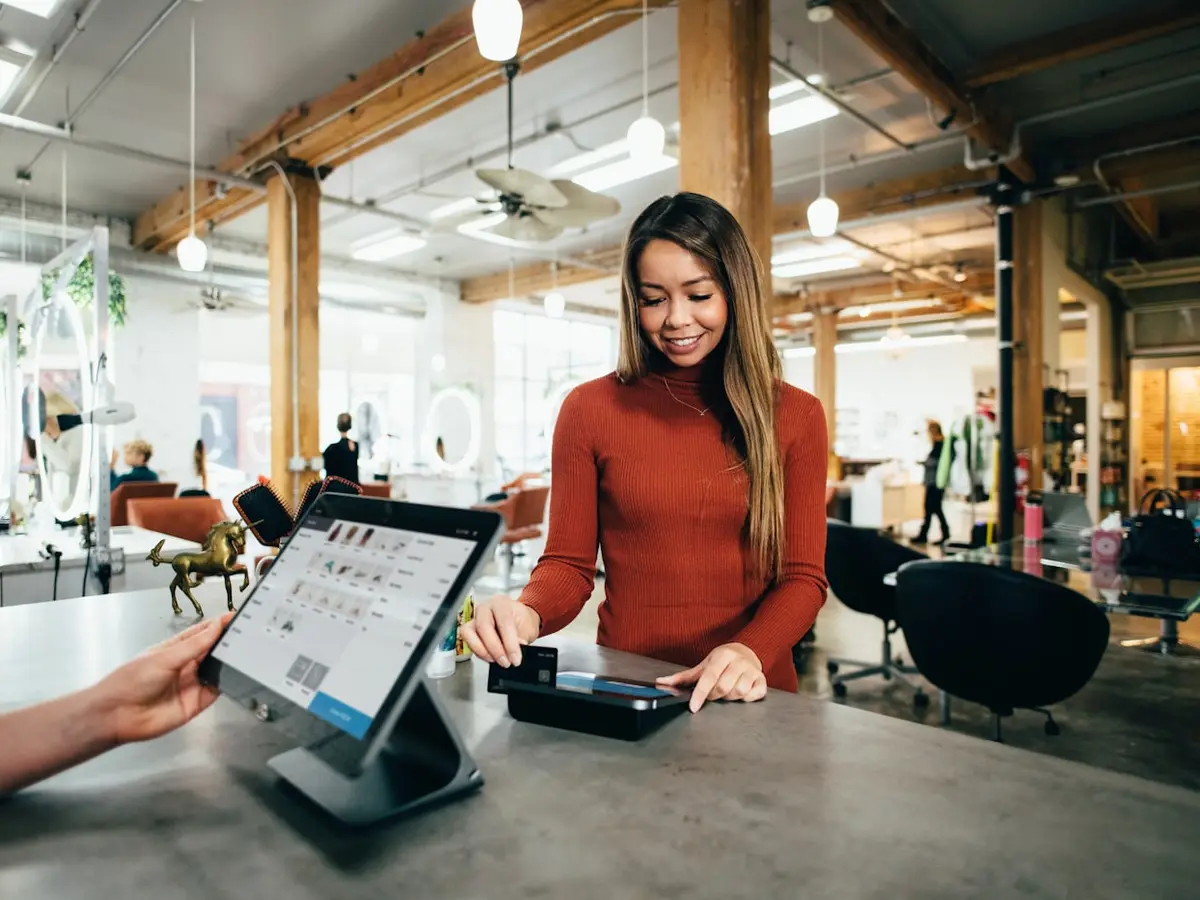
A point-of-sale system is judged in the two seconds between a customer handing over a card and the printer cutting the receipt. Nobody praises a POS that works. They only notice the one that freezes mid-bill on a Saturday evening with eleven people in the queue. Or the one that sold the last unit of a fast-moving SKU twice, because the counter and the website were reading two different stock numbers.
We build POS software for retailers, restaurants and chains with many outlets that have outgrown a spreadsheet, a boxed desktop package from 2014, or an app-store billing app that cannot talk to their stock. We use the cloud where it helps: one catalogue, one price list, and one live view across every till and every branch. We work offline first where it matters, so a dropped broadband line or a dead 4G tower slows nobody down. Billing keeps running on the local device and matches up with the cloud the moment the connection returns.
This is the right service if the till is the heart of the operation: a grocery or kirana chain weighing loose stock, a QSR sending orders to a kitchen screen, a pharmacy tracking batch and expiry, a franchise owner who needs yesterday's numbers from forty outlets before the morning call. If a ready-made retail app already fits you, we will say so rather than sell you a build you do not need.
These are the exact complaints that bring retailers and restaurateurs to us. None of them show up in a shiny product demo.
A cloud-only app that needs a live connection to print a bill. On a congested tower or a flaky broadband line, the queue at the counter becomes a queue out of the door.
The last unit of a fast-moving SKU gets sold twice, once at the till and once online. Each channel reads a different stock number and nobody reserves anything.
GST worked out by hand, no e-invoice IRN above the limit, credit notes that do not link back to the original bill. Matching the accounts is a monthly fight in a spreadsheet.
Forty branches, forty separate databases, and head office waits until the fifth of the month to find out what sold. Stock transfers are phone calls and guesswork.
A UPI payment succeeds on the customer's phone but the confirmation never arrives, so the bill stays open and the cashier sorts out refunds by hand every morning.
The scanner scans twice, the cash drawer will not open, the weighing scale needs a special driver, and the kitchen misses orders on a busy night.
Not a billing screen with extras added on. These are core parts of the system, in every build.
Keyboard billing built for speed: scan, search, quantity, discount, hold and recall a bill, park and resume. Works the same whether you are online or off.
Live stock with reservations, purchase orders and GRN, supplier ledgers, stock transfers, batch and expiry tracking, and low-stock and reorder alerts.
Tax set by HSN code, CGST/SGST/IGST by place of supply, IRP e-invoice IRN and signed QR above the limit, e-way bills and credit notes that pass an audit.
UPI intent and dynamic QR, cards, wallets and split payments through Razorpay, PhonePe, Pine Labs or Ezetap. Each payment is checked on the server before the bill closes.
Points, membership tiers, coupons and gift cards, plus BOGO, bundle, tiered and happy-hour offers set by rules, not by hand at the till.
Cashier, supervisor, manager and owner roles with detailed permissions: void and discount limits, drawer access, and an audit trail on every sensitive action.
Central catalogue and pricing, stock and staff for each outlet, transfers between branches, and head-office reports that bring everything together, with settlement for each franchise.
Day-close and Z-reports, sales by item, hour, cashier and outlet, margin and dead-stock analysis, and a live dashboard you can read from your phone.
A local database on every till, safe queues that save every write, invoice numbering for each terminal, and syncing that is safe to repeat, so nothing is lost and nothing is billed twice.
Offline-first is where most Indian POS software quietly fails. The demo is flawless on office fibre. The reality is a market-street shop on a crowded tower, a basement food court with no signal, or a broadband link that drops for ninety seconds every afternoon. A till that shows a spinner during those ninety seconds is a till that stops taking money.
We treat the local device as the main record for the billing session, and the cloud as the place it syncs with. Bills, payments and stock movements are saved to a database on the device first and shown instantly. Then they are sent to the server through a safe queue that survives an app restart or a power cut. Invoice numbers in order are set aside for each terminal, so two offline tills can never create the same bill number. When the link returns, syncing is safe to repeat. We agree the rules for clashes with you in discovery, not whatever a library happened to pick. The cashier always sees what has synced, what is pending and what needs attention, because silence at the counter is worse than a queue.
Table and floor layout, dine-in, takeaway and delivery in one flow. KOTs go to the right kitchen printer or kitchen display screen. Modifiers, combos and course firing are built in. You can split, merge and share bills and apply service charge correctly. Swiggy and Zomato orders come straight onto the same board, so the kitchen works one queue, not three.
Barcode-first billing, SKU variants for size and colour, matrix entry for apparel, batch and expiry for pharma and FMCG, and weighed items with price-embedded barcodes for loose grocery.
Barcode scanners, 58mm and 80mm ESC/POS thermal printers, cash drawers opened through the printer, weighing scales over serial or USB, customer display poles and label printers, all tested on your actual devices.
One customer record across every outlet and both formats (purchase history, points, wallet balance and feedback), so a member is recognised at the store and the café alike.
Cash-in and cash-out logging, a check of expected cash against counted cash in the drawer, payment-by-payment matching against UPI and card statements, and a Z-report the owner can trust. It is made for each terminal and added up for each outlet, so the morning starts with numbers instead of arguments.
We start on your shop floor, not in a slide deck. Every phase ends in something you can bill on, print from, or read.
We stand at your counter and watch a real rush. We map the billing flow, the payment mix, the exact hardware, the GST cases, and how many outlets and formats you run. You leave with a written scope, a device list, a connectivity plan for the worst-signal branch, and a number we will stand behind.
We design the billing screen for keyboard speed and one-handed use under pressure, and we draw the empty, held and offline states up front. We plan the catalogue, variants, tax, pricing and stock so the data structure fits your business, not the other way round.
The part most quotes skip. Storage on the device, safe write queues, invoice numbering for each terminal, and syncing that is safe to repeat, with a clash rule we agree clearly. We test it by pulling the network cable mid-bill, killing the app, and cutting the power. Then we check that nothing was lost or doubled.
We connect UPI, card and wallet payments with checks on the server, work out GST with IRP e-invoicing and e-way bills, and get the hardware working on your real scanners, printers, drawers and scales. Each is signed off against a live transaction, not a mock.
We go live in a single branch first, sit behind the counter through the busy hours, and fix what real trading shows up before anyone else uses it. Staff are trained on the floor, and we agree the rollback plan before we agree the rollout date.
We roll out one outlet at a time with the dashboards open. Defects are fixed at no charge for the first month. We hand over the runbooks, the admin and the training material, or we stay on a support retainer with a set response SLA.
Chosen so the till survives a dead network, and so you can find people in India to run the system later without a rescue.
| Legacy / on-prem POS | PRS cloud POS | |
|---|---|---|
| Works when the internet drops | Only if fully local; then no cloud at all | Offline-first, then reconciles |
| Live view across all outlets | No | Yes |
| GST e-invoicing & e-way bills | Manual or add-on | Built in |
| Software updates | A USB stick and a site visit | Pushed centrally, staged |
| Data backup | Whatever is on that one PC | Continuous, off-site |
| New outlet setup | Days of on-site install | Log in and go |
| You own the code and data | Licensed, often locked in | Yours from the first commit |
These are engineering checks we hold ourselves to on every POS build. They are not sales figures we are promising you. If a till misses them on the mid-range hardware in our tests, it does not go live. Holding this line keeps the counter fast on a busy evening and honest at day close.
Talk about your counterCash, credit and prepaid bills need zero connectivity
Numbering for each terminal, sync that is safe to repeat
Rolling target for the back-office and sync
On mid-range counter hardware
Retail floors and restaurant kitchens that stay up through Indian network conditions and a Saturday-evening rush.
A fleet, ePOD and route-planning platform that works offline first, for drivers on roads with poor signal. The two ready-made TMS products t...

A Shopify store for a Surat ethnic-wear label. It has 200+ SKUs of lehengas, sarees and suits, sorted by type, colour, fabric and work. Shop...
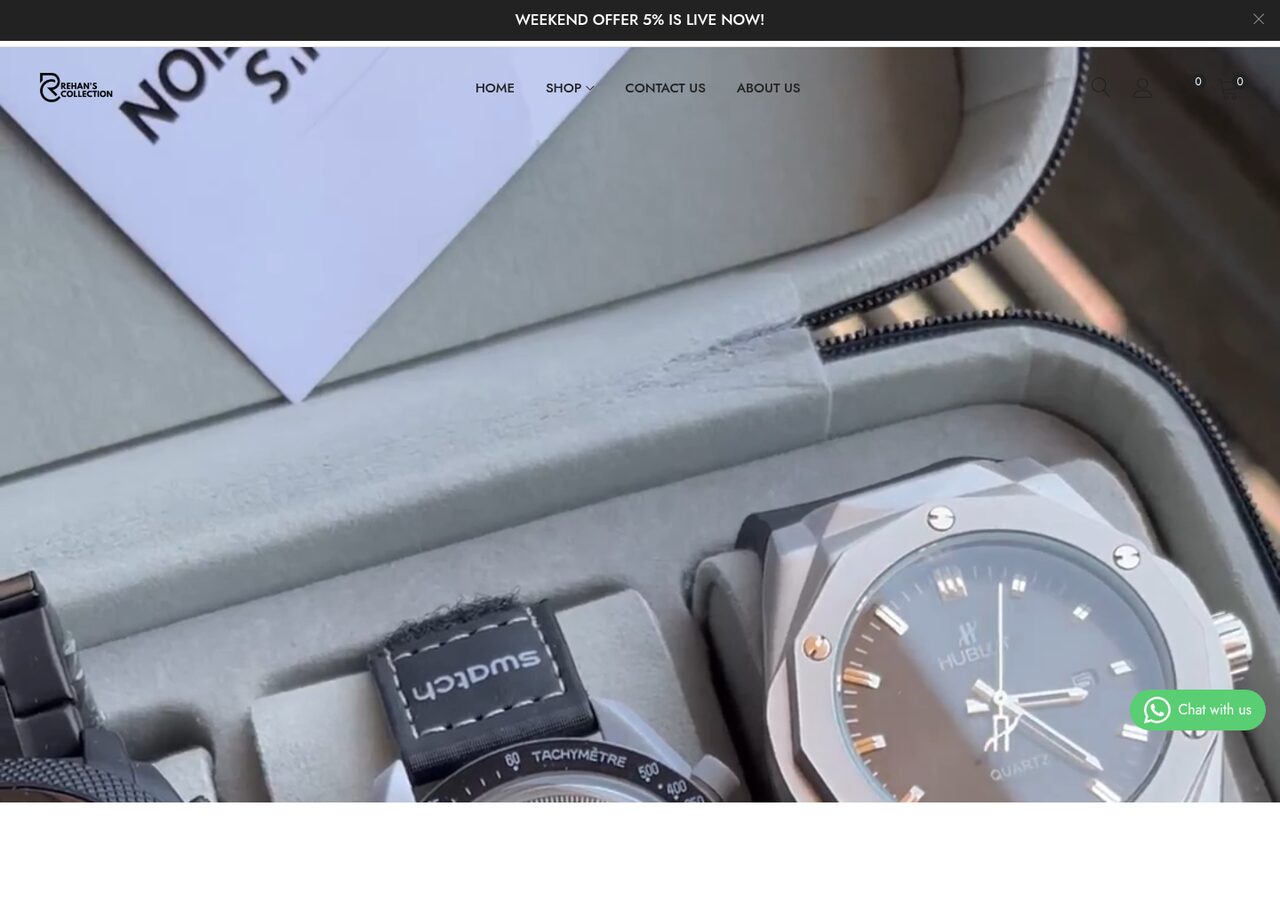
A Shopify storefront for a Surat watch and eyewear retailer — where shoppers can browse by gender, brand, style and combo. It has search tha...
Tell us your formats, your outlets, your hardware and the branch with the worst signal. A senior engineer replies within one business day with scope, risk and a number. You do not need a discovery call for a straight answer.
Proof
Swasthya Sarathi
A website and mobile app development project for a multi-service healthcare companion — It helps peo...
Read itMV Tech Education
A website development project for a Bihar vocational institute. It is a course list and admissions s...
Read itPatna Taxi
A website development project for a Patna and Muzaffarpur cab operator. It is a fast taxi-booking si...
Read itLive web applications built on Laravel, Next.js and Postgres. They are typed, tested, easy...
ExploreFlutter, React Native and native apps that keep working offline, on old phones and on a me...
ExploreCommerce platforms where the checkout turns visits into sales and the back office numbers...
ExploreLet's talk pos / point-of-sale development
A senior engineer reads every enquiry. You'll get a real answer — scope, risk and a number — within one business day.