Engineering
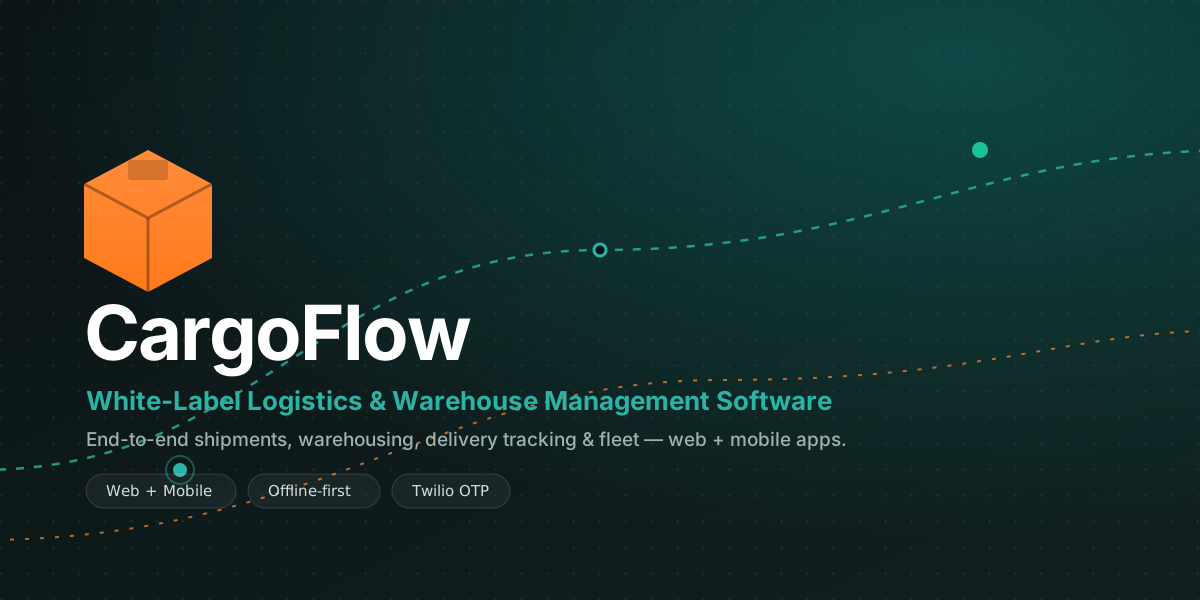
CargoFlow: White-Label, End-to-End Logistics & Warehouse Management Software
A complete logistics operation in one platform — shipments, warehousing, delivery tracking, proof of delivery, COD and fleet — in a web dashboard and a mobile app that you can rebrand and launch as your own.

A faster way to start a logistics business is not to build a logistics management software stack from scratch. It is to start from a complete, end-to-end logistics software you can rebrand as your own.
CargoFlow is a white-label logistics and warehouse management platform: a web back office and a mobile app that works offline first, joined by one scan engine. Together they take a parcel from the pickup scan all the way to the proof you chose at the door: photo, video, signature or OTP.
This is a logistics ERP software you buy once and run as your own product. It has shipment management, warehouse management, delivery tracking, proof of delivery, cash-on-delivery matching, reports and a public tracking page, all in one system. Below is a tour of each feature. It has sample views from our own demo of the web dashboard and the mobile app, written out label by label. The parcels, riders and amounts in them are examples, not a customer's live data.
What's included: one web platform, one mobile app
A logistics operation has a back office and a field, and this logistics operations software covers both, plus the API that connects them:
Web dashboard (Laravel + Filament) — the control centre for shipments, bags, hubs, deliveries, COD, roles and reports.
Warehouse & delivery mobile app (Flutter, Android) — one handset app that works offline first, and its screens change with the user's role: pickup, packing, van loading and doorstep delivery.
Scan engine — the single gate that every barcode or QR scan passes through. It allows only the status changes the rules permit, across the whole journey.
REST API (Sanctum, device-bound tokens) — the link between the apps, so a lost handset can be cut off without logging anyone else out.
The command dashboard — logistics at a glance
As soon as a manager signs in, CargoFlow shows the numbers that decide the day: today's pickups and deliveries, what's in transit, what's pending dispatch, and every problem that needs attention. Hub managers get their own warehouse-scoped view.
Sample dashboard: Operations Overview
app.cargoflow.io/admin/dashboard · Operations Overview · ● Mumbai C-1
PICKUPS TODAY — 312 ▲ 8%
DELIVERIES — 1,284 ▲ 12%
IN TRANSIT — 946
EXCEPTIONS — 17
INVENTORY BY STATUS — 3,247 PARCELS
Delivered 46%
In transit 30%
At hub 16%
Exception 8%
SCAN ACTIVITY — LAST 8H
Barcode & QR scanning — one console, every legal move
Every physical scan — pickup, receive, pack, dispatch, arrive, out-for-delivery, deliver, return — passes through a single scan engine. It blocks invalid status changes, catches duplicate scans, and passes a bag's move on to the parcels inside it.
Putting that check in exactly one place is the whole point. Nobody types in a parcel's status. It comes from the scans. So a wrong move that is accepted anywhere does not just look wrong on the timeline. It flows into the COD sheet and into every report built from the same history. One gate is easy to check. The same rule written again in the web app, the handset and the API gives three chances for them to disagree.
Desk staff just plug in a USB or Bluetooth reader: scan, Enter, scan, Enter. Labels print as 4×6″ thermal PDFs with an embedded QR and barcode.
Sample dashboard: scan console
app.cargoflow.io/admin/scan-console · Scan Console · DISPATCH · ● Reader connected · CF-8842-IN
| OK | CF-8842-IN | At hub → Dispatched | 12:38:04 |
| OK | CF-8841-IN | At hub → Dispatched | 12:38:01 |
| DUP | CF-8840-IN | Already dispatched · ignored | 12:37:58 |
| BAG | BG-1190 | Cascaded to → 14 parcels | 12:37:40 |
Warehouse & delivery mobile app — offline-first
One Android handset shows a warehouse face or a delivery face based on the signed-in user's permissions. Every scan is saved in a local queue before any network call. It is sent later, and repeated copies are dropped. So a phone in a basement or a dead zone should lose nothing.
Dropping repeated copies is the hard part. A retry after a timeout can send the same scan twice, because the phone cannot know if the first try landed. So each queued scan carries an ID, and the server drops the second copy. Without this, an offline queue swaps lost scans for fake ones. That is worse. The person holding the parcel can see a missing scan. Nobody sees a doubled status change.
Riders load the van by scanning each label or by ticking off a "loadable" list from the server. Parcels are grouped automatically into one delivery task per customer per day.
Sample handset screen: van loading
9:41 · Van V-12 ▾ · Load van · 3 queued ⟳
LOADED — 28
LOADABLE — 34
LOADABLE · ANDHERI ROUTE
✓ CF-8842-IN — COD ₹1,890
✓ CF-8843-IN — Prepaid
○ CF-8851-IN — COD ₹640
○ CF-8852-IN — Prepaid
Scan to load ▸
Sample handset screen: proof of delivery
11:01 · ◍ 12m · Proof of delivery · CF-8842-IN · A. Sharma
Photo — Captured
Signature — REQUIRED
OTP — Verified
Complete delivery
Proof of delivery, OTP verification & GPS gating
At the doorstep the rider captures proof, and each of four methods — photo, short video, on-screen signature and OTP — is set on its own to Off, Optional or Required by an admin, and the server enforces it. So a "Required" proof is a real gate.
A one-time code is made for the delivery task. It is sent automatically when the parcel loads onto the van, and the customer reads it out at the door. It works for that task only, is stored in scrambled form, and expires in ten minutes. The code reaches the customer through the SMS gateway that you set up. The account, the sender name and the cost per message are yours. Connecting one is part of putting the system live, and the demo does not do it for you.
Every completed delivery also records a GPS position. Deliveries can be limited to a radius around the customer's address that you set. By default the app flags and records it, or you can choose to block it.
Sample handset screen: code verification at the door
11:00 · ◍ door · Verify delivery
Enter the code sent to +91 ••••• ••210
419•••
Expires in 07:41 · Resend
Verify & continue
Sample handset screen: GPS-gated completion
11:02 · ◍ GPS on · At the door · address · you · 12m
✓ Within 50m radius — 12m
reason — POSITION_VERIFIED
Capture proof ▸
The hub network — transit corridors & geofencing
CargoFlow models your physical network: transit corridors are planned long-distance routes with many stops between warehouses (origin → middle hubs → destination). Delivery areas based on pincode sort each bag toward the right zone.
Each warehouse also has GPS coordinates and a geofence radius. Scans outside the fence are flagged for checking. A data fence keeps each hub apart, so managers and riders only see their own warehouse's work.
Sample dashboard: transit corridor
app.cargoflow.io/admin/transit-routes · Mumbai C-1 · Pune hub · Nashik · Panvel
CORRIDOR · TR-07 · Mumbai → Nashik
1 — Mumbai C-1 — origin
2 — Pune hub — sort
3 — Nashik — dest.
2 stops · 168 km · ETA 5h 20m
Data fence: per-hub visibility ●
COD collection & reconciliation
Parcels carry a payment mode, COD amount, shipping charge and declared value. The COD amount follows the parcel to the rider's loadable list and to the doorstep. The cash collected is recorded at the end of the day, and it goes into a matching report. So every rupee can be traced from the shelf to the sheet.
The useful part of that report is not the rows that match. It is the rows that come up short. Cash goes missing for ordinary reasons: a customer paid only part, a rider paid in late, or a parcel was handed over against the wrong record. The matching should show each gap against one rider on one day. And it should show it early, while someone still remembers the stop.
Sample report: COD reconciliation
app.cargoflow.io/admin/reports/cod · COD reconciliation · Today · ● ₹1,42,380 collected
| RIDER | DELIVERED | EXPECTED | COLLECTED | STATUS |
|---|---|---|---|---|
| R. Khan · V-12 | 38 | ₹48,900 | ₹48,900 | Balanced |
| S. Iyer · V-08 | 31 | ₹39,240 | ₹39,240 | Balanced |
| M. Das · V-05 | 27 | ₹34,600 | ₹33,960 | Short ₹640 |
Export CSV · Export Excel
Reports, roles & the public tracking portal
Twelve ready-made reports cover the whole operation — trip, product, package, warehouse, route, delivery, pickup, employee, GPS (with geofence-breach and mock-location flags), damage, return and productivity — and all export to CSV or Excel.
Access depends on the role, down to each scan action, with a full activity record. Customers get a public tracking page that needs no login. It shows a timeline with private details removed, and lets them raise a complaint with a code.
Sample tracking page
cargoflow.io/track/CF-8842-IN · TRACKING · CF-8842-IN · ● Delivered · 11:02
Booked — Mumbai · Jul 21 09:04
In transit — Pune hub · Jul 21 15:10
Out for delivery — Nashik · Jul 22 08:47
Delivered — signed by A. Sharma — Jul 22 11:02
Track another · Raise a complaint
Returns, RTO & fleet
A failed attempt (customer not available) puts the parcel on a hold that you can set. When the hold ends, the parcel goes back to the origin by itself (RTO). A return report tracks the reasons.
Vehicles are added with their capacity, type and home hub, and are linked to deliveries. Customer messages go through one sender, not scattered through the code. SMS is the channel the delivery steps are built around, and push, email and WhatsApp have a place in the same sender. None of them is set up out of the box. Treat them as connection work with your own gateway accounts, not as a switch to flip.
Built on a modern, proven stack
Web: Laravel 12 & PHP 8.2 with a Filament admin panel; Sanctum auth with device-bound tokens.
Mobile: Flutter & Dart — one offline-first Android app for warehouse and delivery, with a local scan queue and idempotent sync.
Engine room: a single scan engine enforcing legal transitions, server-side proof policy, task-scoped OTP, and private proof-media storage.
Deploy: Docker-ready. Host it yourself or run it in the cloud, using a SQL database that you point it to when you put it live.
White-label and ready to launch
CargoFlow is designed to become your brand. Change the product name, logo, colours and domain across the web platform and the mobile app, and put it live under your own name. It is ideal for logistics operators and agencies that resell a logistics management solution as their own.
Because it is a one-time purchase, there are no per-parcel SaaS fees and no vendor lock-in.
The complete platform — web dashboard plus the warehouse and delivery mobile app — is a one-time $299 (₹29,999), with documents and support to get you live. If you would like it changed, connected to your systems, or launched for you, that is exactly the kind of work we do.
Talk to our engineers about your logistics platform, or see how we build products.
- #Laravel
- #Flutter
- #White Label
- #Logistics Software
- #Warehouse Management
- #Delivery Management
- #Fleet Management
- #Shipment Tracking
- #Logistics Mobile App
Written by
Aditi
Building software at PRS India.