Mobile-App
How to Build a B2B eCommerce Marketplace: Complete 2026 Guide
A complete, feature-by-feature plan for building a B2B marketplace like IndiaMART or Udaan — plus a real look at what it costs to build from scratch versus buying a licence for ready-made source code.

Written from production. Our articles draw on products we run live and the client work behind them, and are revised as the systems they describe evolve.

India’s wholesale trade has been moving online for two decades. IndiaMART and TradeIndia built the directory-and-enquiry model that connects buyers to suppliers. Udaan showed that a full marketplace could move real stock between businesses on a big scale.
GST moved tax filing online for every registered business. UPI and net-banking made B2B payments easy to trace. MSMEs that once ran on phone calls and paper challans now expect the same digital experience they get as consumers.
This guide explains what a B2B marketplace really needs — buyer and vendor features, tax and invoices, credit terms, admin tools — and what it costs to build one in 2026.
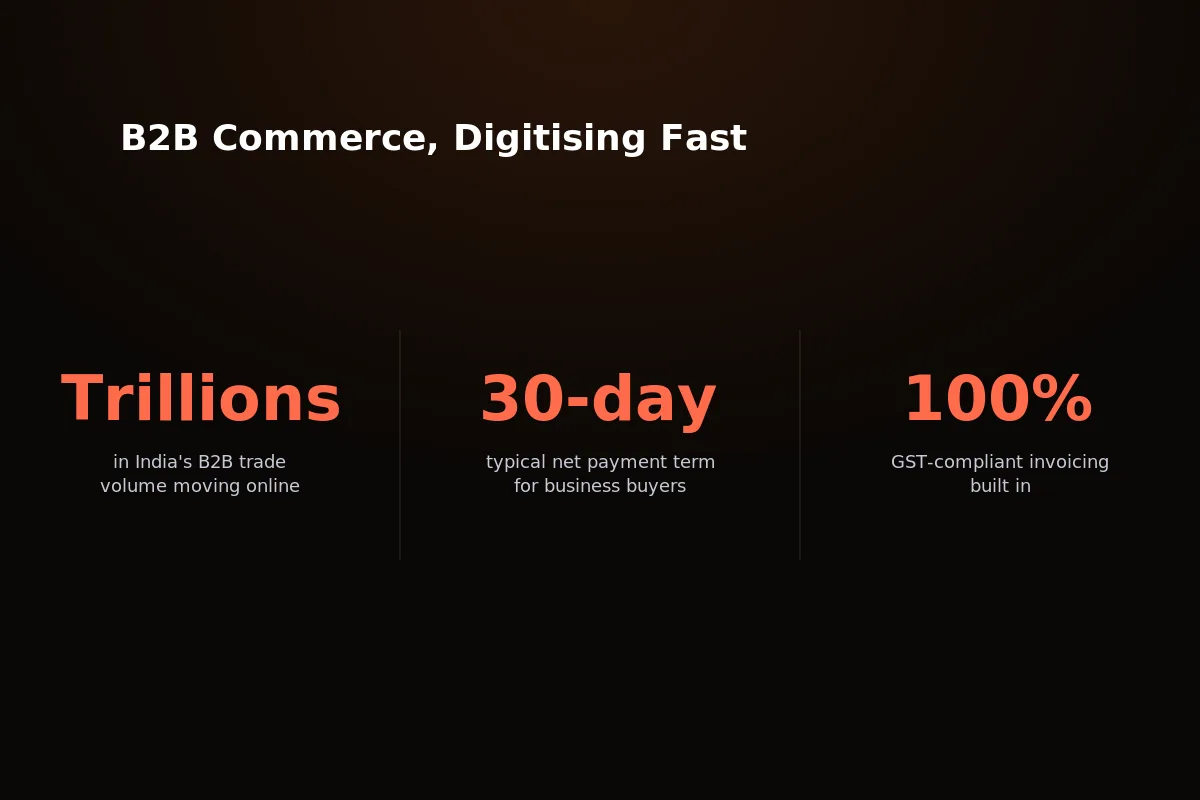 India’s B2B trade is moving from phone-and-paper orders to digital marketplaces, just like consumer eCommerce did in the last ten years.
What Makes B2B Commerce Different From B2C
A B2B marketplace is not a B2C storefront with a bigger catalogue. The way people buy, the way they pay, and the tax rules are all different.
Take a distributor selling industrial fasteners. A junior buying executive builds the cart, a plant manager approves it, and the invoice goes out on 30-day terms — the parts are used on the line long before anyone pays for them.
Multiple buyer-side users: a purchase often involves a buying executive who orders and an approver who signs off — not one person with one cart.
Credit-based payment: businesses expect net-30 or net-45 invoice terms, not instant card payment on every order.
Bulk and tiered pricing: price drops as order quantity rises — there’s rarely one fixed retail price per SKU.
GST-compliant invoicing: a correct tax invoice with the GSTIN noted is a legal need, not an extra.
Longer sales cycles: in areas like industrial equipment or raw materials, buyers negotiate — RFQs and quote requests are common before an order is placed.
Miss any one of these and the platform stops matching how businesses really buy. A B2C cart with a “business” label stuck on isn’t a B2B marketplace — it only looks like one at a glance.
That’s the gap most cheap clone scripts fall into. They do the shop front well and skip the credit, tax, and multi-user parts completely.
Core Features a B2B Marketplace Needs
These are the features that make a real B2B marketplace different from a consumer shop with a B2B label. Each one meets a real business need, not just a tick on a features page.
Multi-vendor storefront with commission handling: add many sellers, split the money automatically on every order, and pay vendors without matching accounts by hand.
Business customer groups with credit limits: mark accounts as business buyers, give each a credit limit, and let the system flag orders above it.
Tiered and bulk pricing rules: set price drops by quantity at the cart or catalogue level, so the unit price falls automatically as the order grows.
GST/VAT tax engine with GSTIN capture: work out the right tax by product type and buyer location, and save the buyer’s GSTIN with every order.
Invoice, delivery-note, and credit-note generation: every order creates the papers that finance teams and auditors expect.
Vendor KYC and approval workflow: check business documents before a seller goes live, so the marketplace isn’t open to anyone with an email address.
RFQ / quote-request flow: where price is negotiated, buyers send a quote request instead of buying at a listed price — worth planning for even if you don’t start with it.
One note on that last point: Souqley comes as a complete multi-vendor marketplace with credit terms, GST invoicing, and tiered pricing already built. RFQ isn’t included today — it’s a common change to make once you own the source.
Notice what isn’t on this list: a plain “add to cart” button and one fixed price. That’s the B2C model, and a B2B buyer’s finance team can’t work with it.
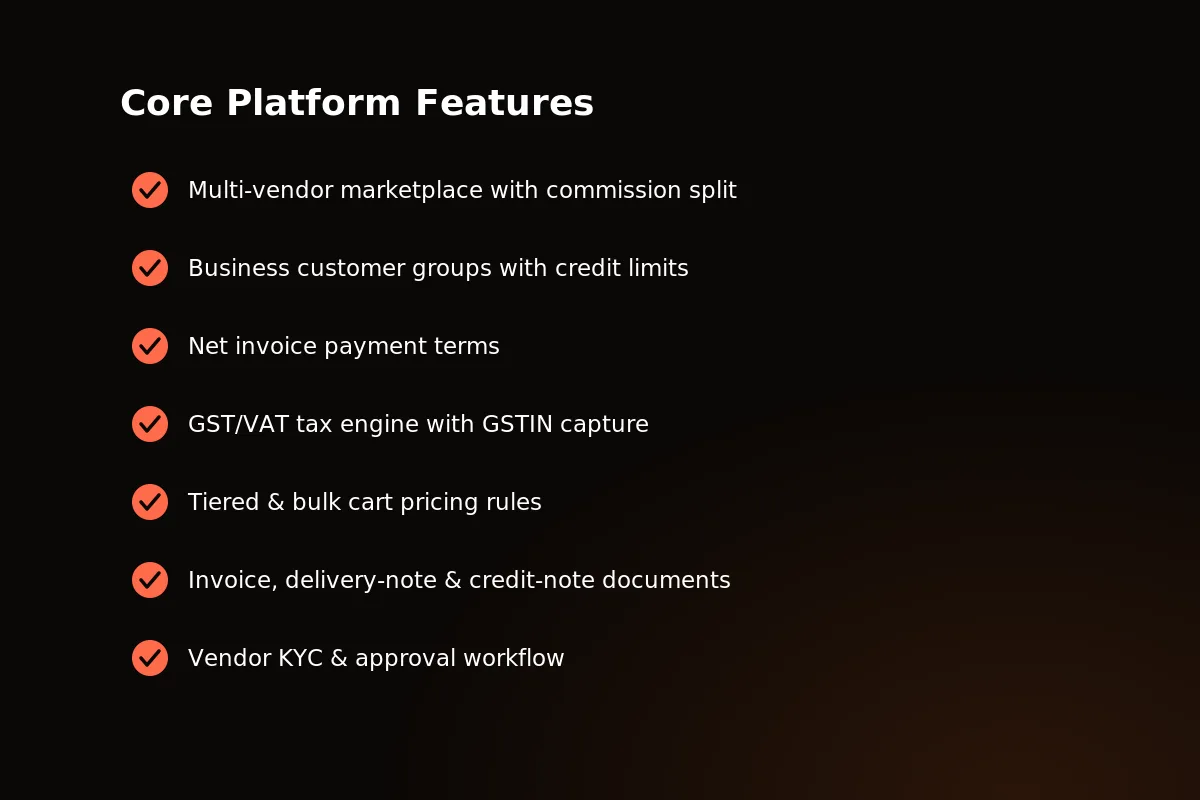 Souqley’s core feature set: multi-vendor commerce, credit-limit accounts, tiered pricing, and GST-compliant invoicing, built and tested, ready to use.
Buyer-Side Features
For the buyer, a B2B marketplace should feel as easy as a consumer app — with the payment and price rules their finance team really needs.
Business account with credit-limit-aware checkout: place an order against an approved credit limit instead of paying by card every time.
Tiered pricing visible per product: see the price drop at each quantity step before adding to cart, not after a quote comes back.
Order history and reorder: repeat an earlier purchase order in one click instead of building the cart again.
Downloadable GST-compliant invoices: download a correct tax invoice for each order for accounts and input-credit claims.
None of this is unusual on the consumer web. What makes it B2B is that every screen assumes a company account behind the order, not one person paying by card.
Decide early how many people each company account must hold. One shared login per buyer company is simplest, and it works for small accounts. Separate logins, with one role to order and one to approve, match how a buying team really works. But they need a different account setup underneath. This depends on the buyers you want, not on the platform. Answer it first, because it changes what “one account” means everywhere, from checkout to the credit limit.
 Buyer-side screens: checkout that knows the credit limit, tiered pricing on each product, and one-click reorder from order history.
Vendor-Side Features
Vendors are the supply side of the marketplace — the platform must make getting started, delivery, and payouts easy enough that sellers stay active.
Vendor dashboard: manage products, track new orders, and see payout history on one screen.
KYC and approval onboarding: send business documents and get checked before listing a single product.
Commission visibility: see the exact commission on every sale, with no surprises at month end.
Delivery-note and credit-note generation: issue the right paper for each order — a delivery note on dispatch, a credit note on return or change.
Vendors who’ve sold on a marketplace with weak seller tools know the pain: unclear payouts, no view of commission, hand-made paperwork on every dispatch. Solve that and you remove the reasons vendors leave over tools — which is not the same as removing every reason.
How often you pay matters just as much as paying the right amount. A vendor who waits six weeks to see money will quietly move their best stock to whichever marketplace pays faster.
Credit terms and payout timing pull against each other, and that is the operator’s problem, not the platform’s. If buyers order on net invoice terms while vendors expect to be paid on dispatch, somebody pays for the gap in between — the operator’s cash, or vendors waiting for the buyer’s invoice to be paid. Decide that policy before you promise either side anything. It sets both your cash plan and the payout timing you can honestly tell sellers.
Admin Panel & Platform Operations
The admin panel is where the marketplace operator really runs the business — not just a reports screen added at the end. This is the part most cheap scripts do poorly, because buyers and vendors never see it.
GMV, vendor, and order dashboard: see gross merchandise value, active vendors, and number of orders in one view.
Vendor moderation and approval queue: review new seller applications and approve or reject them using your KYC rules.
Tax class and rate configuration: set GST/VAT rates by product type and region without touching code.
Multi-store and multi-currency management: run separate shops or currencies from one backend as you grow.
Stock-reservation safety: hold stock the moment a checkout starts, so two buyers can’t both buy the last unit at once.
Stock reservation is easy to skip in a quick build, and costly to find missing — nothing breaks trust faster than a confirmed order that can’t be delivered.
These tools are what let a marketplace grow past a handful of vendors without the founding team drowning in spreadsheets and support tickets.
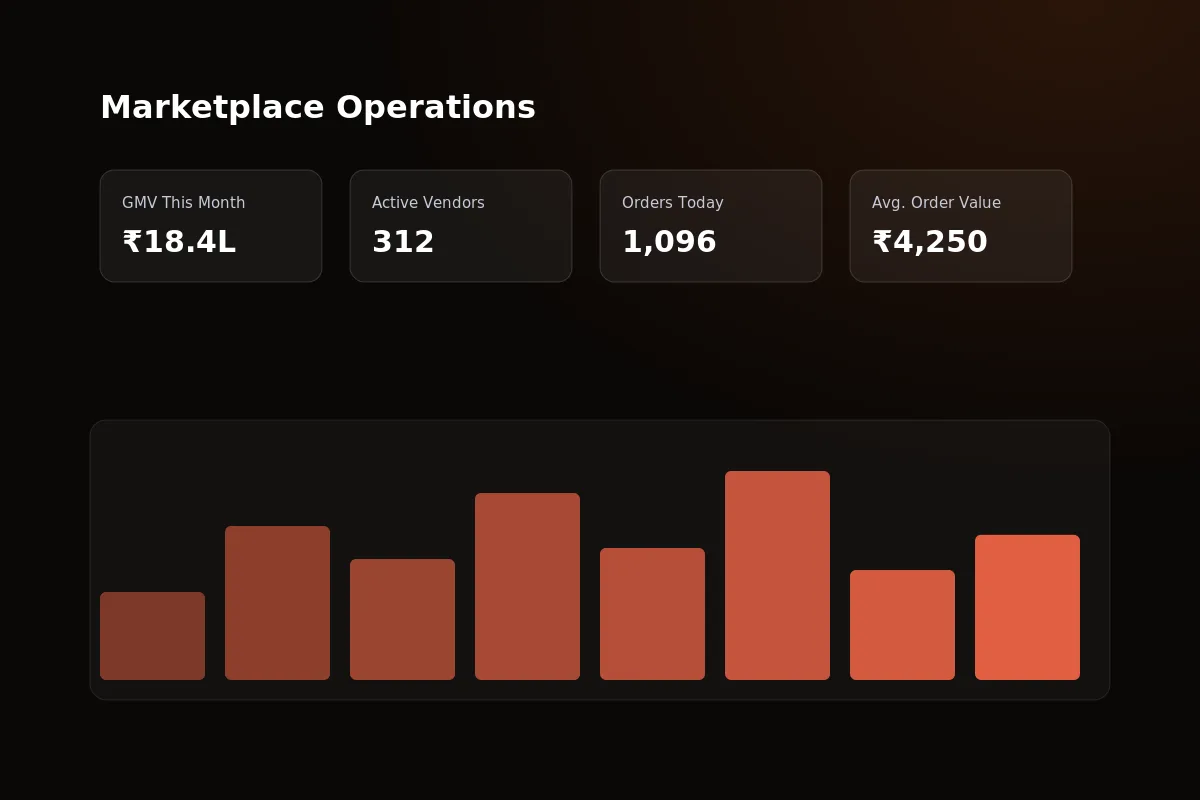 The admin dashboard: GMV, vendor approval queue, and number of orders tracked from one backend.
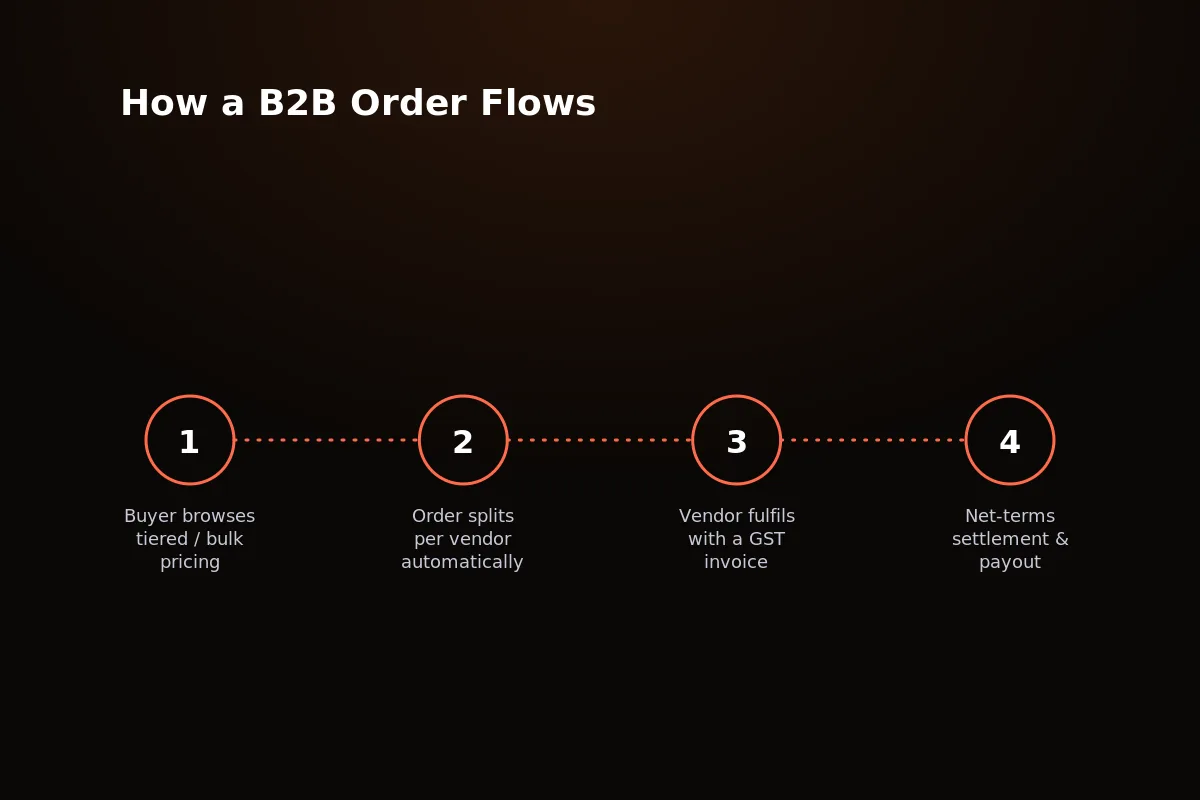 From cart to delivery: stock reservation holds stock at checkout, then invoice and delivery-note papers are made automatically.
What This Costs to Build vs License
Three paths lead to a live B2B marketplace: build custom from scratch, buy a cheap clone script, or buy a licence for tested white-label source code. The costs are very different.
Custom development means hiring a team to build multi-vendor logic, tax engines, and credit-limit checkout from zero — the exact code Souqley already has running live. The real cost isn’t just the developers’ bills. It’s the months a founder spends managing a build instead of signing up vendors and buyers.
A cheap clone script looks fast on paper, but the small print usually hides the real cost.
Recurring licence fees: a “low” price up front is often a rental, not a purchase — the fees go on for as long as you run the platform.
No source-code access: you can’t fix a bug, add GST handling, or change checkout without going back to the seller of the script.
Revocable licences: if the seller shuts down or changes terms, the base of your marketplace can disappear with it.
White-label source code, done right, avoids both traps. You pay once, get the real code, and the platform is yours to run, change, or resell.
Custom builds carry one more hidden cost: a monthly fee to fix and maintain the platform after launch. Buying a licence for a stable core does not remove that cost. You own the code, so upgrades and fixes are still yours. But you are maintaining something already built and tested, not paying monthly rates to finish a build.
A deeper cost breakdown, part by part, is in this B2B marketplace cost and features guide.
| Path | Upfront Cost | Time to Launch | Ownership | Best For |
|---|---|---|---|---|
| Custom Development | $60,000 – $150,000+ | 8–14 months | Full, but you carry the build risk | Well-funded teams with a truly novel model |
| Cheap Clone Script | $500 – $3,000 + ongoing fees | 2–4 weeks | Rented — licence can be revoked | Testing an idea on a shoestring |
| White-Label Source (Souqley) | $999 – $2,500 one-time | 1–2 weeks | Full source-code ownership, no revenue share | Founders who want to launch fast and own the platform |
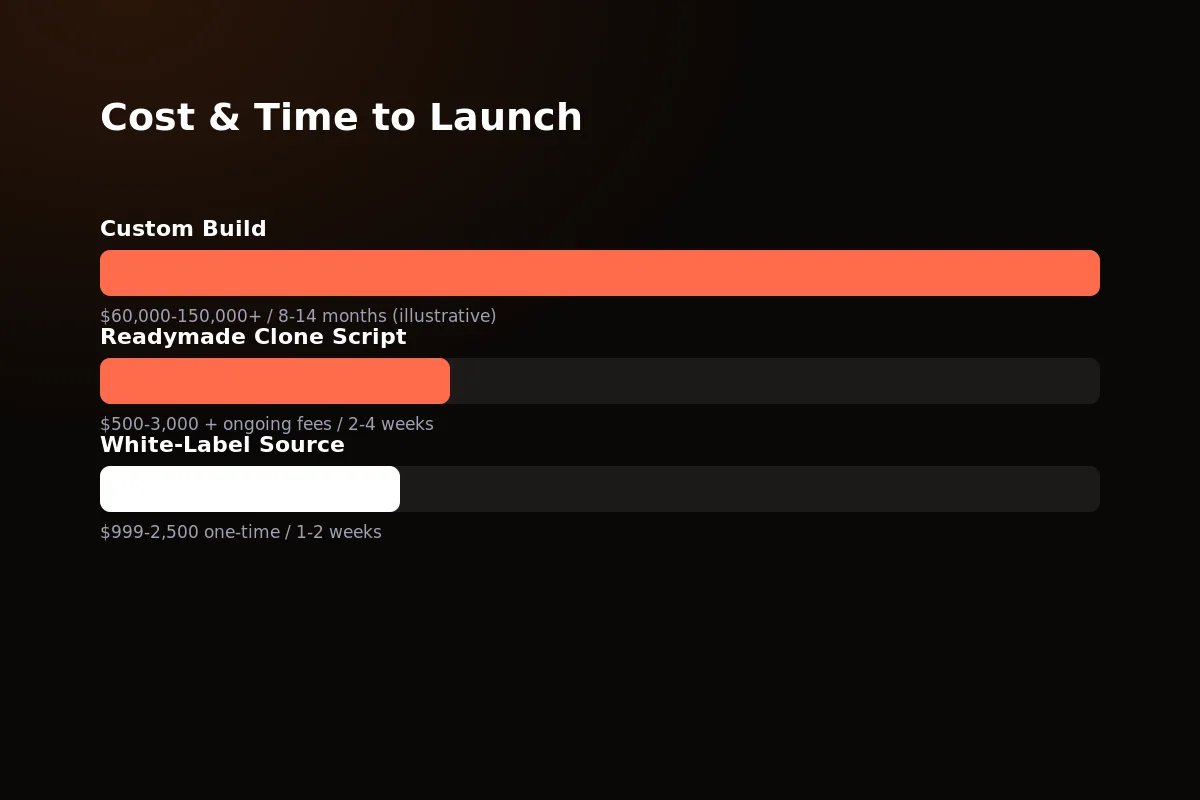 Custom development can cost over $100,000 and take a year to build; Souqley’s white-label source goes live in one to two weeks at a fraction of the cost.
Where Souqley Fits
Souqley is PRS India’s white-label B2B marketplace platform, built on Next.js 15 and NestJS with a Postgres/Prisma backend. It’s the multi-vendor, credit-terms, GST-invoicing part described above — already built and tested.
You’re not buying a limited SaaS plan. You get the full source code, and you own it fully.
Multi-vendor marketplace with commission split automatically on every order.
Business customer groups with credit limits and net invoice payment terms.
Full GST/VAT tax engine with GSTIN capture on every business order.
Tiered and bulk pricing at both cart and catalogue level.
Vendor KYC and approval workflow already connected to vendor sign-up.
Stock-reservation concurrency safety plus support for many stores and many currencies.
This fits founders building a wholesale distribution platform, an industrial-supply marketplace, or a private trading network for one type of trade.
It’s a modern stack, not a pile of old plugins — which matters when you later want to add to it. Next.js and NestJS are widely used, well explained, and easy to find developers for.
Want RFQ or MOQ fields for a specific trade category? Since you own the source outright, that’s a small, planned change on top of a proven base — not a rebuild. Talk to us about what your category needs.
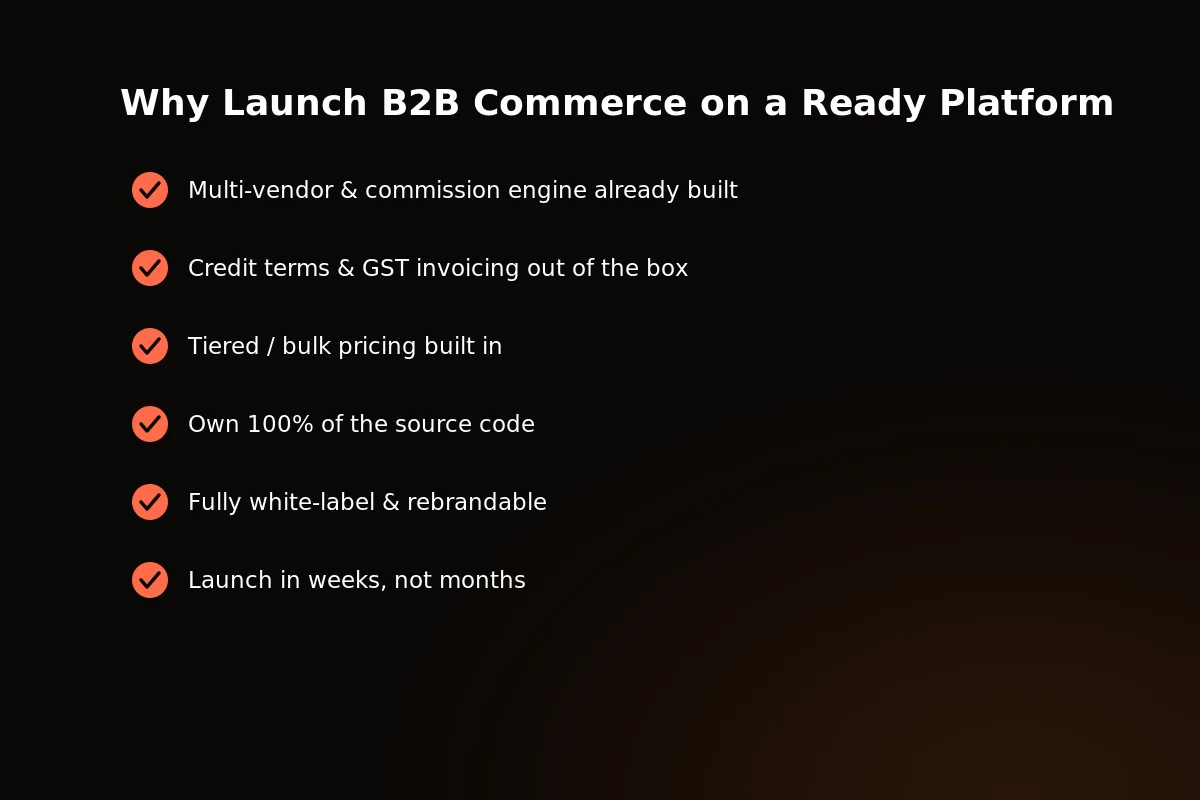 Own the source, skip the build time: Souqley puts a tested multi-vendor B2B marketplace live in one to two weeks.
Frequently Asked Questions
Is GST-compliant invoicing hard to get right?
It’s hard to get right from scratch — tax varies by product type, buyer state, and invoice type. That’s why a tested tax engine that saves the GSTIN, like Souqley’s, is worth buying a licence for rather than building again.
Getting it wrong isn’t a small bug either — it means wrong tax filings and buyers who can’t claim input credit, which is a fast way to lose repeat business.
Does a B2B marketplace need RFQ from day one?
Not always. Areas with fixed or tiered pricing — most industrial supplies and wholesale goods — launch fine without it.
Areas where every order is negotiated need it sooner. Either way, it can be added once you own the source.
A good middle path: start with tiered pricing and credit terms, then add RFQ once you understand how your own trade negotiates.
How does credit-limit checkout work?
A business account is given a credit limit. Each order is checked against the limit that is left at checkout, so a buyer can order on net terms without a card, up to what they’re approved for.
As invoices are paid, the used part of the limit frees up again — so the check runs on every order, not just the first one.
How long does it take to launch a B2B marketplace?
Custom development typically runs 8–14 months. Buying a licence for tested white-label source code like Souqley cuts that to about one to two weeks, since the core selling parts are already built.
Most of that time goes to branding, loading the catalogue, and setting up the payment gateway — not to writing marketplace code from a blank file.
Related reading: the top B2B ecommerce platforms compared.
Written by
Aditi
Building software at PRS India.