Mobile-App
Multi-Vendor B2B Platform: Seller Panel, Buyer Panel and Admin Explained
A multi-vendor marketplace isn’t one product — it’s three: a buyer storefront, a vendor dashboard, and an admin console, all built to work as a single system.

Written from production. Our articles draw on products we run live and the client work behind them, and are revised as the systems they describe evolve.

“Multi-vendor” gets sold like a tick box — switch it on, done. In practice it’s three separate products that have to work closely together: a buyer storefront, a vendor dashboard, and an admin console.
Skip one and the whole marketplace stalls. A buyer doesn’t care how many sellers fill their order. A vendor doesn’t care who else is selling on the platform. An admin has to see everything, all the time, across every vendor.
This post goes through each panel — what it needs to do, and what breaks when it is treated as an afterthought — using Souqley, PRS India’s own B2B marketplace platform, as the example.
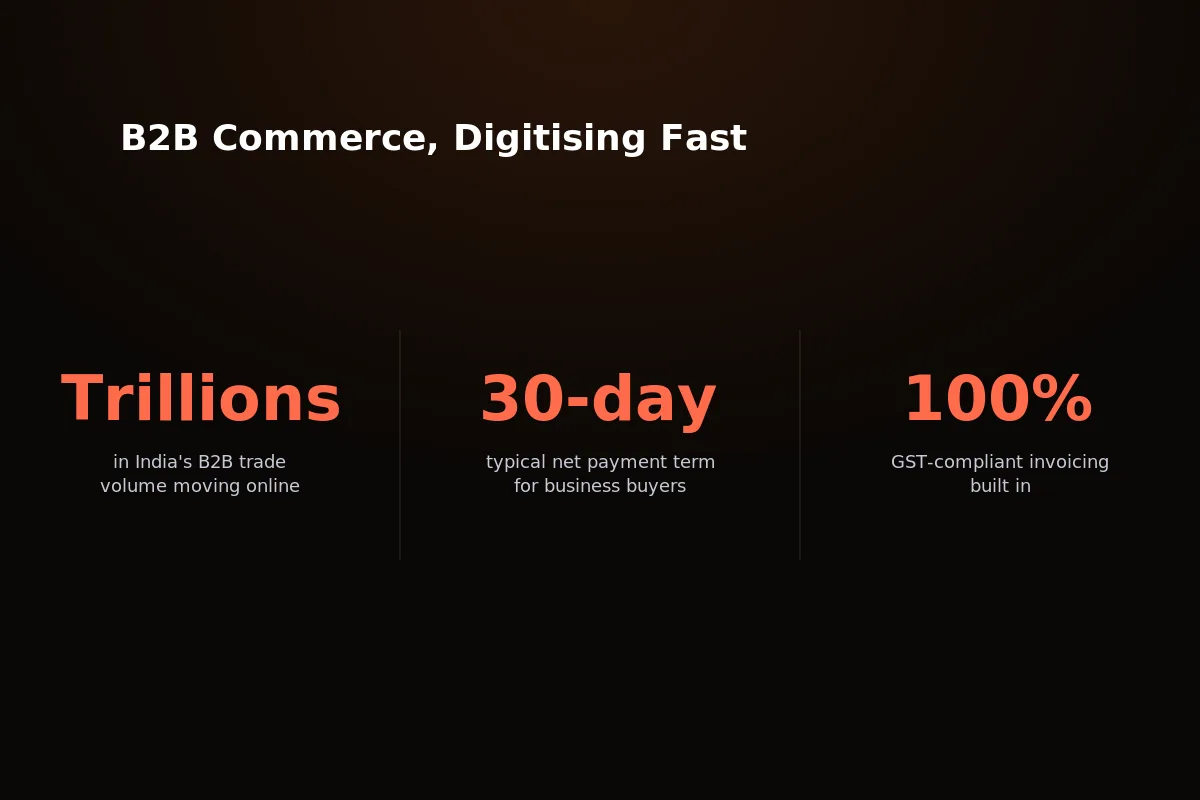 Multi-vendor is the fastest way to get supply for a B2B platform business — but only if all three panels hold up.
India’s B2B e-commerce market is growing fast, and multi-vendor is the model most founders pick first. It lets a platform add supply without ever holding stock.
That only works if the three panels under it are built as one system, not joined together from separate projects made at different times.
The Three-Panel Structure
Every multi-vendor B2B marketplace runs on three distinct panels. Each one serves a different user with a different job to do, and none of them can be an afterthought.
Buyer Storefront: business accounts browse, compare and order across every vendor on the platform from one interface.
Vendor Dashboard: sellers manage their own products, orders and payouts without ever touching another vendor’s data.
Admin Console: the platform operator runs commissions, approvals, tax rules and the entire marketplace from a single control layer.
Treat any one of these as less important and it shows fast — in vendors who leave, buyers who bounce, or an admin team drowning in spreadsheets.
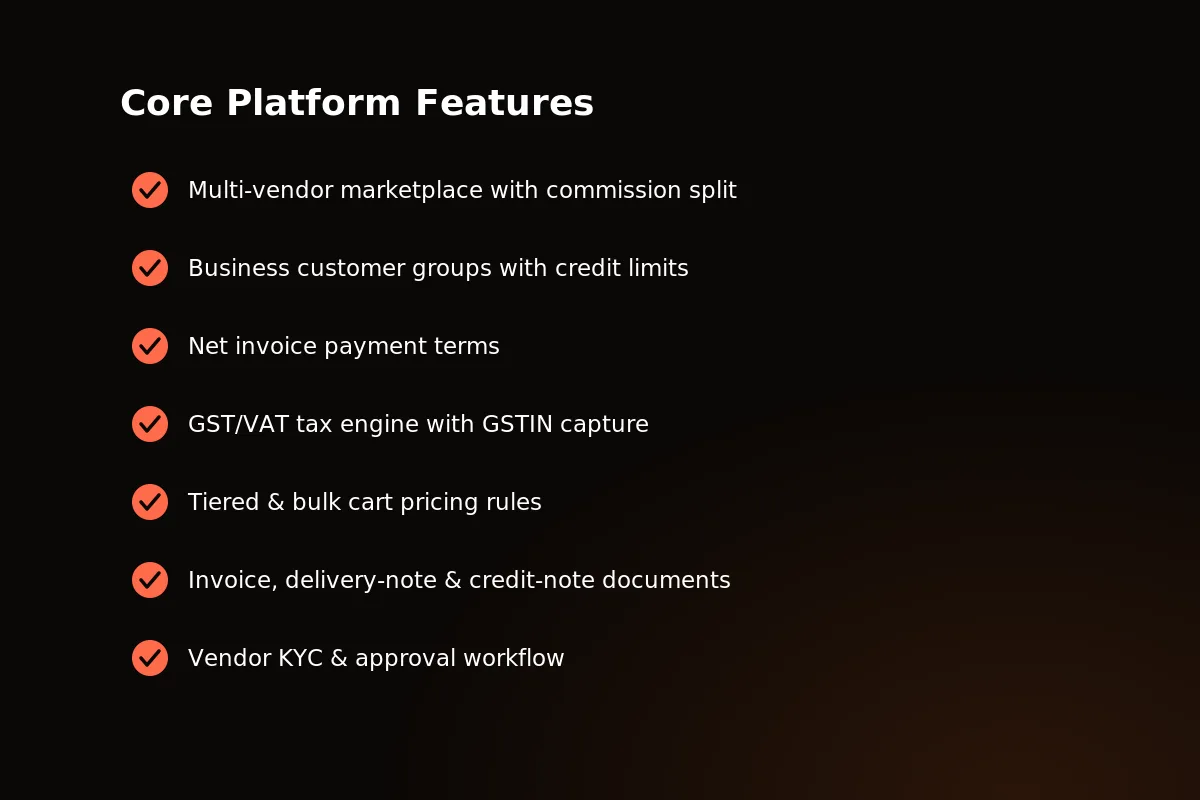 Three panels, one platform: buyer storefront, vendor dashboard and admin console in Souqley.
Buyer Storefront
The buyer storefront is where business accounts do the buying — and B2B buyers expect more than a consumer shopping cart with a new logo.
Unified catalog: browse products from every vendor on the platform in one place, with no separate logins or separate carts per seller.
Visible tiered pricing: bulk and tiered prices show on the product page itself, not as a surprise at checkout.
Credit-limit-aware checkout: business customer groups with set credit limits and pay-later invoice terms are checked automatically at checkout.
Order history and reorder: repeat B2B buyers can open past orders and order again in a couple of clicks, with no need to browse again.
GST-compliant invoices: every order creates a downloadable, GST-compliant invoice for each vendor that filled part of it. All of them can be found from the one order in the buyer’s history.
None of that is unusual. But leave out even one — say, visible tiered pricing — and B2B buyers will think the platform is not made for how they really buy.
Business buyers don’t browse the way consumers do. They order in bulk, on a schedule, against a budget someone else approves. A storefront that ignores that isn’t a B2B storefront at all.
One thing to test on any platform: a cart with several vendors must be checked against the buyer’s credit limit as one order, before it splits. If each vendor’s share is checked alone, a buyer can use the same limit two or three times in one checkout. You only find out weeks later, when the account owes more than was ever approved.
 The buyer storefront: one catalog, one checkout, orders from any number of vendors.
Vendor Dashboard
Vendors are the supply side of the marketplace. If their dashboard is confusing or hard to understand, they stop listing — and the catalog buyers see gets smaller overnight.
KYC and approval to get started: vendors send their documents and go through an approval process before they can list a single product.
Product and inventory management: sellers add, edit and stock their own catalog directly, without needing admin help for routine changes.
Incoming order queue: new orders arrive in their own list, showing only that vendor’s sales, kept apart from every other seller.
Commission visibility: vendors see exactly what they earned on every sale as it happens, not on a monthly statement weeks later.
Delivery-note and credit-note generation: vendors make their own delivery notes and credit notes per order, without going through admin.
Payout tracking: an always up-to-date view of what has been paid and what is still pending.
A vendor who can answer “what did I earn this week?” without emailing support is a vendor who stays on the platform. One who cannot will assume the worst and email anyway. Accurate payouts are not enough. Vendors need to see the running total before the money moves.
Admin Console
The admin console is where the platform owner runs the business. It has to show the whole marketplace, not a slice of it, whenever needed.
Platform-wide dashboard: GMV, order volume and vendor performance in one view, across the entire marketplace, not vendor by vendor.
Vendor approval and moderation: review KYC submissions, approve or reject vendors, and moderate listings before they go live.
Commission rate configuration: set commission for everyone, or change it for one vendor or one category, without touching code.
Tax class and rate configuration: set GST/VAT tax classes and rates in one place, applied the same way to every vendor and order.
Multi-store and multi-currency management: run several storefronts or currency zones from the same single console.
Stock-reservation safety monitoring: watch the stock holds that stay safe when many buyers order at once, so overselling never turns into an emergency for admin.
A strong admin console is what lets a small operations team run a marketplace with hundreds of vendors. Without it, the team has to grow with the number of vendors — and margins don’t.
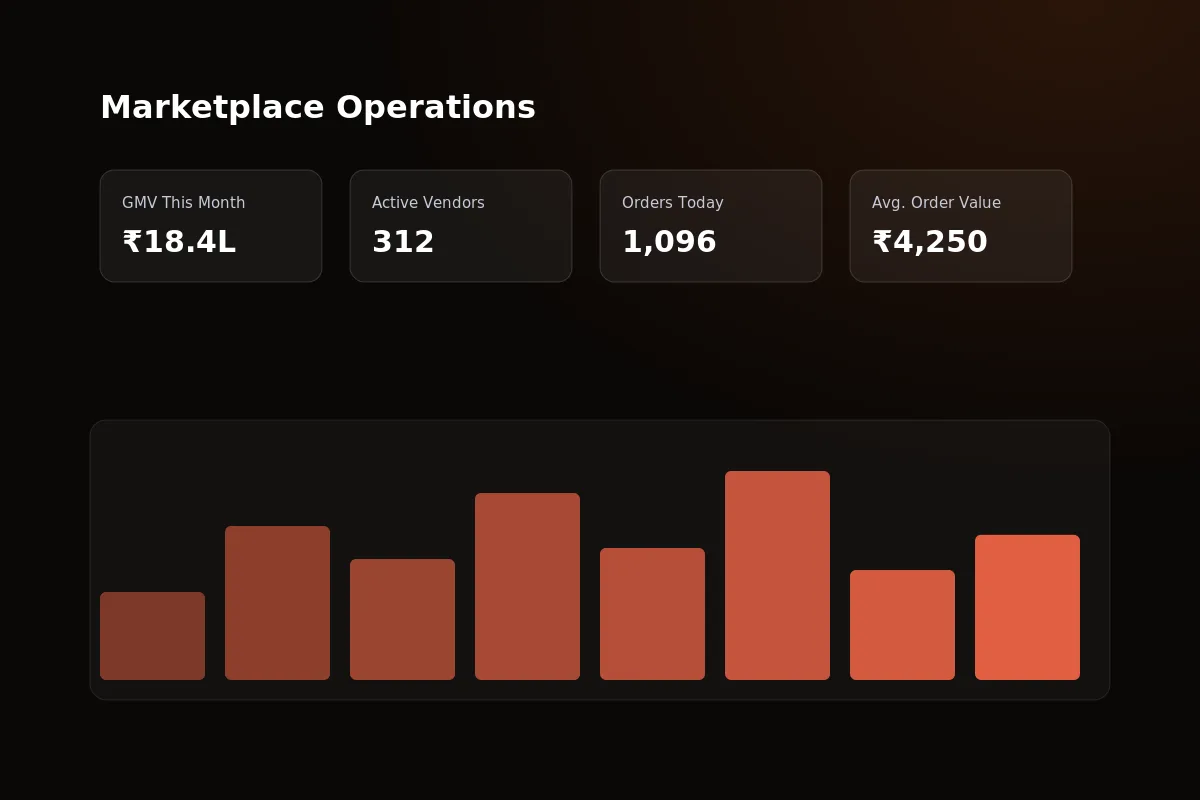 The admin console: the full marketplace, from vendor approvals to commission rules, in one control layer.
How the Three Panels Work Together
None of these panels work alone. A single order touches all three, within seconds, and the buyer never notices the handoff.
A buyer places an order that includes products from more than one vendor.
The order splits automatically — one sub-order per vendor, generated behind the scenes.
Each vendor sees only their portion of the order in their own dashboard.
Commission is worked out and tracked per vendor, per sale, live.
Admin sees the full picture — every vendor, every sub-order, in one console.
GST-compliant invoices, delivery notes and credit notes generate per vendor, per order.
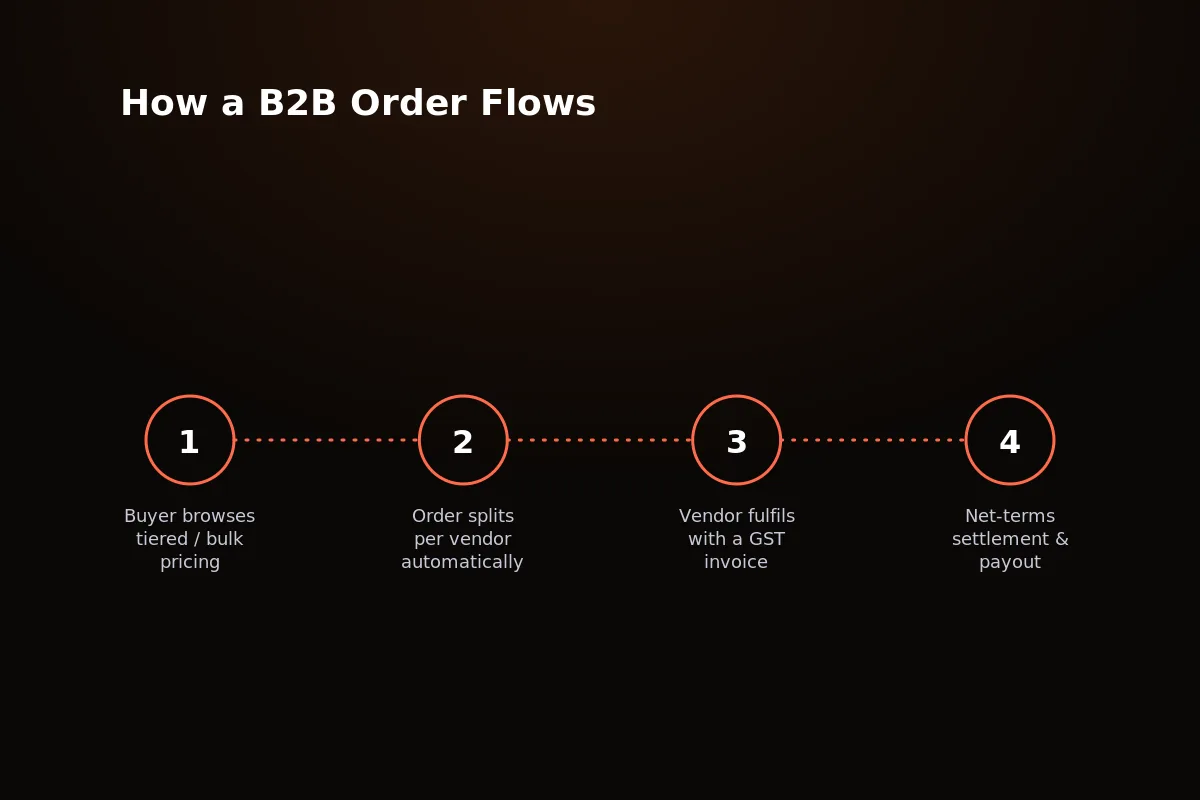 One buyer order, split automatically per vendor — commission and documents follow the same split.
That split-and-track flow is the hard part of “multi-vendor.” Get it wrong and you will be matching numbers by hand every week, or worse, sending invoices that don’t match what was sold.
The split also decides which parts of the platform stay as one. The cart, the checkout and the payment stay one event for the buyer. The sub-orders, the commission entries and the documents split out per vendor. Everything after that split — dispatch status, returns, payouts — has to be tracked per sub-order, not per order. Two vendors on the same order will rarely ship, or fail to ship, together.
Why Getting All Three Right Matters
A storefront that wins buyers but gives vendors a confusing dashboard doesn’t stay multi-vendor for long. Sellers who can’t find their orders go and list somewhere else.
Weak admin tools fail in a different way, and later. They work fine with three vendors. At thirty, someone is matching commissions in a spreadsheet by hand.
By eighty vendors, that spreadsheet has often stopped working, and the platform needs a rebuild nobody planned for at launch.
All three panels have to launch together, built as one connected system. Launching the buyer side first and promising vendor and admin tools “in phase two” is how marketplaces stall before they ever grow.
It’s also why “we’ll add multi-vendor later” rarely works. Adding a vendor dashboard and an admin console to a single-seller store later usually means rebuilding the order and payment logic from scratch.
Where Souqley Fits
Souqley comes with all three panels built and tested together — not a store theme with a vendor plugin stuck on and an admin panel promised for later.
That’s the difference between buying a marketplace and buying three separate half-built products that happen to share a login page.
Modern stack: built on Next.js 15, NestJS and Postgres/Prisma — code that is easy to maintain and up to date, not a ten-year-old codebase with a new look.
Proven safe under heavy use: stock-holding logic stops overselling when many buyers check out the same item at the same moment.
Business-first commerce: customer groups, credit limits, pay-later invoice terms, and tiered/bulk pricing rules, built in from the start.
Tax-ready: a GST/VAT tax engine that records GSTIN, so invoices follow the rules from day one, not fixed in later.
Multi-store, multi-currency: run more than one storefront or currency zone from the same admin console.
One-time cost: buy the source code once and own it fully — no monthly platform fee eating into your margin.
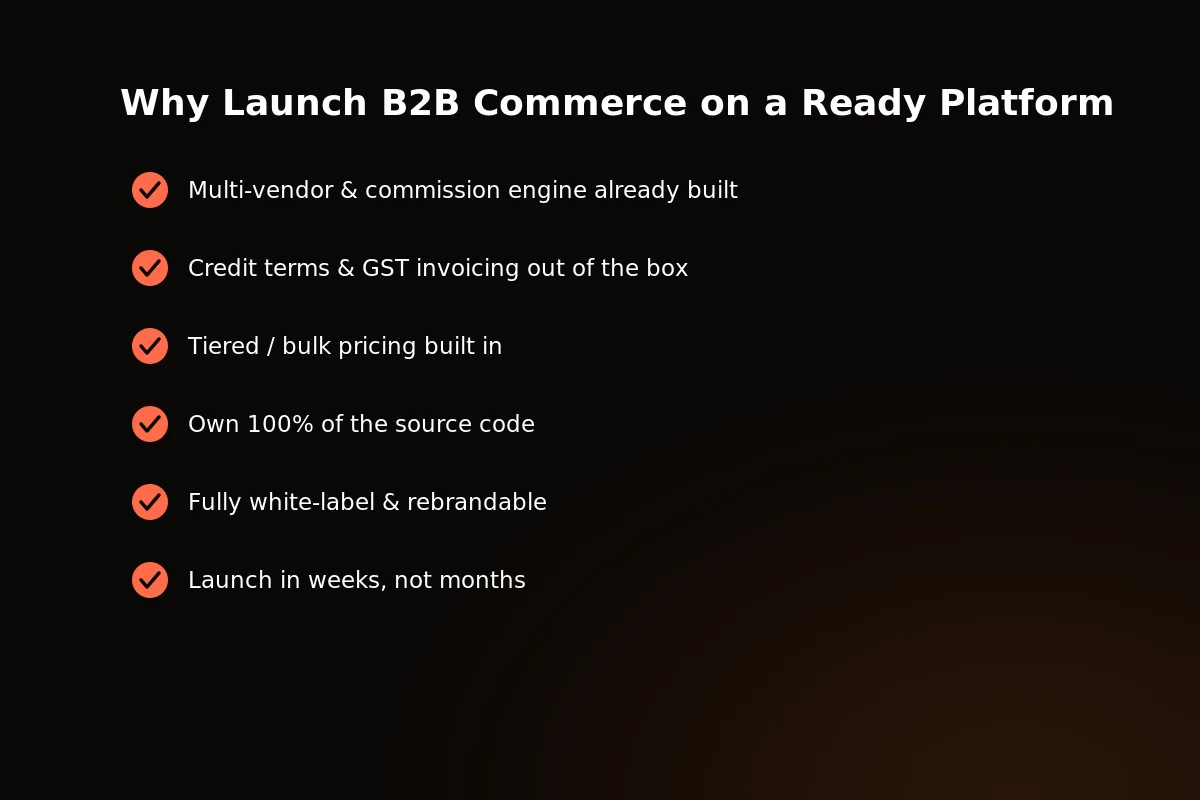 Buyer, vendor and admin panels — built together, tested together, sold once.
If you’re weighing what it costs to build this from scratch against buying it ready-made, the gap is usually bigger than founders expect — our module-by-module cost breakdown shows where those build hours are really spent.
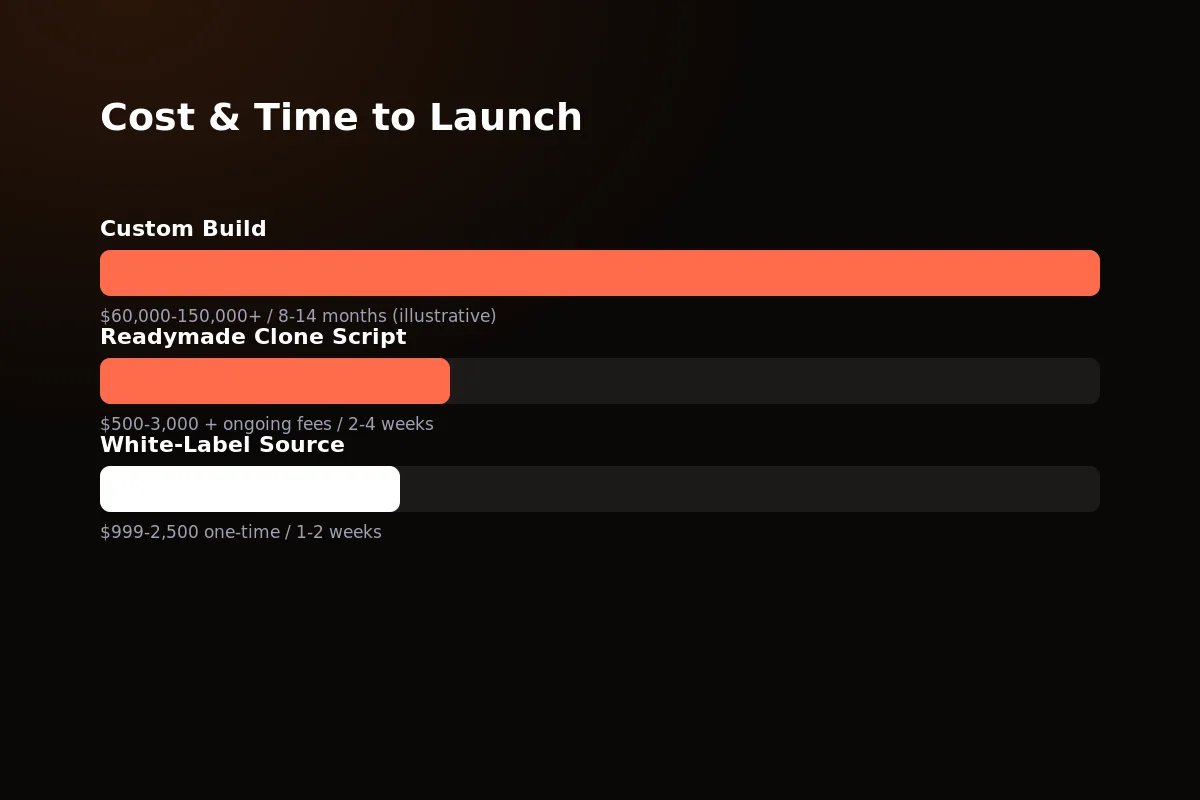 Custom development versus ready-made source code: the real cost gap for a three-panel marketplace.
Want to see all three panels live before you commit to anything? Get in touch and we’ll walk you through a working demo, panel by panel.
Related reading: how to build a B2B e-commerce marketplace and the top 5 B2B e-commerce platforms.
Frequently Asked Questions
Can one order include products from multiple vendors?
Yes. A buyer checks out once, and the order splits automatically into one sub-order per vendor behind the scenes.
Each vendor only ever sees their own portion — the buyer sees one single checkout from start to finish.
How does commission get calculated and paid out?
Commission is worked out automatically on every sale, based on rates the admin sets for everyone or changes for one vendor or category.
Vendors see their earnings per sale directly in their dashboard, with running payout tracking rather than a surprise at month-end.
What stops two buyers from both buying the last unit of stock?
Stock-holding logic locks the stock the moment checkout starts, not just when payment finally completes.
That stops overselling when two buyers check out at the same time — a real problem, not just a possible one.
Can vendors see each other’s data?
No. Each vendor’s dashboard shows only their own products, orders, commission and payouts.
Admin is the only role that can see across all vendors on the platform, at any time.
Written by
Aditi
Building software at PRS India.