Mobile-App
Lawyer Appointment Booking App: Complete Development Guide
Most legal-tech apps succeed or fail on the booking flow, not the feature list. Here’s exactly how search, case submission, accept or reject, payment timing, and per-minute billing fit together in Legal Advisor.
Written by Aditi
Reviewed by the PRS India software & mobile app development team
Updated on 12 min read
Written from production. Our articles draw on products we run live and the client work behind them, and are revised as the systems they describe evolve.
Platforms like LawRato and Vidhikarya showed that the market is real. People will book a lawyer from a phone the same way they book a cab or a doctor. Demand was never the hard part.
The hard part is the appointment itself. A legal consultation isn’t a 30-minute slot on a calendar. It’s a case, with documents and a voice note attached, and an advocate who has to say yes before anyone gets charged.
We covered the full platform build in our guide to building an online lawyer consultation app. This post looks closely at the one part that decides whether users trust it: the booking and scheduling flow.
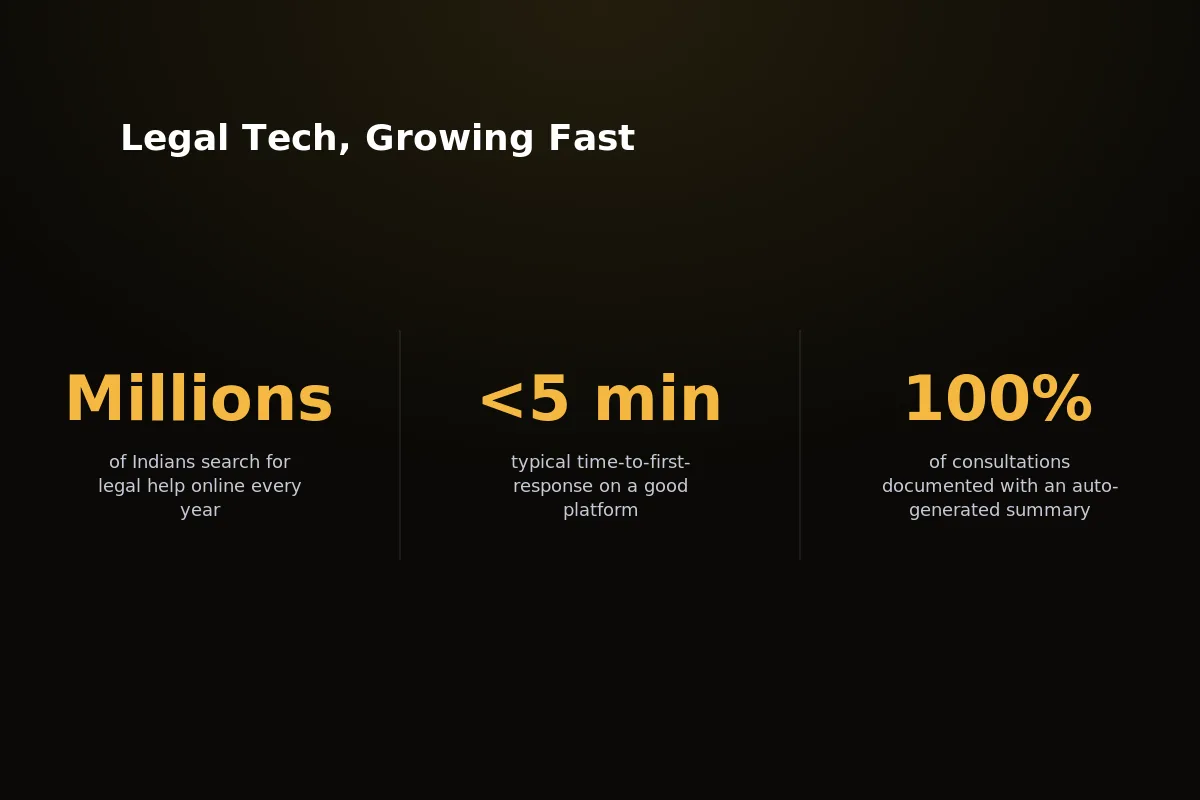 More people now book legal consultations through apps. The flow underneath decides whether users come back.
What Makes Legal Appointment Booking Different
Copy a restaurant booking system onto a legal app and it breaks on day one. A legal booking carries more weight than a table for two ever will.
Every design choice in the flow below comes from one fact: an advocate is agreeing to take on a case, not just keeping a chair free.
Case context comes before the slot: An advocate can’t say yes to a time without knowing what the case is. That means documents and a voice note first, not a follow-up email later.
Availability isn’t just a calendar: A litigation advocate’s free hours depend on court dates, not fixed office hours. Availability has to change with the case type and the advocate’s speciality.
Payment timing matters: Charging at the moment of booking means charging for consultations that are rejected later. Charging on acceptance protects both sides from that.
The “appointment” is really a case file: Once booked, it holds documents, a chat thread, a call record, and a summary. A bare time slot can’t hold any of that.
Trust signals carry more weight: A KYC badge and bar check matter more here than a star rating ever will on a food delivery app.
 Search, KYC-checked profile, and case submission. These are the three screens that matter most in a legal booking flow.
The Booking Flow, Screen by Screen
Here’s the actual order of steps a client follows, from opening the app to a closed case.
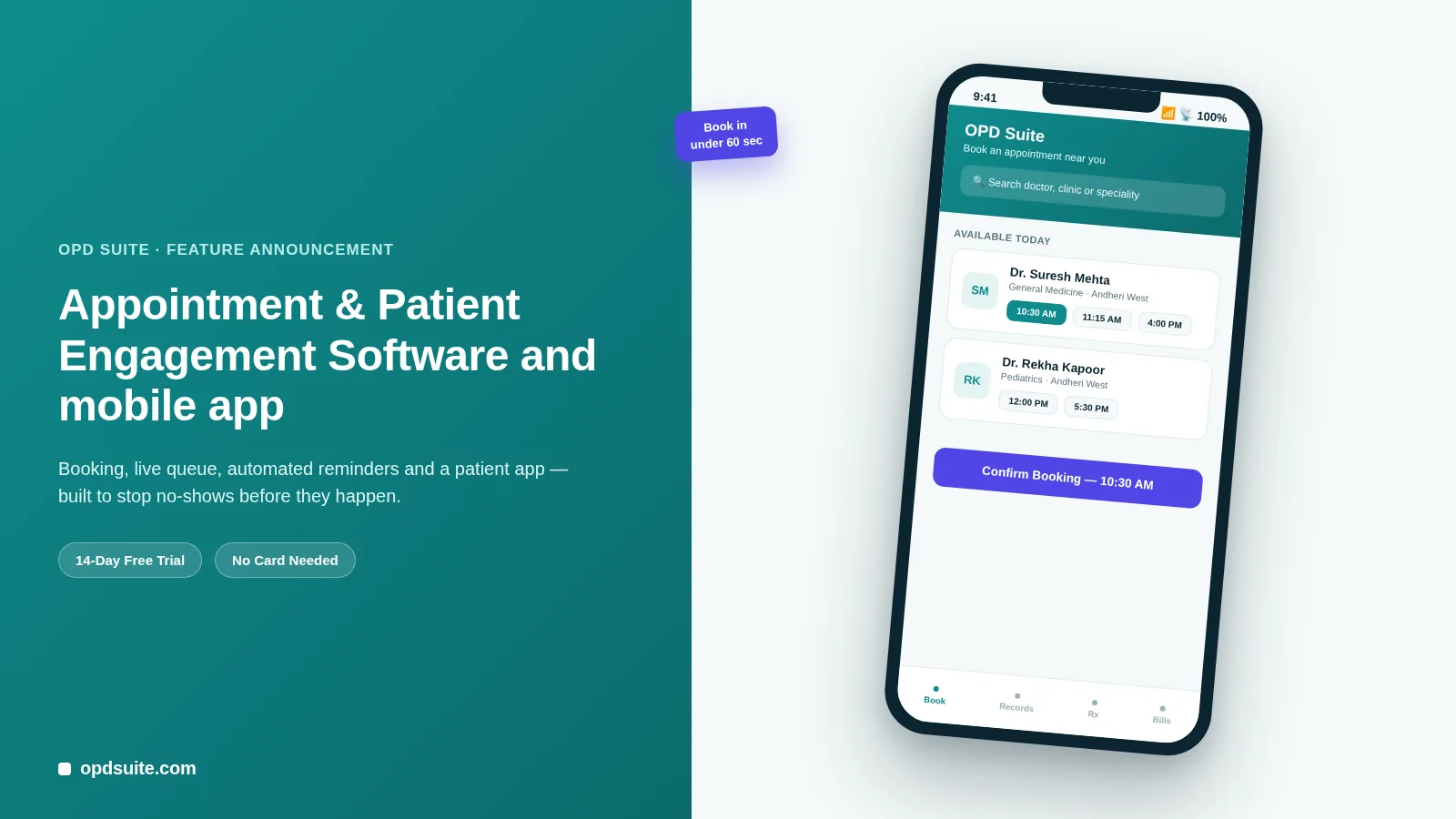
Search and filter: The client searches for advocates by category (family, criminal, corporate), sub-category, and city to get useful results fast.
View a verified profile: Every profile shows KYC check, practice areas, experience, ratings, and a live weekly calendar of free time.
Submit the case, not just a time: The client records a voice note about the issue and adds up to 10 documents before asking for a slot.
Advocate reviews and responds: The advocate sees the case details first and then accepts or rejects. Nobody books blind on either side.
Payment triggers on acceptance: Only after the advocate accepts does the app charge the client through Razorpay.
Chat unlocks: A live chat, powered by Laravel Reverb, opens between client and advocate as soon as payment goes through.
The consultation happens: A voice call runs over Agora, either booked for later or started now, and is billed per minute in the background.
A PDF summary generates automatically: The app makes a case summary right after the call. Nobody needs to take notes by hand.
Client rates the consultation: A rating and review finish the process and go straight into the advocate’s public profile score.
Notice what’s missing: there’s no step where a client pays before an advocate has actually looked at the case. That order isn’t an accident. It’s the whole design.
Each screen does more than make things easy. Cut the voice note step and advocates start rejecting cases blind. Cut the PDF summary and clients lose their only record of what was discussed.
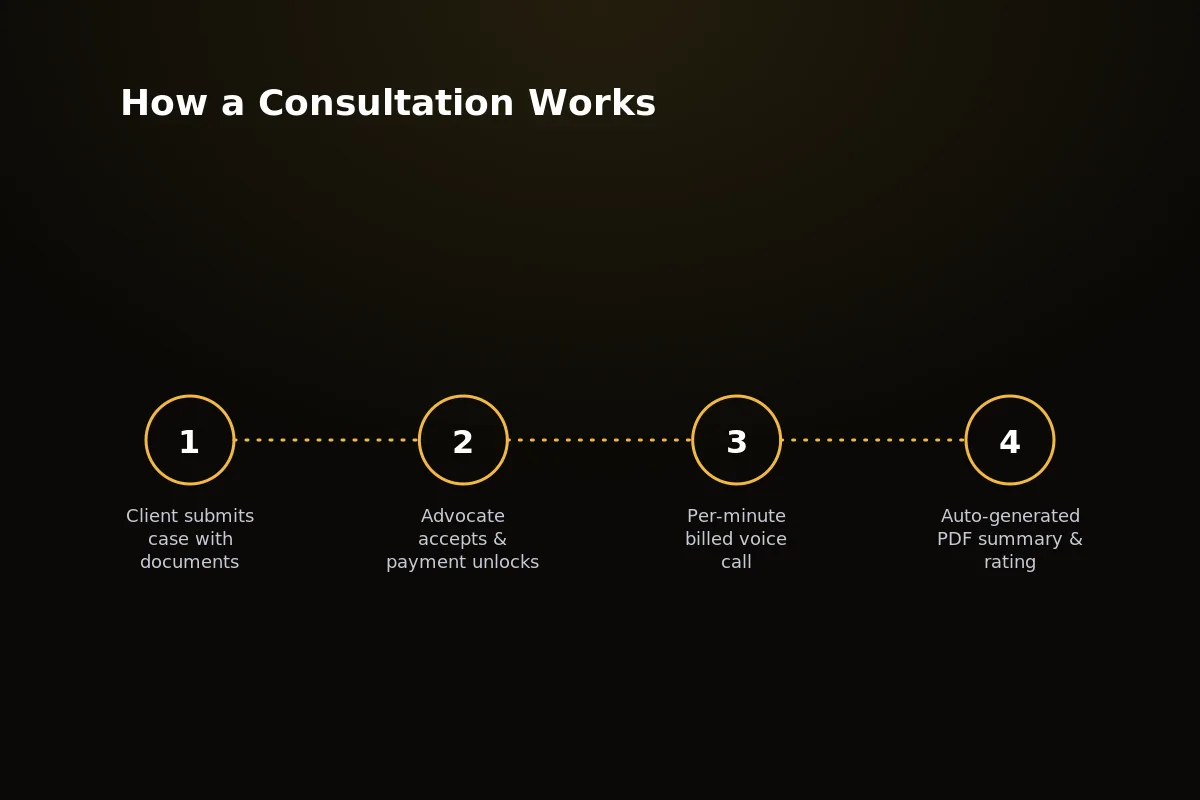 Nine screens, one smooth flow, from advocate search to a final case summary.
Advocate-Side Scheduling Features
The advocate app — Legal Advisor Advocate — is where the real scheduling rules live. The client side just uses them.
Weekly availability scheduler: Advocates set repeating open hours by day of the week, and block out court dates and personal time without contacting support.
Accept or reject with full case visibility: Advocates see the voice note and documents before they agree, so no one wastes a slot on a case outside their practice area.
Earnings tied to completed consultations: Payouts happen only for completed, paid consultations, never for bookings that stall or get rejected.
Calendar view of upcoming and past cases: One screen shows what’s next, what’s waiting for payment, and what’s already closed.
Practice-area tagging: Availability and case requests use the same category and sub-category tags that clients use to search, so cases that do not fit never reach an advocate’s queue.
Give advocates this much control and the marketplace stays in better shape. Nobody accepts a case they can’t handle, and nobody waits on a slot that was never really open.
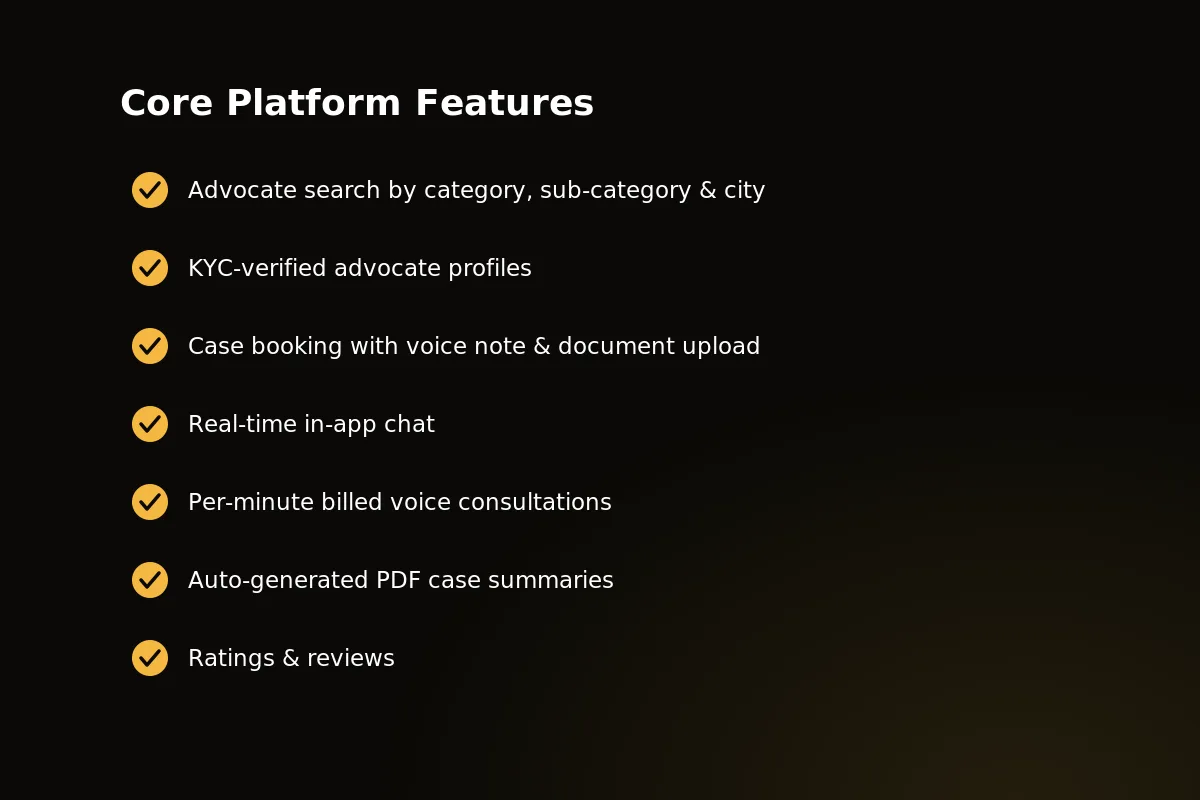 Availability, accept or reject, earnings, and a case calendar. These four screens keep advocates in control of their schedule.
Notification & Reminder System
A booking flow is only as good as its notifications. Miss one push alert and a client thinks the app is broken, or worse, that the advocate ignored them.
Booking confirmed: The client is told at once that the case request has gone to the advocate.
Advocate accepted: A push alert goes out the second the advocate replies, so no one sits refreshing the app.
Payment due: A clear prompt to pay, the moment acceptance starts the charge.
Scheduled call reminders: For appointments booked ahead, reminders arrive the day before and again shortly before the call, for both the client and the advocate.
On-time notifications are not an extra here. They stop a booking from quietly dying in someone’s notification tray.
Every stage above is sent as a push notification and an in-app alert.
Payment & Billing Mechanics
Money moves at exactly two points in this flow, and the timing is planned.
Charge on acceptance, not on booking: Nobody pays for a case an advocate hasn’t agreed to take. This alone removes a whole kind of refund dispute.
Per-minute billing on the call: Voice consultations bill by the minute through Razorpay.
Auto-generated invoice and summary: A PDF case summary and payment record are made automatically when the call ends. Admin staff have nothing to put together by hand.
Every transaction lands in the admin panel: Bookings, acceptances, payments, and payouts all show up in the Blade/AdminLTE admin dashboard live.
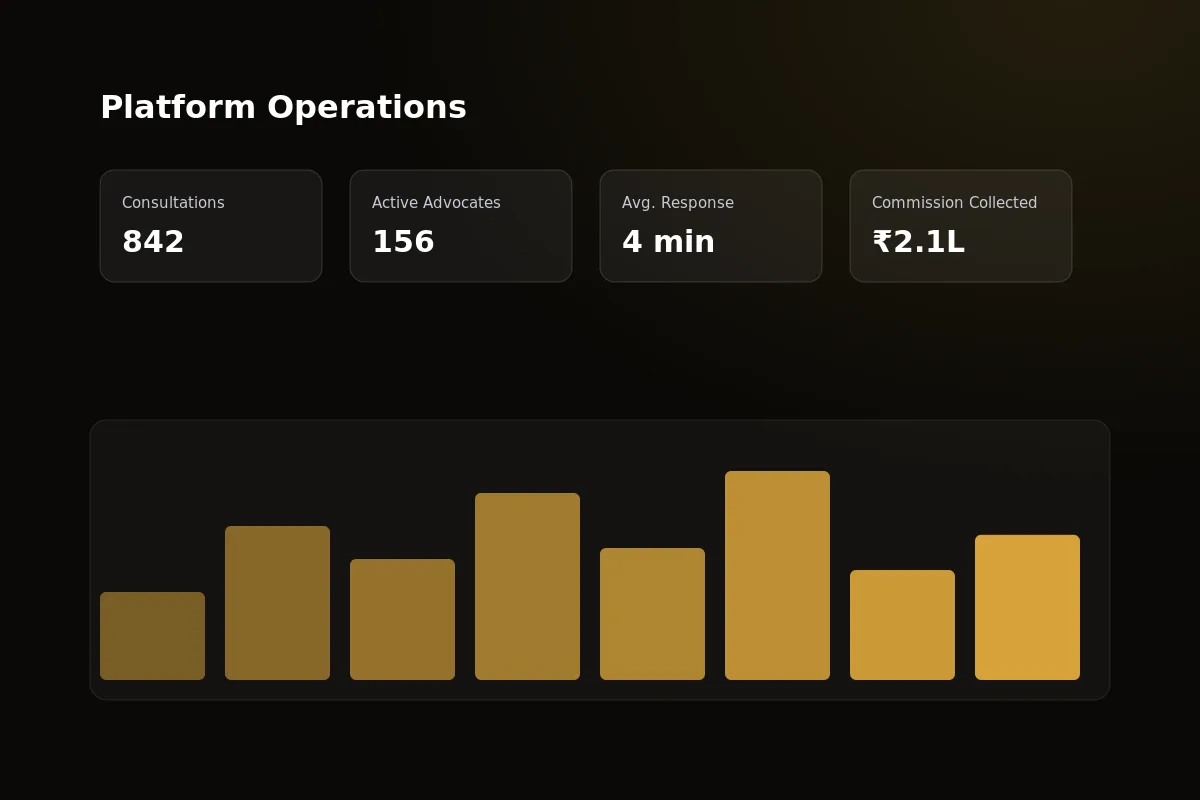 Every booking, payment, and payout tracked from a single admin dashboard. No matching spreadsheets needed.
Being able to see everything matters as much as the client app does. A support team handling a payment dispute needs the full case timeline on one screen, not in three systems.
What This Costs to Build vs License
Two paths get you to a working booking app. The gap between them is bigger than most founders expect.
Custom development means hiring people for Laravel, Flutter (iOS and Android), Reverb, Agora, and Razorpay, and then testing all of it against real call drops and odd payment cases.
Licensing ready-made source code skips the build entirely. You get the same design, already tested in live use, and start making changes from day one.
Two native-feeling apps, not one: Client and advocate apps both need to be released, stay in step, and pass App Store and Play Store review.
Real-time infrastructure is unforgiving: Chat and voice calling fail in ways that only show up on real networks, which means real rounds of testing.
Payment logic has to be exact: Getting the accept-then-charge timing wrong isn’t a small visual bug. It’s a refund and a support ticket.
Ongoing OS and SDK updates: Every iOS and Android release, plus every Agora and Razorpay SDK update, is an upkeep cost that doesn’t stop after launch.
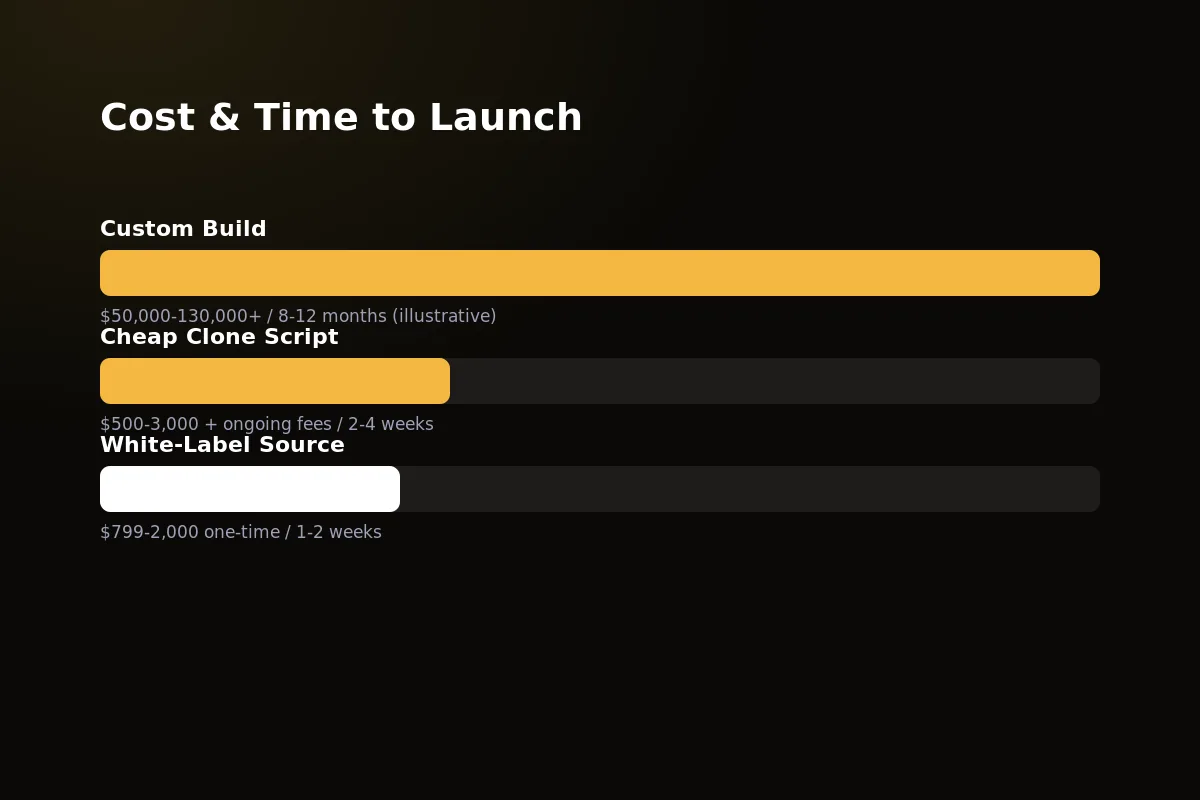 Custom build versus white-label source. The difference shows in both cost and time to launch.
| Path | Upfront Cost | Time to Launch | Ownership | Best For |
|---|---|---|---|---|
| Custom Build | $35,000–$90,000+ | 5–9 months | Full, but you carry all technical debt | Teams with in-house dev capacity and a differentiated roadmap |
| White-Label Source (Legal Advisor) | $799–$2,000 one-time | 1–2 weeks | Full source-code ownership, no recurring platform fees | Founders who want to launch and iterate fast |
Neither path is wrong. But if the booking flow above is what you need, not a from-scratch experiment, one of these paths gets you there a lot faster than the other.
Why Build on Legal Advisor
Every flow described in this guide is already built into Legal Advisor. That includes search, KYC profiles, availability, case submission, accept or reject, payment on acceptance, chat, per-minute calls and PDF summaries.
It’s live today at legaladvisorapp.com, running on Laravel 11, Flutter, Reverb, Agora, and Razorpay in real use, not just drawn on a slide deck.
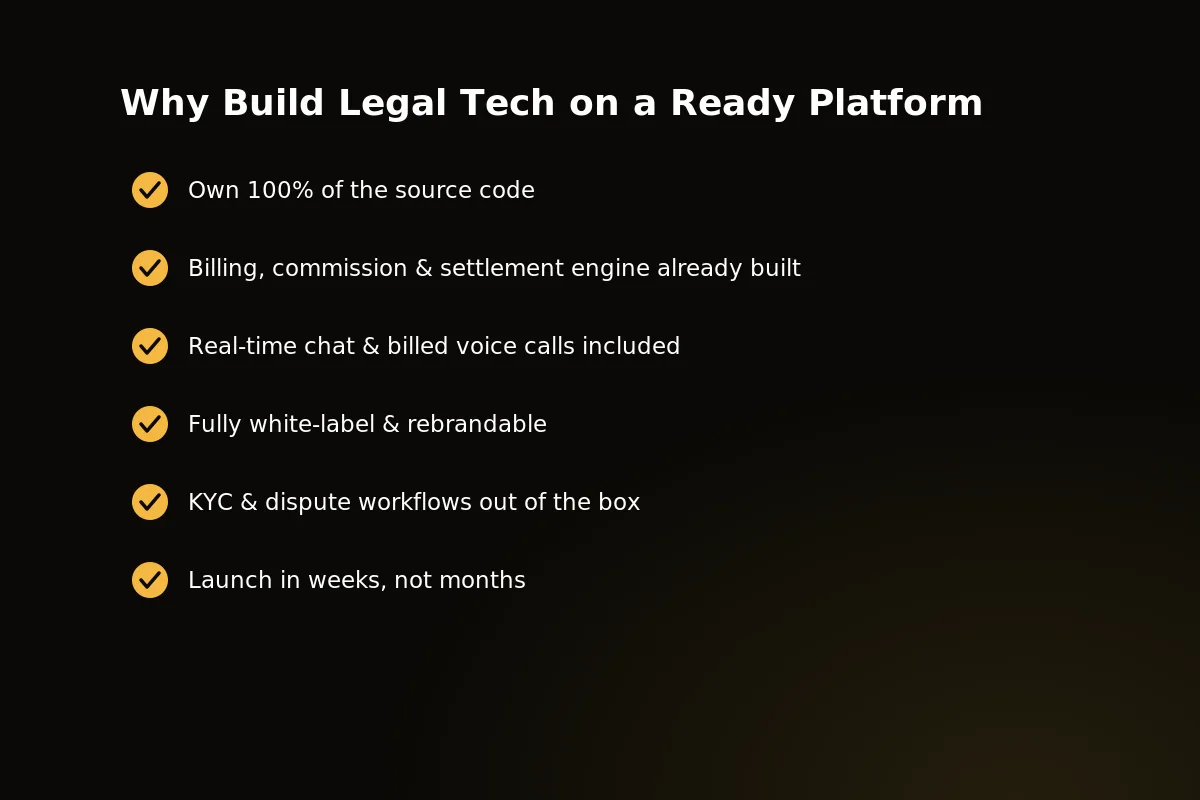 The booking, payment, and call system is already built, tested, and running. It is ready to license and rebrand.
One-time source-code cost: No monthly platform fee, and no share of the money from consultations you close.
Two ready apps: Legal Advisor for clients and Legal Advisor Advocate for advocates, built and tested together as one system.
Full ownership: The source code is yours to rebrand, add to, and run on your own servers.
A booking engine that already handles the hard part: Case-first booking, accept or reject rules, and payment-on-acceptance timing. These are the exact steps this guide just covered.
Room to specialize: Rebrand it for a single practice area, a regional bar association, or the KYC and payment rules of a specific country.
None of this is just an idea. It’s the same booking flow described screen by screen above, already live and running with real advocates and real payments.
If you’re scoping a legal appointment app and want to see this booking flow running in a live product before you spend your engineering budget, reach out to our team.
For the operational side — case tracking, billing, and client portals once a firm is up and running — see our guide to law firm management software.
A Worked Example: Booking a Consultation for Later
Say a man needs advice on a rental agreement, and he is only free in the evening. Here is how he would book one on this kind of app.
Search and pick: he searches by category and city, and opens a verified profile with a live weekly calendar of free time.
Send the case first: he records a voice note, adds the agreement, and asks for an evening slot from the published calendar.
The advocate decides: she reads the case, then accepts. The slot is marked unavailable at once, so nobody else can request it.
He pays: only now does Razorpay charge him. Had she rejected the case, he would have paid nothing and the slot would have been released.
Reminders: both of them get a reminder the day before and another shortly before the call.
The call: the voice call runs over Agora and is billed per minute. A PDF summary is made when it ends, and he rates the advocate.
Every step shows up in the admin panel, so a support team can see the full timeline on one screen if a question comes up.
Frequently Asked Questions
Why charge on acceptance instead of at booking?
Charging at the moment of booking means charging clients for cases advocates later reject — that creates refund friction and erodes trust fast.
Charging on acceptance means money only moves once both sides have committed, which is why Legal Advisor triggers Razorpay payment only after the advocate accepts.
How does the app prevent double-booking an advocate’s time slot?
The weekly availability scheduler marks a slot unavailable the moment an advocate accepts a case tied to it, so the same slot can’t be requested twice.
Rejected or expired requests release the slot automatically, keeping the calendar accurate without any manual admin intervention.
Can consultations be scheduled for later instead of immediate?
Yes. Clients can request a specific slot from the advocate’s published weekly availability, rather than needing the advocate free right now.
Either way — scheduled or immediate — the same accept, pay, chat-unlock sequence applies before the call begins.
What happens if an advocate rejects a case after payment?
In the Legal Advisor flow, payment only triggers after acceptance — so a rejection can’t happen post-payment by design.
That ordering is deliberate. It removes the refund scenario entirely instead of building a process to manage it afterward.
What does the advocate see before accepting a case?
The advocate sees the client’s voice note and documents first. Only then does the advocate accept or reject, so nobody books blind on either side.
Does the client get a record after the call?
Yes. A PDF case summary and a payment record are made automatically when the call ends. Nobody has to write notes by hand.
Who gets reminders for a booked consultation?
For appointments booked ahead, both the client and the advocate get a reminder the day before and again shortly before the call.
Can the admin see every booking and payment?
Yes. Bookings, acceptances, payments and payouts all show up live in the admin dashboard, so a support team can follow the full case timeline in one place.
Related guides
Written by
Aditi
Building software at PRS India.