Mobile-App
How to Build an Online Lawyer Consultation App (Features and Cost)
A practical look at what an online lawyer consultation app needs: finding advocates, KYC, paid calls and commission splits. It also shows what it costs to build one in three different ways.

Written by Mayank
Reviewed by the PRS India software & mobile app development team
Updated on 12 min read
Written from production. Our articles draw on products we run live and the client work behind them, and are revised as the systems they describe evolve.
LawRato and Vidhikarya already proved the model works: Indian clients will pay to consult a lawyer over chat and phone instead of walking into a chamber.
Legal consultation is moving online for the same reasons healthcare did. Clients in tier-2 and tier-3 cities want to reach specialists without travelling.
This guide explains exactly what an online lawyer consultation app needs, what Legal Advisor — PRS India’s live legal-tech platform — comes with, and what it costs to launch one of your own.
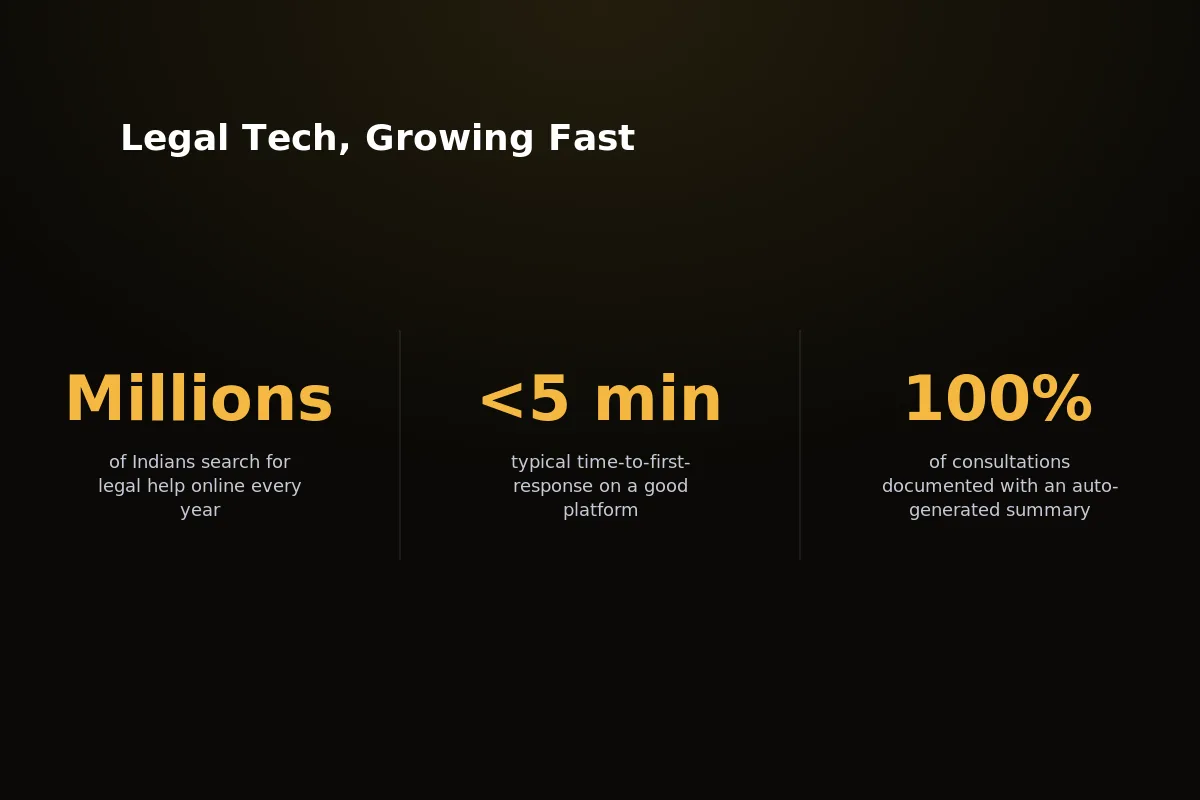 Online legal consultation is growing the same way India’s online doctor consultation market grew a few years earlier.
Founders who watched telemedicine grow in India now ask the same about legal services. Should they build from zero, or start from code that already handles the hard parts?
That question has a real answer once you look at what the product truly needs, not what a pitch deck says it needs.
What an Online Lawyer Consultation App Needs
Take away the marketing words, and every serious lawyer consultation platform needs the same eight parts.
None of this is unusual. What has changed is how much it takes to compete with the apps already in the market.
Advocate discovery and search — filter by category, sub-category and city, so clients find the right specialist fast.
KYC verification — bar credentials and identity papers are checked before an advocate profile goes live.
Case submission with documents — clients explain their problem in their own words, with proof attached.
Live chat — instant messaging that opens once a case is accepted and paid for.
Billed voice or video consultation — calling charged per minute that stops the moment the balance runs out.
Payments with commission split — every payment sends the platform's share automatically, with no manual invoicing.
Ratings and reviews — feedback after each consultation that builds trust in the advocate over time.
An admin panel — to approve advocates, settle disputes, and run the business day to day.
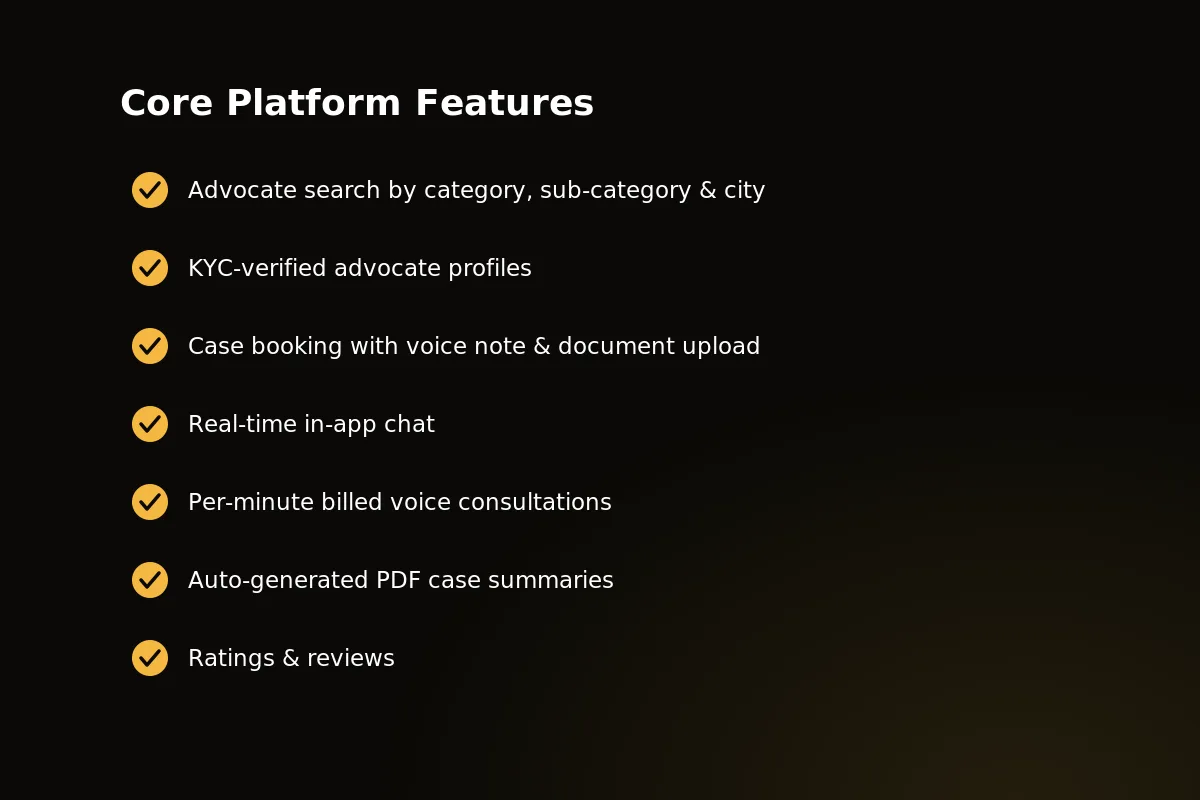 The main features every online lawyer consultation platform needs, from finding advocates to paid calls.
Miss any one of these and the product feels unfinished to users who have tried a rival app. Founders often launch with three or four of these live and the rest marked "coming soon," and the reviews show it.
Core Client-Side Features
In the client app, trust is won or lost in the first thirty seconds. The Legal Advisor client features are built around that.
Search by category, sub-category, and city — a client looking for a property lawyer in Pune should never have to scroll past divorce specialists in Delhi.
KYC-verified advocate profiles — bar registration, experience and speciality are checked before the profile is visible to clients.
Case submission with a voice note and up to 10 documents — clients record the problem in their own words and attach FIRs, contracts or notices directly.
Live chat once payment clears — no phone numbers shown, no talking outside the app, and no clients lost to a rival platform.
Per-minute billed voice consultation — calls run on Agora with a live counter of minutes left on screen, so nobody gets cut off by surprise.
Auto-generated PDF case summary — a clear record of the consultation that the client can keep, print or send to another advocate.
Ratings and reviews — clients rate the advocate after every closed case, and this helps decide the search ranking.
 Client-side screens from the Legal Advisor Flutter app — search, case submission, and in-app chat.
These seven features are not a wishlist. They are the exact set in the Legal Advisor client app today, tested with real advocates and real payments.
Core Advocate-Side Features
Advocates will not stay on a platform that wastes their time or hides their earnings. The advocate app has to earn that trust on its own, apart from the client side.
Accept or reject incoming cases — advocates read the client’s voice note and documents before they agree to anything.
Availability scheduler — advocates mark themselves online only when they can take calls, which protects their response-time ratings.
Earnings dashboard — running totals of consultations, payouts and pending settlements, easy to see at a glance.
Live chat and paid calls — the same Reverb chat and Agora calling the client sees, also on the advocate side.
Case history — every past consultation, document and payment kept in one place you can search.
An advocate who logs in, sees no cases, and cannot find their last payout will not log in a second time. These five features exist to prevent that.
None of them can bring in the first case. On a two-sided platform the client side has to be filled first, before the advocate side has anything to keep them. So early advocate drop-off is usually a problem of reaching clients, not a product problem. Plan for this before you get the source code, not after.
Admin Panel & Business Logic
This is where most white-label attempts fail. It is not the chat screen. It is the money logic behind it.
Commission engine — every payment splits automatically between the platform and the advocate at checkout, with no manual matching of accounts.
Settlement module with TDS and GST deduction — advocate payouts work out the legal deductions before money moves, not after a finance team finds the error.
Dispute resolution — when a client complains, the admin can refund the payment, give the case to another advocate, or close it.
Advocate KYC approval queue — the admin checks bar credentials and identity papers before a profile goes public.
Reports and role-based access — revenue, number of cases and advocate performance, with access set by admin role.
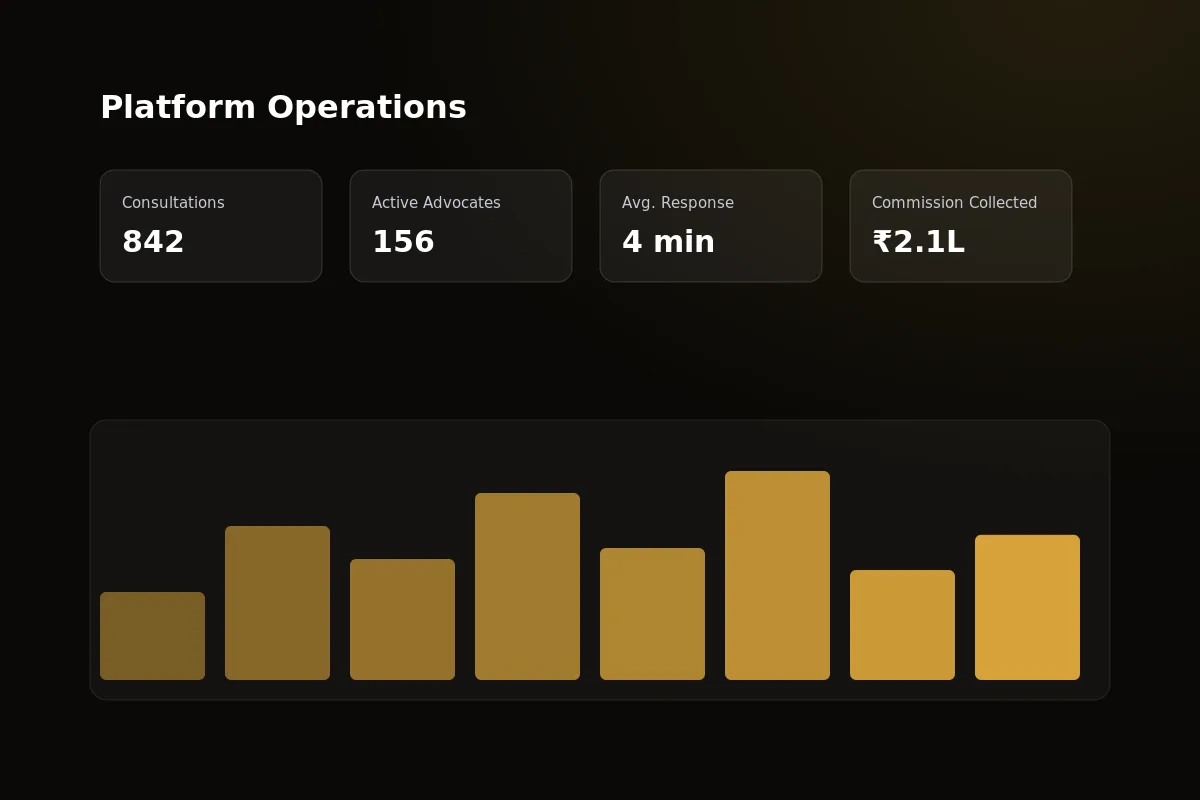 The AdminLTE-based admin panel that handles commission splits, TDS/GST settlements and disputes.
A platform that gets search and chat right but gets the settlement sums wrong will lose advocates within three months.
This layer is not a nice extra. It is what makes a working legal-tech business different from a chat app with a lawyer list added on.
The Consultation Flow, Step by Step
Here is exactly what happens from the moment a client opens the app to the moment an advocate gets paid. For the booking screens in detail, read our lawyer appointment booking app guide.
Client submits a case — a voice note plus up to 10 supporting documents, sent to matching advocates by category and city.
Advocate accepts and payment processes — Razorpay handles the payment the moment an advocate takes the case.
Chat opens — live messaging starts between client and advocate over Laravel Reverb.
Billed voice call happens — an Agora call charged per minute, with the balance left shown on screen. The call ends by itself when the balance runs out.
PDF case summary is made — an automatic record of what was discussed and advised, saved to both accounts.
Rating is collected — the client reviews the advocate. This completes the loop and helps future search rankings.
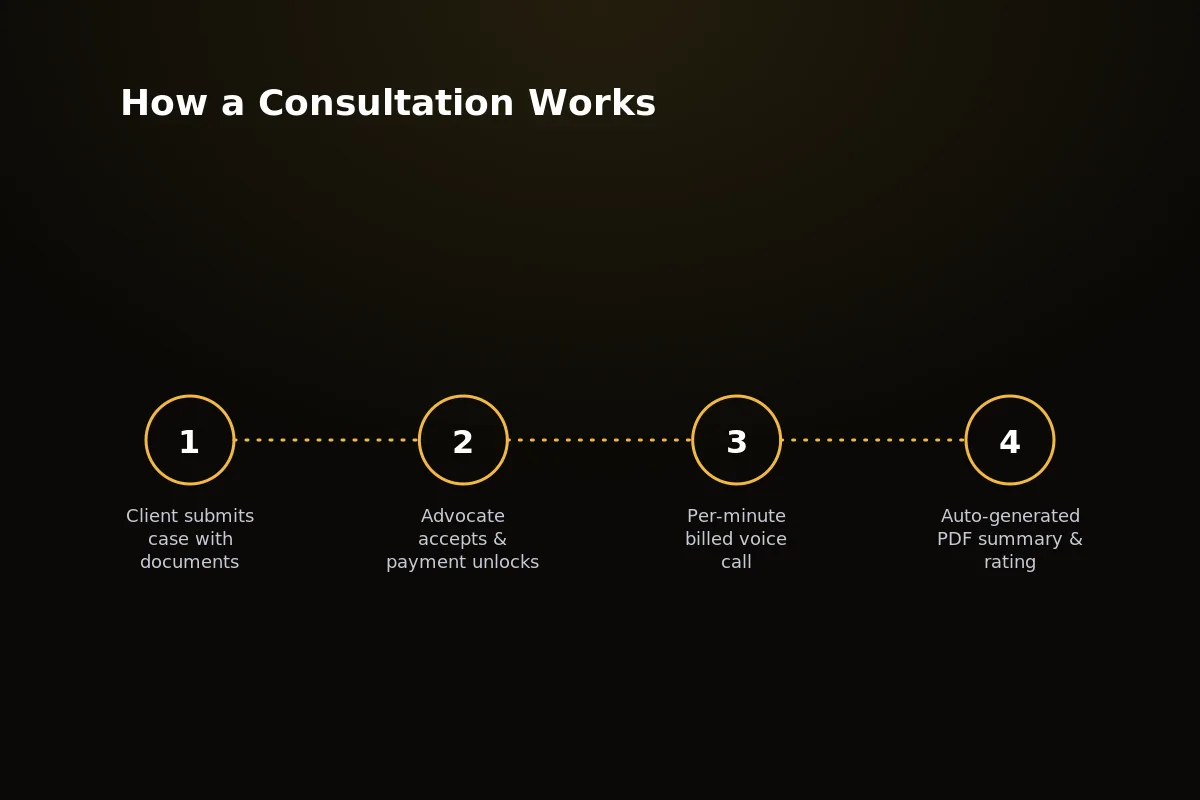 The full consultation flow in Legal Advisor, from case submission to the automatic PDF summary.
Six steps, with no manual work in the normal flow. That is the difference between a system that can grow past a hundred advocates and one that needs a support team to watch every payment.
What This Actually Costs to Build
There are three ways to get an online lawyer consultation app. They end up very different in cost and time.
Custom development from scratch — hiring a team to build chat, paid calling, KYC steps and a commission engine that has never been tested with real payments.
A cheap clone script — fast on paper, but most skip the settlement logic and the paid-calling system completely. Founders then have to build the hard parts anyway.
White-label source code — like Legal Advisor, where the hard parts are already built, tested and running on a live platform.
Custom development also has costs that rarely show up in the first quote.
Payment gateway compliance — approvals and audits that most first-time teams do not plan enough for.
Load testing for many calls at once — paid voice calling behaves very differently when many people use it.
A security review — a must once real KYC documents are involved.
Those costs come after launch, not before. That is when a team is least ready to pay them.
The ranges below are examples, not quotes. The real cost depends on scope, where the team is, and how much custom work you need.
They also show only the cost of getting to launch, not the cost of staying live. Calling minutes, payment fees, hosting and developer accounts keep costing money for as long as the platform runs, and they grow with use. None of that is in the upfront column.
| Path | Upfront Cost | Time to Launch | Ownership | Best For |
|---|---|---|---|---|
| Custom development | ~$20,000 | 6–10 months | Full, but you carry all the old code problems | Funded teams with a truly different model |
| Cheap clone script | $100–$500 | 2–4 weeks, plus months of fixes | Unclear licensing, often unmaintained | Nobody building a real business |
| White-label source (Legal Advisor) | $799–$2,000 one-time | 1–2 weeks | Full source-code ownership | Founders who want to launch and iterate fast |
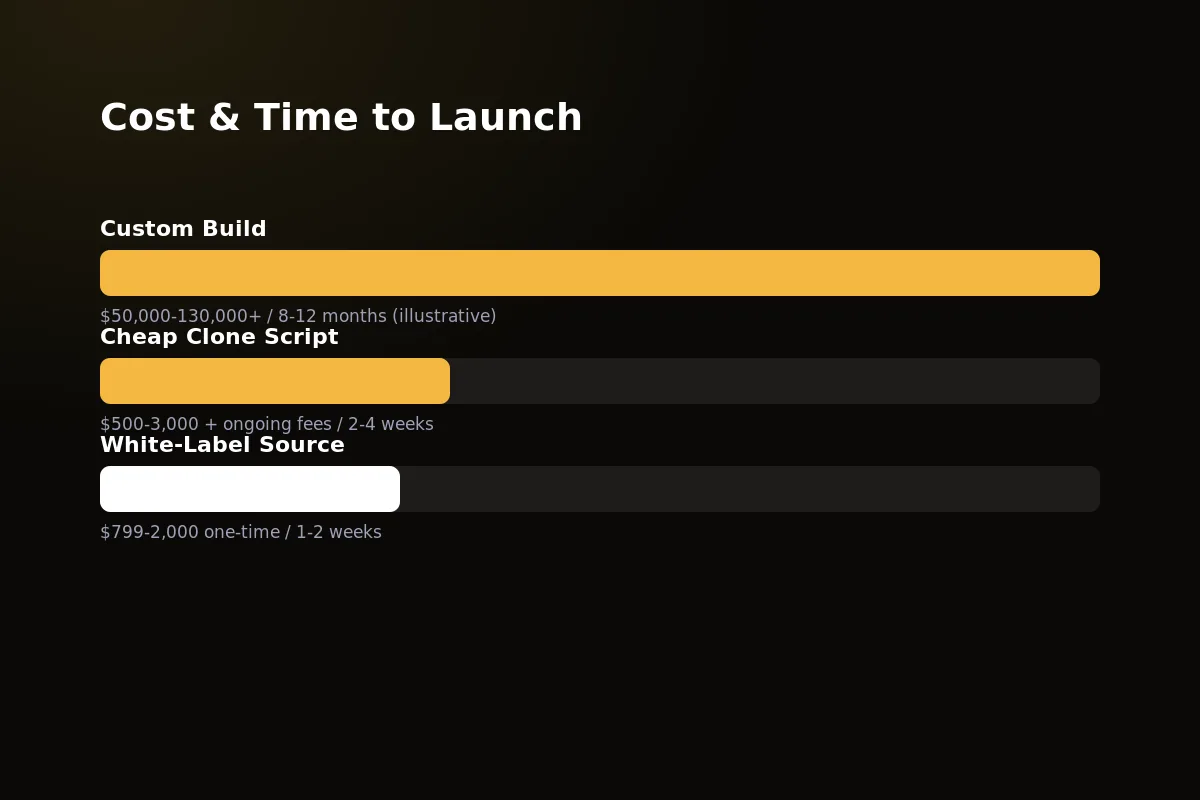 Custom development, clone scripts and white-label source code, compared on cost, time and ownership.
Why Build on Legal Advisor Instead of From Scratch
Founders do not underestimate the search screen or the chat bubble. They underestimate paid calling, commission splits and legal deductions.
Legal Advisor comes with all three already built and running on a live platform. It is not a demo sold as ready to use.
Live chat and paid calls are already built — a Laravel Reverb messaging layer with a websocket endpoint the admin can set, and Agora voice calling charged per minute that disconnects by itself when the balance runs out.
The commission engine already works — every payment splits automatically, so you are not fixing payout sums on launch day.
One-time source-code cost — no monthly license fee eating into your profit.
You own it outright — the Laravel backend, admin panel and both Flutter apps are yours to change freely.
Fully white-label — your brand, your app store listing and your domain, from day one.
None of this stops you from standing out. Your brand, pricing, categories and launch plan are all yours. Only the base system is pre-built.
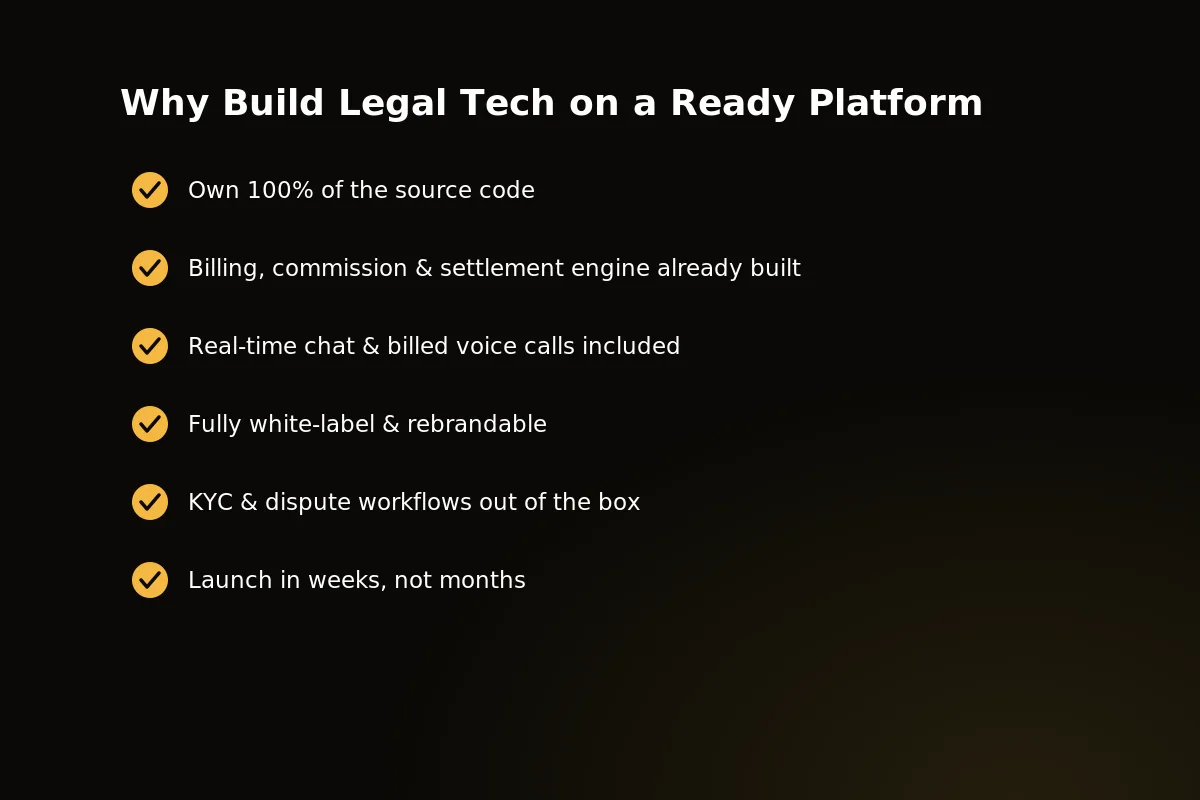 Legal Advisor’s paid calling, commission engine and settlement logic come ready-built and already tested.
If you want to see the platform running before you decide, get in touch with the team and ask for a live demo on your own device.
A Worked Example: One Consultation, Start to Finish
Say a woman in a small town has a dispute over a plot of land. She does not want to travel to a big city to find a lawyer. Here is how one consultation would run on this kind of app.
She finds an advocate: she searches by the property category and her city, and picks a profile that shows the KYC check.
She submits the case: she records a voice note about the dispute and attaches the notice and the sale papers.
The advocate reads it first: he listens to the voice note, reads the papers, and accepts the case.
Payment and chat: the payment goes through Razorpay, and live chat opens between the two of them.
The call: they speak on a voice call charged per minute. She can see the minutes left on screen, and the call ends by itself when the balance runs out.
The record: a PDF case summary is saved to both accounts, and she rates the advocate.
Behind the scenes, the payment splits between the platform and the advocate with no manual work. The settlement module takes off TDS and GST before the payout. If she had complained, the admin could refund her, give the case to another advocate, or close it. You, as the owner, would only watch the numbers in the admin panel.
Frequently Asked Questions
Is per-minute billing hard to implement?
Per-minute billing needs a calling SDK that counts each call against the client’s balance live and ends it by itself when the balance runs out. Legal Advisor already runs this on Agora.
Building this from scratch also means handling dropped calls and reconnecting. That work is already done here.
How does the commission and settlement engine work?
Every payment a client makes splits automatically between the platform and the advocate at that moment, with no manual invoicing on either side.
The settlement module then deducts TDS and GST before advocate payouts go out, so nobody has to work out the legal deductions by hand each month.
Can this be customized for a different country’s legal system?
Yes. The category and sub-category list, the KYC document needs and the payment gateway can all be set up. They are not fixed to Indian law.
Since you own the full Laravel and Flutter source code outright, your team can change the wording, the legal fields and the tax rules for any country you target.
How long does it take to launch?
Most teams get Legal Advisor rebranded, set up and sent to the app stores within one to two weeks of getting the source code.
That time assumes your brand files and a payment gateway account are ready. The main platform does not need to be built from scratch.
Do clients and advocates use the same app?
No. There are two apps built together as one system: Legal Advisor for clients and Legal Advisor Advocate for advocates. Both are Flutter apps, and both come with the source code.
What costs continue after launch?
Calling minutes, payment fees, hosting and developer accounts keep costing money for as long as the platform runs, and they grow with use. The one-time source-code cost does not cover them, so plan for them in your budget.
What happens when a client is unhappy with a consultation?
The admin handles it through dispute resolution. The admin can refund the payment, give the case to another advocate, or close it.
How are advocates checked before clients can see them?
Each advocate goes through a KYC approval queue in the admin panel. The admin checks bar credentials and identity papers before the profile goes public.
Related guides
Written by
Mayank
Building software at PRS India.