E-Commerce
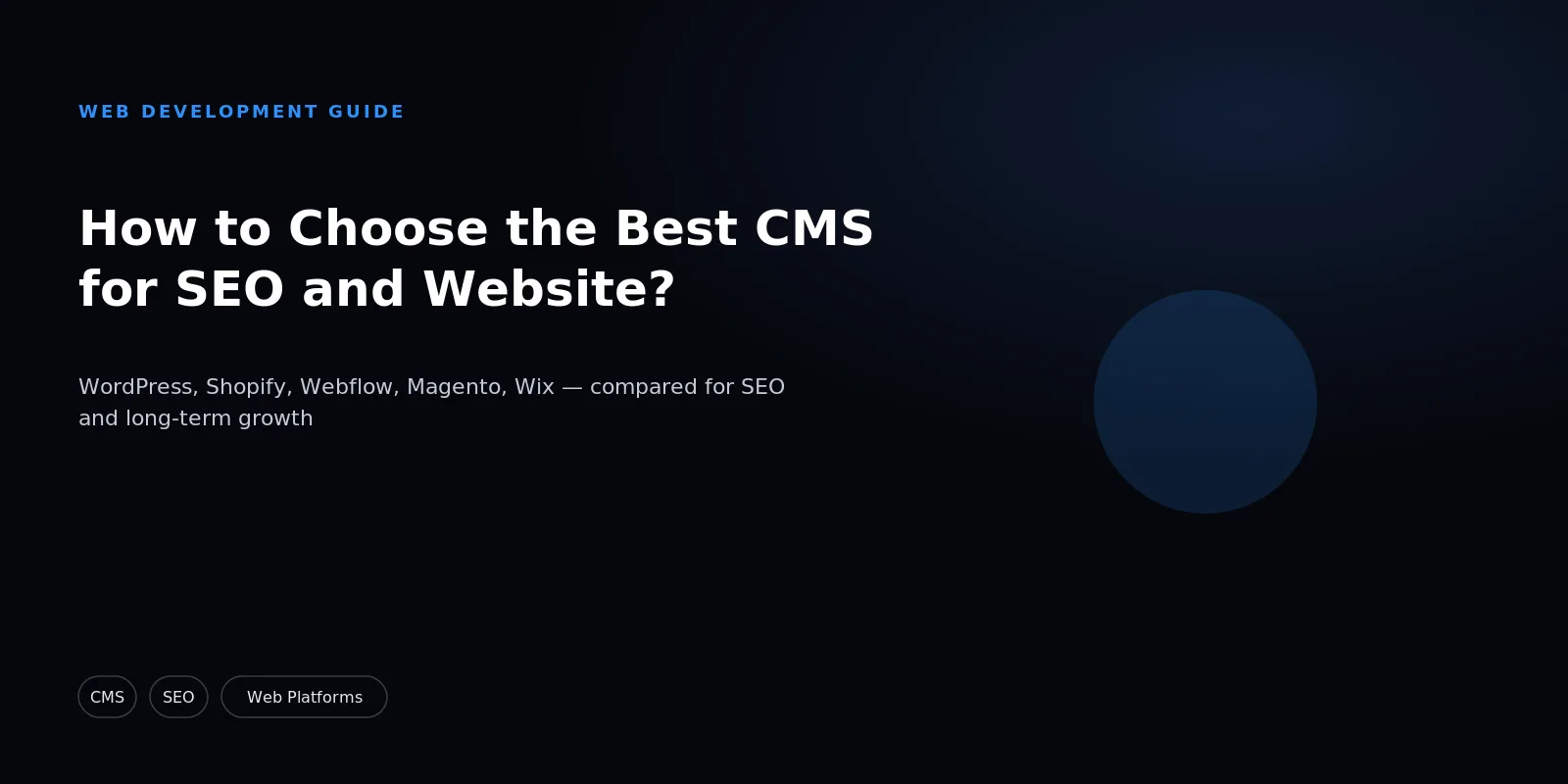
How to Choose the Best CMS for SEO and Website?
Choose the Right CMS to Improve SEO, Speed, Rankings & Long-Term Website Growth.

Written from production. Our articles draw on products we run live and the client work behind them, and are revised as the systems they describe evolve.
Picking a CMS feels like a launch-week decision. It isn't.
The platform you choose shapes how search engines crawl your site, how fast pages load, and how easily your team can add content for years.
This guide breaks down what actually matters for SEO, compares the major platforms honestly, and shows you when it's time to look beyond a standard CMS entirely.
What "Good for SEO" Actually Means in a CMS
Not every CMS treats SEO the same way. Before comparing platforms, it helps to know what you're actually evaluating.
- Clean, semantic HTML output: search engines parse structure faster when a CMS renders proper headings, tags, and markup instead of messy, bloated code.
- Fast page load and Core Web Vitals: the platform's underlying architecture determines your speed ceiling, no matter how much you improve it later.
- Control over meta tags and structured data: you need to edit titles, descriptions, and schema markup per page without fighting the system.
- URL structure flexibility: clean, editable URLs matter more than most business owners realize until they're stuck with ugly defaults.
- Mobile responsiveness by default: Google indexes mobile-first, so a platform that treats mobile as an afterthought puts you behind before you start.
Comparing the Major CMS Options
Read this list as a guide to fit, not a ranking. For online stores, see our top 5 e-commerce CMS platforms guide. None of these platforms will stop a well-built site from ranking. The difference is how much work it takes to keep the code clean, the pages fast and the meta tags under your control. That gap grows as the site gets bigger.
- WordPress: the largest plugin and theme ecosystem available, with deep SEO plugin support. Best fit for content-heavy sites, blogs, and businesses that publish often.
- Shopify: an e-commerce-first platform with reliable checkout and inventory tools built in. Best fit for product catalogs and stores that want a fast, managed setup.
- Webflow: a designer-friendly visual builder that outputs clean code without a developer. Best fit for marketing sites and brands that prioritize custom visual design.
- Magento/Adobe Commerce: an enterprise-grade e-commerce platform built for scale and flexibility. Best fit for complex catalogs, multi-currency stores, and high-volume merchants.
- Wix: the easiest platform for non-technical users to launch quickly. Best fit for small local businesses that need a simple site without ongoing maintenance.
Common CMS Mistakes That Hurt SEO
Choosing the right platform is only step one. Most SEO damage actually happens during setup and daily use.
- Slow themes and page builders: heavy drag-and-drop builders often load extra scripts that quietly lower your page speed score.
- Duplicate content from poor URL structure: auto-generated variants of the same page confuse search engines and split your ranking signals.
- Missing structured data: without schema markup, you lose out on rich results like star ratings, FAQs, and product snippets in search.
- Plugin bloat: stacking too many plugins for small features slows the backend and often causes conflicts that break SEO tags.
- Ignoring mobile performance: a desktop-first build that "also works" on mobile is not the same as one engineered mobile-first.
How to Weigh These Factors for Your Site
The five criteria at the top of this guide are not equally easy to fix later. That is the most useful way to sort them. Clean HTML and the speed ceiling come from how the platform is built. If those are wrong, you live with them for the life of the site. Meta tags, structured data and URL rules are settings. Bad defaults are annoying, but you can fix them.
So weigh the items built into the platform first, and weigh them against the pages you will publish most — your busiest template, not the homepage. Then look at who does the publishing, because a platform your team struggles with on every update costs more over a few years than one that is a little slower on paper.
When a Standard CMS Isn't Enough
Off-the-shelf platforms cover most businesses well. But some needs simply grow past what a generic CMS can handle.
Complex product catalogs with dynamic pricing, multi-vendor marketplaces, and custom booking or dispatch logic often push standard platforms past their limits.
The limit is usually how the platform stores data, not a missing feature. A platform built for one seller, one price and one delivery path can be stretched with plugins. But each plugin works against that design. Those workarounds are what break on the next upgrade.
Specific compliance needs, like GST-compliant invoicing or industry-specific data handling, also rarely fit cleanly into a plugin.
When you hit that wall, the fix usually isn't another plugin. It's a custom-built or white-label platform designed around how you actually work.
One caveat to carry into that decision: the SEO plumbing a CMS hands you by default — clean URLs, canonical tags, sitemaps, redirects, schema output — becomes your own team's responsibility on a custom build. It is a day-one need, not a later phase. It is the same short list that costs sites their rankings in a careless migration.
How PRS India Helps, Whichever Path Fits
Most businesses don't need a long debate about platforms. They need a site that ranks, loads fast, and does the job.
PRS India builds and customizes websites on standard CMS platforms when that's genuinely the right fit for your business.
- CMS setup and SEO configuration: good structure, faster pages, and schema markup from day one, not added later.
- Theme and plugin customization: tailored design and functionality without the bloat that slows most out-of-the-box builds.
- Migration support: moving between platforms without losing rankings or historical content.
When a business's needs go beyond what a generic CMS can do, PRS India builds fully custom or white-label platforms instead.
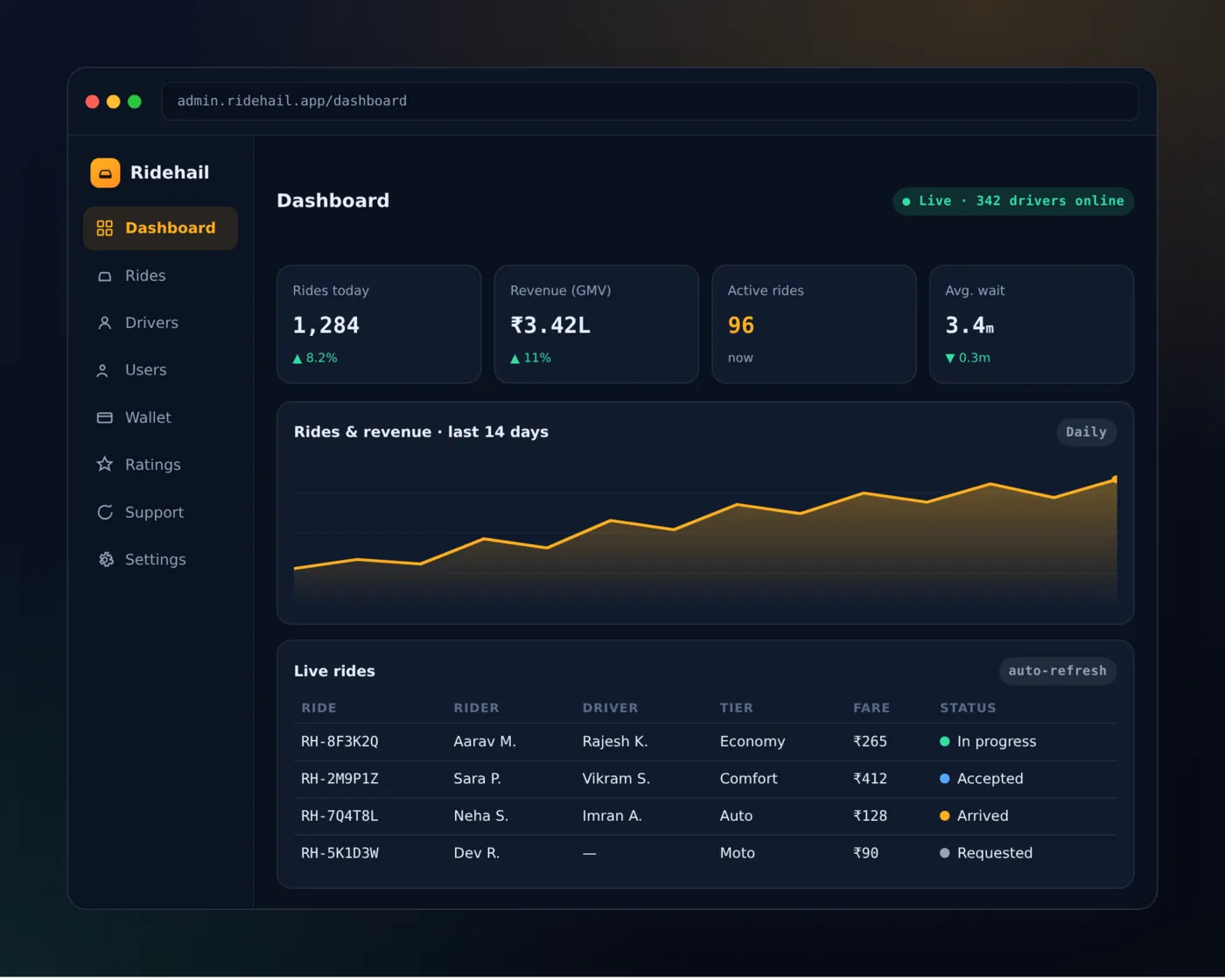
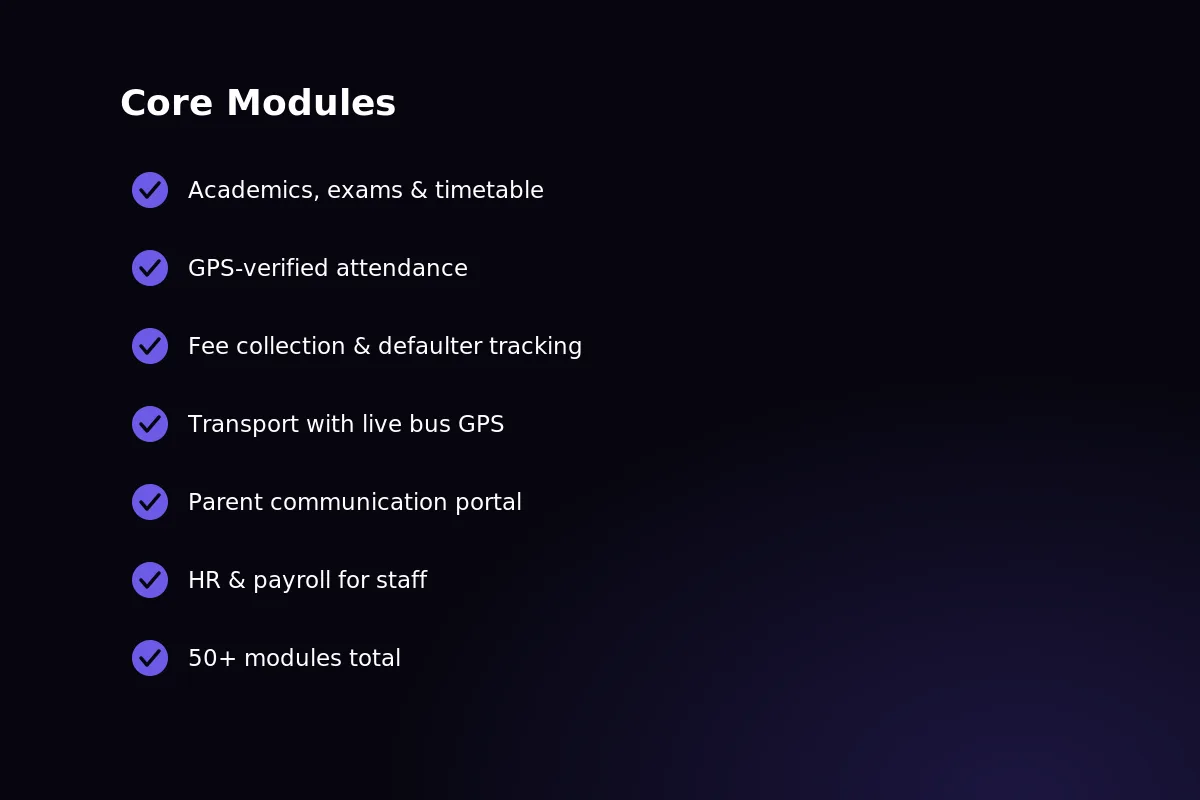
Our own product catalog spans taxi and mobility apps, quick commerce, school ERP systems, legal-tech tools, and B2B marketplace platforms, so we've already solved many of the hard tasks businesses face.
Whichever path fits your business, our team can scope it. Get in touch to talk through your requirements.
Frequently Asked Questions
Which CMS is best for SEO specifically?
WordPress generally offers the deepest SEO control thanks to its plugin ecosystem and flexible templating.
But "best" depends on your content type. A product-heavy store may get more SEO value from Shopify or Magento's built-in commerce structure.
Does switching CMS platforms hurt existing SEO rankings?
It can, if the migration isn't handled carefully. URL changes, missing redirects, and lost metadata are the usual culprits.
Done properly, with 301 redirects and preserved structure, most sites retain their rankings within a few weeks.
Is a custom-built website better for SEO than a CMS?
Not automatically. A well-configured CMS can perform just as well as custom code for most businesses.
Custom builds pull ahead when you need speed or structure a standard platform can't deliver, like heavy catalogs or complex logic.
How do you know when to move beyond a standard CMS?
Watch for repeated workarounds: plugins stacked on plugins, workflows that don't fit the platform, or compliance needs a template can't handle.
If you're consistently fighting the CMS instead of building on it, that's the signal to talk to a team about a custom approach.
Written by
Aditi
Building software at PRS India.