Mobile-App
School Bus Tracking System for Parents: GPS, Alerts and Safety Features
What a real school bus tracking system covers: live GPS, ETAs for each stop, driver checks and alerts when the bus reaches a stop. Also how Classivo handles it through its transport module.

Written from production. Our articles draw on products we run live and the client work behind them, and are revised as the systems they describe evolve.
For most parents, the riskiest ten minutes of the school day happen outside the classroom — the walk to the stop, or the ride home. A late bus with no explanation is enough to set off a flood of calls to the front office.
For schools, that same window is a liability question. If something goes wrong on a route and there is no record of where the bus was, who was driving, or which stops were made, the school is at risk.
This post looks at what a real GPS bus tracking system actually does — the features that matter, how it works day to day for parents and admins, and why it should not be an extra added later to a school ERP.
Why Bus Tracking Matters
A school bus is the one part of the school day parents can’t see directly. This blind spot causes problems for parents waiting at the stop. It also causes problems for administrators who are responsible for what happens on the way.
Parent anxiety about pickup and drop timing: without live status, a five-minute delay feels like an emergency. The office gets the same “where is the bus” call again and again.
Liability if something goes wrong en route: no GPS trail, no record of stop times, and no way to show what happened if a parent or an authority asks.
No visibility into delays or route changes: a changed route or a bus stuck in traffic stays hidden until the bus does not show up.
Difficulty verifying a child actually boarded: attendance registers rarely connect with transport, so a missed bus can go unnoticed for hours.
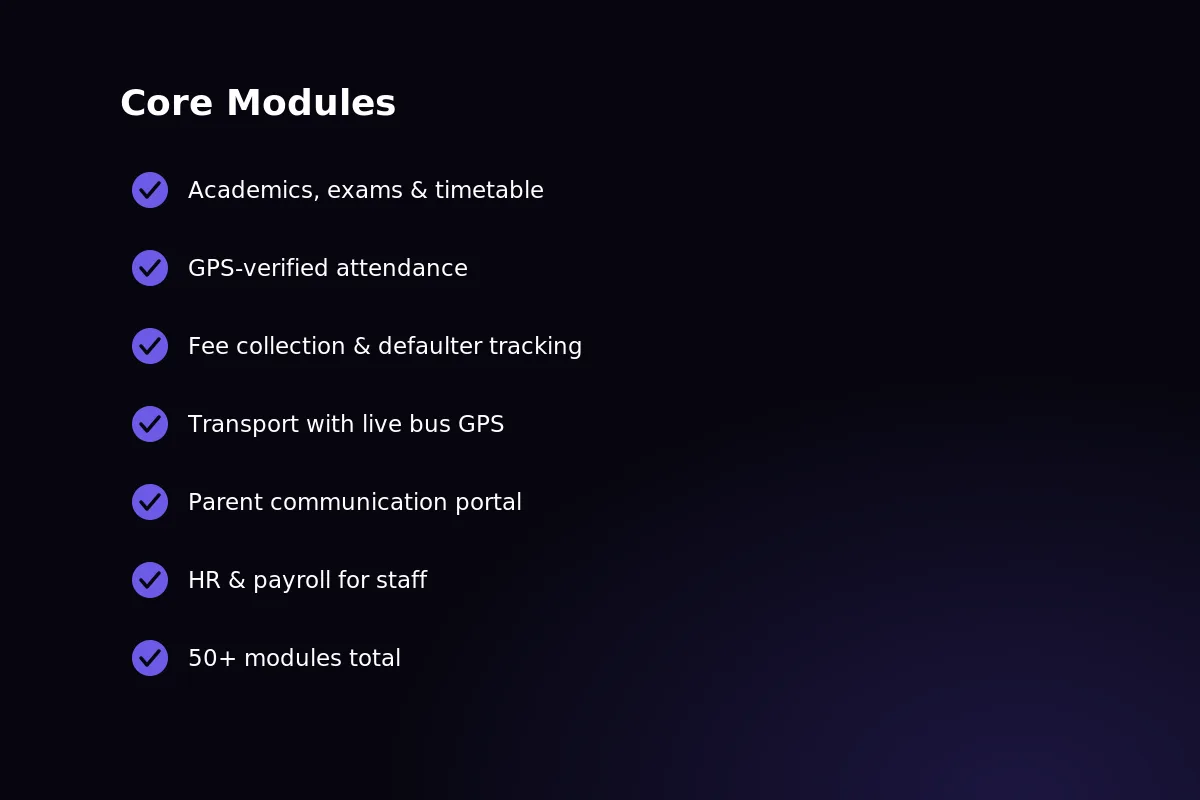 Live GPS tracking, route management and configurable parent alerts — all part of Classivo’s transport module.
Core Features of a Real Bus Tracking System
“Bus tracking” is often used loosely. Here is what it should include before a school agrees to it.
Live GPS location on a map: the live bus position, not a fixed timetable made to look like tracking.
ETA to the parent’s specific stop: worked out for each stop, not just a general “bus is out” message.
Route and stop management for transport admins: build, edit and change routes and stops without any coding.
Driver assignment and verification: every route linked to one checked driver record.
Push notifications for pickup, drop and delays: parents get told automatically, without asking, once the school turns the alerts on.
Arrival alerts at each stop: a notification is sent the moment the bus enters the set area around a stop.
Admin view of every bus across the fleet: one dashboard, every route, live, with no switching between screens.
That list skips the question that decides the bill: what sends the bus’s position? It is either a GPS unit fitted in each bus, or an app on the driver’s phone. The software looks the same either way. The cost does not. A fitted unit means hardware for every bus, bought once, plus a SIM you keep paying for. A phone needs no hardware, but someone must carry it, charge it and keep the app running every day. Settle this before you compare features. It is the cost that grows with your fleet.
How It Works for Parents
A parent opens the Classivo app and taps the transport tab. The assigned bus shows up as a moving icon on a live map. No refreshing and no guessing.
The ETA on screen keeps updating, based on where the bus really is and not on a fixed schedule. Alerts when the bus is near are a separate matter. Settle them before you promise parents anything. Classivo comes with notification settings switched off for every event, so at first the app alerts nobody. A school that wants pickup and drop alerts turns them on on purpose. Then it checks on a real phone that they arrive. Until that check passes, rely on the live map and the ETA. Neither needs a notification, because the parent opens the app.
Live bus icon on a map, always updating
Alerts when the bus nears the parent’s stop. They come switched off and each school turns them on
Live ETA countdown, not a fixed timetable
Same view covers both pickup and drop-off runs
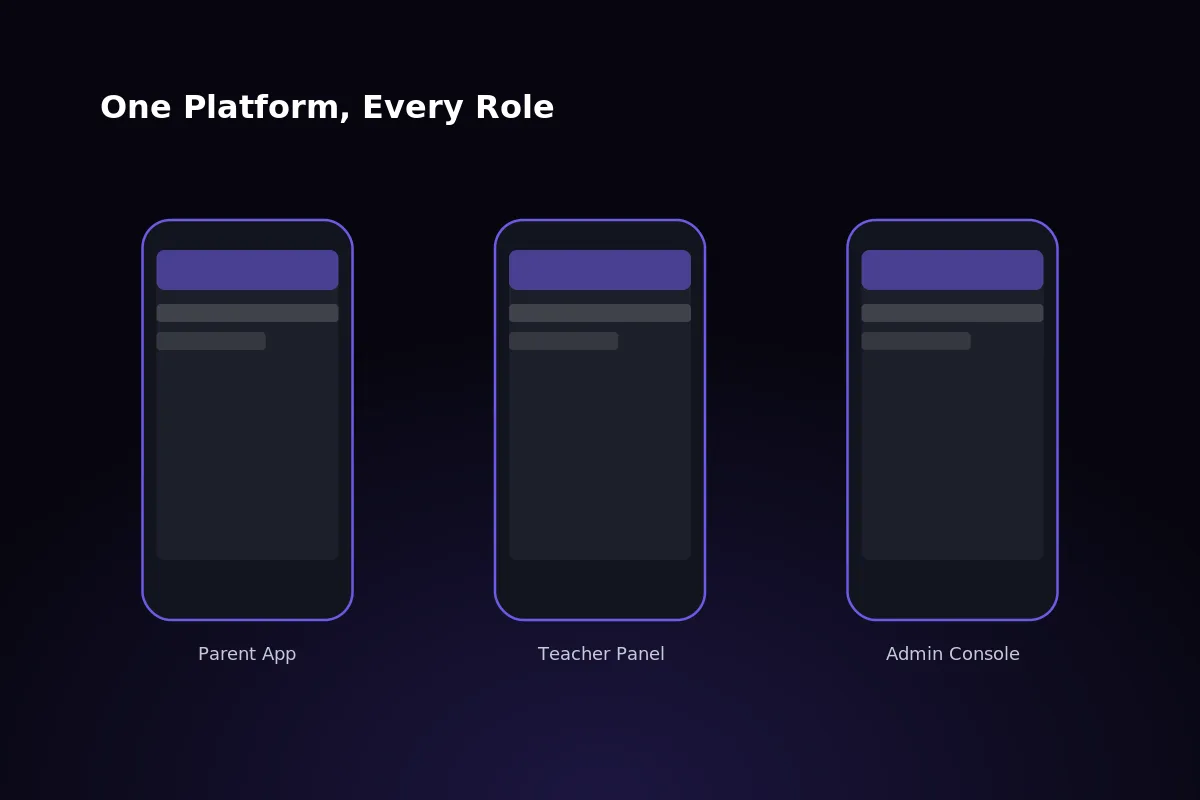 The parent view: live bus location and live ETA inside the Classivo app.
How It Works for Transport Admins
On the admin side, transport staff assign drivers to routes and set up stops straight from the Filament-based web panel — no separate system and no spreadsheet to keep updated.
Every bus in the fleet shows up on one dashboard, live. Admins see location, status and route progress without switching between screens or tools.
Assign and reassign drivers to routes in a few clicks
Add, edit or remove stops as routes change through the year
Monitor every bus’s live location and status from a single dashboard
Get an alert if a bus leaves its route or stops without a reason
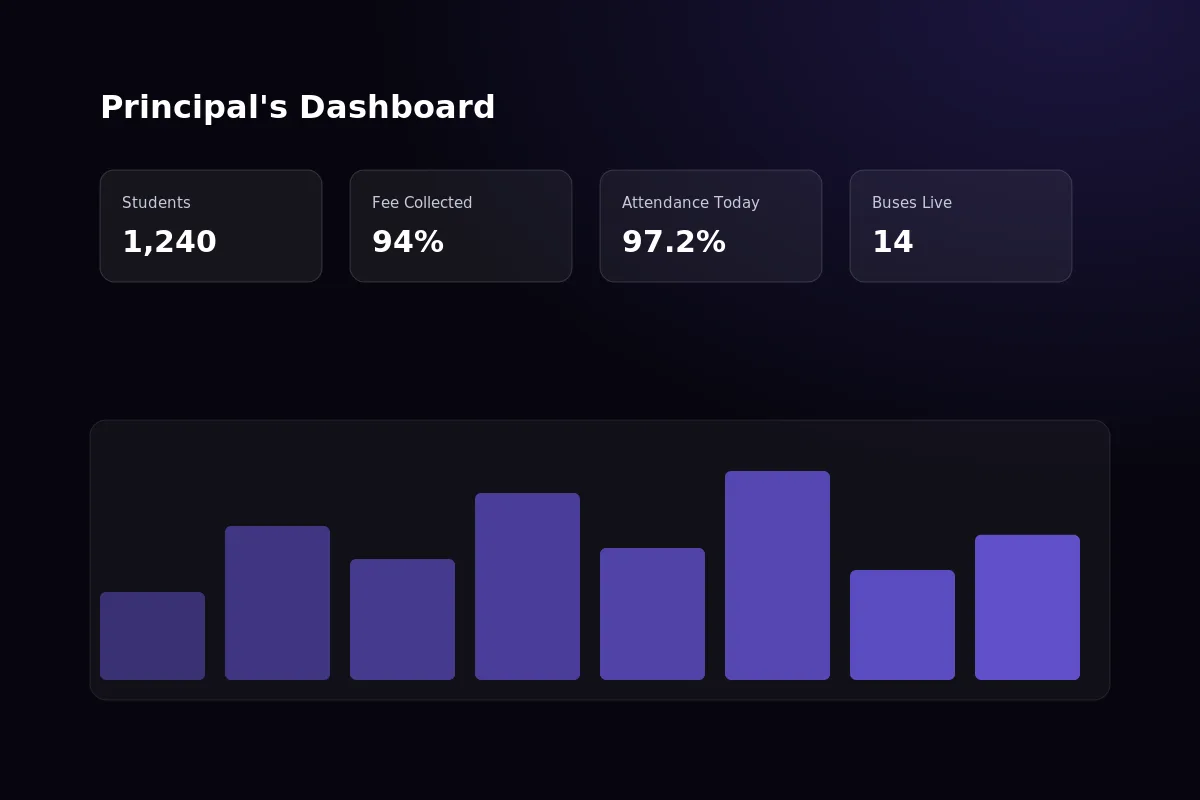 Transport admins see every bus’s live location and status from a single dashboard.
Safety Features Beyond the Map
GPS tracking is the part you can see. The real safety value comes from what runs underneath it. It connects transport to the rest of the school’s records.
Geofenced arrival and departure alerts: notifications the moment a bus enters or leaves a set area. You can set them up, but they stay silent until the school switches them on.
Driver verification records: licence and duty history linked to every route, not kept in a separate file.
Incident reporting: transport staff record an issue and pass it up, straight against the right route and trip.
Integration with attendance: a missed pickup is flagged at once, because transport and attendance use the same data. Be clear about what the map can and cannot tell you. A stop alert says the bus reached the stop, not that a particular child got on it. To close that gap, mark each child at the door. For example, an attendant taps a name or a card. Pick whatever the school will really do twice a day, every day. This is the step that gets skipped. That is how a bus arrives on time while a child is still standing at the stop.
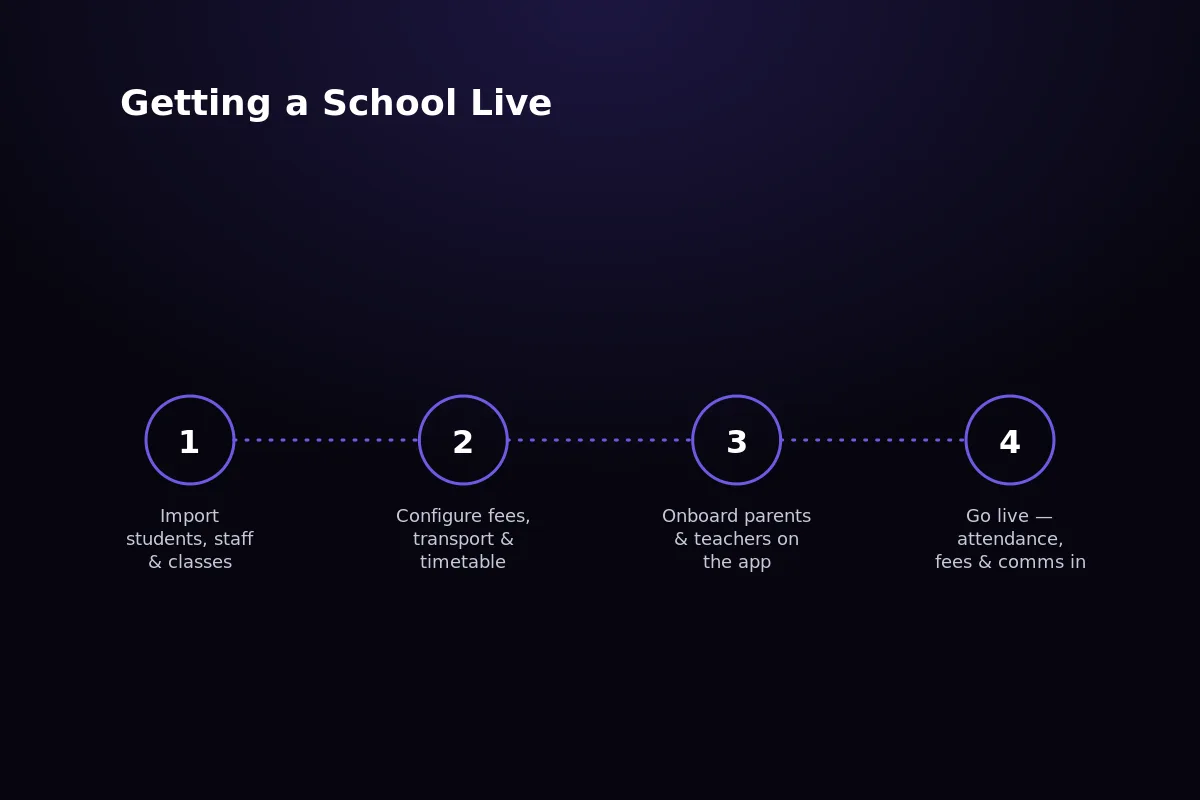 How a tracked pickup becomes an attendance record. Stop alerts go straight into the attendance module.
How Classivo Handles Bus Tracking
Bus tracking in Classivo lives in the transport module, on the same platform as academics, fees, attendance and communication.
One platform, not a bolt-on: live tracking is part of the transport module itself, not a separate product wired in afterwards. The school must supply whatever sends the bus position.
Part of one system: the same platform that runs academics, fees and parent communication from start to finish.
One-time license, no per-student fee: cost does not go up with the number of students the way many subscription ERPs do.
Config-driven for single school or multi-school groups: the same code runs one campus or a whole school group under SaaS mode.
The transport module is live in the working demo, with routes, stops, vehicles and driver assignments on a real school data set. The bus moving on the demo map is only a pretend position. Real vehicle GPS needs a link to a vehicle tracking system, and the module is built to take that feed. Get in touch to see it running, buses, routes and all.
 Bus tracking in Classivo is part of its transport module.
Frequently Asked Questions
Does bus tracking cost extra on top of Classivo?
Transport and GPS tracking are part of the Classivo transport module. Which modules your licence covers depends on the plan you take, so ask us for a quote for your school.
Where transport is included, the tracking features come with it as part of the one-time license, whether the school runs one campus or several.
How accurate is the GPS location shown to parents?
The location updates almost live from the tracking device on the bus. It is as accurate as normal GPS, usually within a few meters in normal conditions.
ETA estimates use the bus’s real live position and not a fixed timetable. So a late route shows as late, not the time it was meant to arrive. Be clear with parents about the rest. An ETA built from where the bus is now cannot see the traffic jam ahead, so the number changes. It honestly promises an accurate present, not a sure future.
Can parents track buses for multiple children?
Yes. A parent account linked to more than one child sees each child’s bus and route separately in the same app.
Live tracking runs separately for each child, so a delay on one route is not mixed up with another.
Does it work if a school doesn’t run its own buses?
Yes. The transport module manages routes and stops no matter who owns the vehicles.
A school that uses outside or hired transport can still assign drivers, track buses live, and give parents the same view as a school-owned fleet.
Related reading: best school management software for daily operations and free vs paid school management software. See also our education software and mobile app development work.
Written by
Tarun
Building software at PRS India.