Engineering
How to Build an Uber-Like Mobile App: A Complete Step-by-Step Guide
A practical guide to building a ride-booking and on-demand mobile application — covering customer and driver apps, GPS tracking, payments, tech-stacks, development process, cost and scalability.
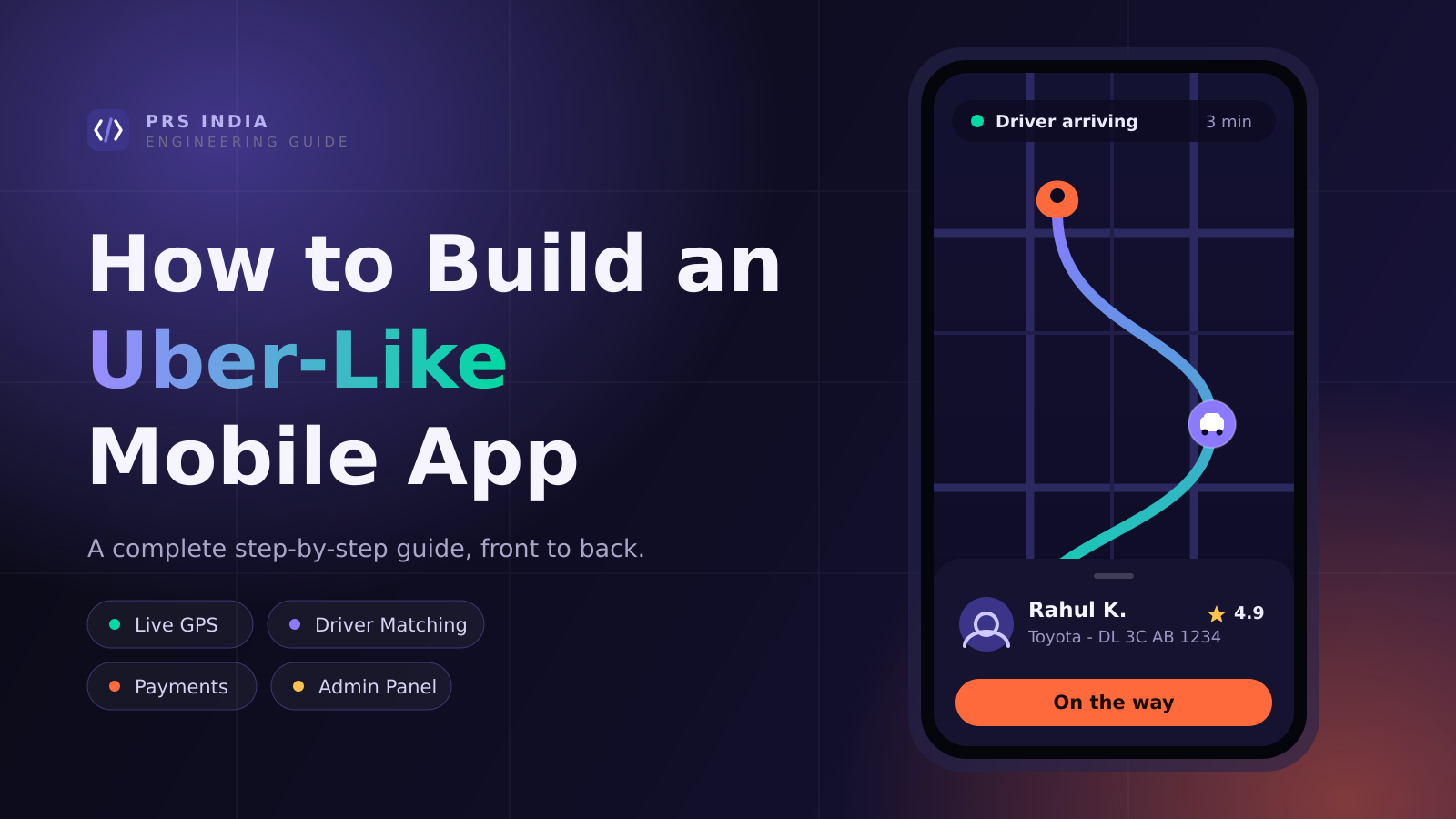
Uber changed the way people book rides. Instead of standing on the road looking for a taxi, users can open an app, enter their destination, see an estimated fare, book a ride, and track their driver in real time.
That simple experience has created a much bigger opportunity for businesses. Today, companies are building their own ride-booking and on-demand platforms for taxis, bikes, car rentals, delivery services, logistics, and even home services.
But building an app like Uber is not simply about creating two mobile apps and connecting them to a map. Behind the simple booking screen is a complete software system that manages:
Users
Drivers
Locations
Pricing
Payments
Notifications
Bookings
And much more
What Is an Uber-Like Mobile App?
An Uber-like app is an on-demand platform that connects customers with drivers or service providers.
The basic concept is simple:
Customer requests a service → System finds a suitable driver → Driver accepts → Service is completed → Customer pays and gives feedback.Although Uber is best known for ride booking, the same technology model can be used for:
Taxi booking
Bike taxi
Car rental
Courier booking
Delivery services
Logistics
Moving services
Home services
And other on-demand businesses
How Does an Uber-Like App Actually Work?
A customer selects a pickup location and destination, chooses a vehicle and sees an estimated fare. Once the customer confirms the ride, the backend checks nearby available drivers and sends the request to a suitable driver.
After the driver accepts the booking, the customer can see the driver's location and estimated arrival time. From there:
The driver reaches the pickup point
The driver starts the ride
The trip is completed and the final fare is calculated
The customer pays and can rate the driver
You Need More Than One Application
An Uber-like platform normally has three major components: the customer application, driver application and admin panel.
Customer App
Registration and login
Pickup and destination
Vehicle selection
Fare estimate
Ride booking
Live driver tracking
Payments and invoices
Ratings and reviews
Driver App
Driver registration
Document upload
Vehicle details
Online/offline status
Booking requests
Navigation
Earnings and history
Notifications
Admin Panel
Dashboard and reports
Customer management
Driver management
Booking management
Pricing configuration
Payment monitoring
Complaints and ratings
Coupons and analytics
Real-Time GPS Tracking
If there is one feature that makes an Uber-like application different from a normal booking app, it is real-time location tracking.
GPS and mapping services can provide:
Current location
Pickup location
Destination
Driver location
Distance
Route
Estimated arrival time
The backend also needs to handle frequent location updates efficiently so that the experience remains smooth without unnecessarily consuming device battery or server resources.
LOCATION UPDATE PIPELINEDevice GPSDriver appBatch & FilterDrop idle pingsIngest GatewayValidate, throttleGeo IndexNearby lookupCustomer App — live mapCar moves, ETA recalculatesevery 3–5s when movingsaves batterysub-second readsThe hard part isn't reading GPS — it's absorbing thousands of updates a second without draining phone batteries or melting the server.How Does Driver Matching Work?
When a customer requests a ride, the system needs to find an available driver. The nearest driver isn't always the right driver.
The matching system may consider:
Distance from the pickup point
Driver availability
Vehicle category
Service area
Current driver status
Existing bookings
Other business rules
How Should the Fare Be Calculated?
A basic fare structure can include:
Base Fare + Distance Charge + Time Charge + Additional ChargesReal businesses often need different pricing for:
Cities
Vehicle categories
Peak hours
Night rides
Airport pickups
Minimum fares
Waiting time
Toll charges
Platform fees
Taxes
These rules should ideally be manageable through the admin panel so the business team can update pricing without changing the application code.
FARE BREAKDOWNBaseDistanceTimeSurgeTaxesflat pickup feeper km, by categoryper min in trafficdemand multiplierGST, tollsThen the total splits againPlatform commissionyour revenueDriver payoutsettled to walletGateway feesdeducted per txnEvery band above should be editable from the admin panel — per city, per vehicle category, per time of day.A fare is never one number. It's a stack the customer sees, and a second split the customer never sees.Online Payments and Cash
Depending on the business model, customers can be offered:
UPI
Credit cards
Debit cards
Net banking
Digital wallets
Cash
The payment gateway should communicate with the backend so booking and payment status remain synchronized. The system should also handle failed payments, cancellations and refunds.
Push Notifications
Notifications keep customers and drivers informed throughout the booking process.
Booking Confirmed → Driver Assigned → Driver Is Arriving → Ride Started → Ride Completed → Payment SuccessfulIn-App Chat and Calling
Drivers and customers sometimes need to communicate about pickup points. In-app communication or masked calling can make this easier while giving the business more control over customer-driver interactions.
Ratings and Reviews
After a ride is completed, customers can rate their experience using a five-star system and optionally leave written feedback.
The admin team can monitor low ratings and complaints and take action when required. Driver ratings can also become part of the platform's quality-management process.
What Technology Should You Use?
There isn't one technology stack that is perfect for every project. The right choice depends on business requirements, expected users, budget, development team and future plans.
Mobile Application
Flutter
React Native
Native Android
Native iOS
Backend & Database
Node.js
Laravel / PHP
Python / Java / .NET
PostgreSQL / MySQL / MongoDB
For maps and location services, a mapping platform such as Google Maps Platform can be integrated. The important thing is to choose an architecture that fits the actual product requirements rather than selecting technology simply because it is popular.
STACK LAYERSCLIENTFlutter or React Native · native Android / iOS · React admin webAPIREST for requests · WebSocket for live position and trip stateSERVICESMatching · pricing · trips · wallet · notifications · fraud checksDATARelational store for trips and ledger · in-memory geo index · object storage for documentsRUNTIMEContainers · queue for async jobs · logging, metrics, alertingThird-partyMaps & routingPayment gatewaySMS & OTPPush notificationsKYC verificationMasked callingEach one is a costper trip, per monthLanguage choice matters less than the layering. The right-hand column is where most of the recurring operating cost actually sits.What Does the Development Process Look Like?
Step 1: Understand the Business
Define your service, customers, drivers or service providers, operating cities, pricing model and revenue model.
Step 2: Plan the User Journey
Map out what happens from the moment a user opens the app until the service is completed.
Step 3: Design the UI/UX
Design the customer app, driver app and admin panel around their real workflows.
Step 4: Develop the Backend
The backend manages users, drivers, bookings, locations, pricing, payments, notifications and APIs.
Step 5: Build the Mobile Applications
Develop the customer and driver applications and connect them to the backend.
Step 6: Testing
Test booking, GPS, driver matching, payments, notifications, cancellations, performance and security.
Step 7: Deployment
After testing, deploy the backend and publish the applications on the relevant app stores.
How Much Does It Cost to Build an Uber-Like App?
There is no single price for an Uber-like application. The cost depends on the features, platforms, design, backend architecture, integrations and expected scale.
A basic MVP with essential booking functionality will cost less than a full-scale multi-city platform with advanced pricing, wallets, subscriptions, analytics and complex driver-management features.
How Long Does It Take?
Development time depends on the scope. A focused MVP can be developed much faster than a full-scale platform with dozens of advanced features.
A typical project follows: Planning → UI/UX → Backend → Customer App → Driver App → Admin Panel → Testing → Deployment.
Start With an MVP
If you're starting a new business, you don't necessarily need every possible feature on day one.
A practical MVP can include:
Customer and driver registration
Location selection
Ride booking
Driver matching
Fare calculation
Live tracking
Payment
Notifications
Booking history
Admin dashboard
Once the platform starts getting real users, you can add:
Wallets
Coupons
Referral systems
Driver incentives
Subscription plans
Corporate accounts
Multiple cities
Multiple languages
Advanced analytics
Dynamic pricing
Security Matters From Day One
An on-demand application handles:
Customer information
Driver documents
Phone numbers
Location data
Payment transactions
Business information
The application should be designed with:
HTTPS
Secure authentication
API protection
Role-based access
Input validation
Database security
Backups
Server monitoring
Secure payment integration
Build Your Own Uber-Like App With PRS India
At PRS India, we build customized mobile and web solutions for businesses that want to turn an idea into a working digital product.
If you are planning a taxi booking app, logistics platform, delivery application, bike-booking service or another on-demand platform, the system can be designed around your business model.
Customer App + Driver App + Admin Panel + Backend APIs + GPS Tracking + Payments + Notifications + ReportsThe goal isn't to simply copy another application. The goal is to understand how your business works and build technology that supports it.
Ready to Build Your Uber-Like App?
Have an idea for a taxi booking, delivery, logistics, or on-demand mobile application?
Visit PRS IndiaFrequently Asked Questions
How much does it cost to build an Uber-like app?
The cost depends on the features, platforms, design, backend architecture, integrations and scale of the application.
Can I build an Uber-like app for my own business?
Yes. The same on-demand model can be customized for taxi booking, delivery, logistics, bike rides, car rentals and many other businesses.
Do I need separate apps for customers and drivers?
For most ride-booking platforms, separate customer and driver applications provide a better experience because their workflows are different.
Can the app support multiple cities?
Yes. The backend and admin panel can be designed to support multiple cities, service areas, pricing rules and vehicle categories.
Can I add new features after launching the app?
Yes. Starting with an MVP allows you to launch the core product first and add advanced features as the business grows.
Does an Uber-like app require GPS tracking?
For a real-time ride-booking experience, GPS and location services are usually essential for driver matching, navigation, tracking, distance calculation and ETA.
Written by
Aditi
Building software at PRS India.