E-Commerce
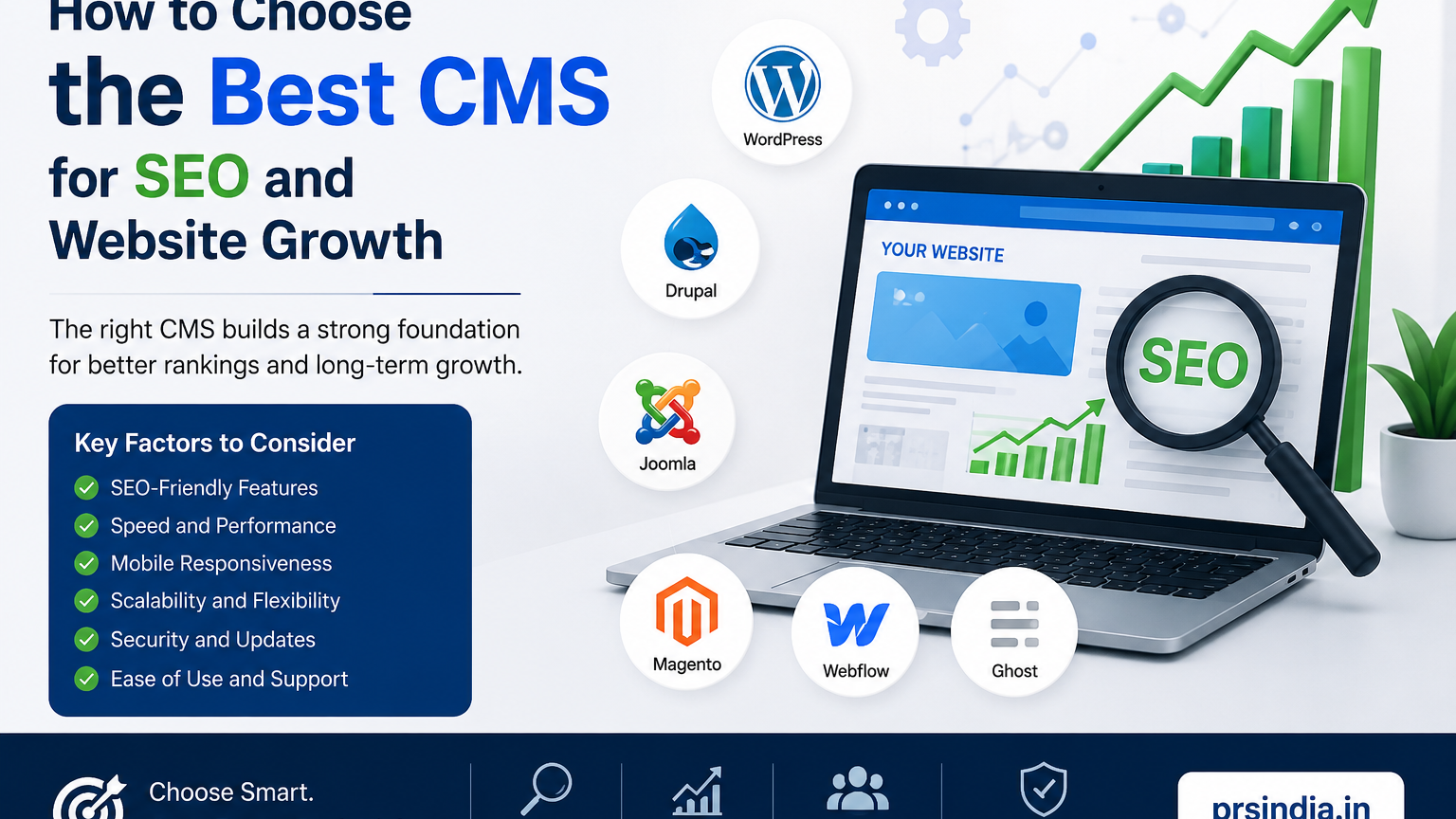
How to Choose the Best CMS for SEO and Website Growth
Choose the Right CMS to Improve SEO, Speed, Rankings & Long-Term Website Growth.
How to Choose the Best CMS for SEO and Website Growth
Choosing the right Content Management System can affect your website's SEO, speed, security, user experience and long-term growth. Here is what to check before making your decision.
What Is a CMS?
A Content Management System is software that lets you create, manage, edit and publish website content without manually coding every page.
Popular options include WordPress, Drupal, Joomla, Shopify, Webflow and custom-built CMS platforms. The best choice depends on your business goals, technical requirements, budget and expected growth.
What Makes a CMS SEO-Friendly?
SEO success does not depend on the CMS alone, but your CMS should make important technical and on-page SEO tasks easy to manage.
1. SEO-Friendly URLs
Choose a CMS that lets you create clean, descriptive URLs such as /web-designing-company-delhi.
2. Title & Meta Controls
Every important page should support unique SEO titles and meta descriptions.
3. Website Speed
Look for caching, image optimization, lazy loading, CDN integration and lightweight themes.
4. Mobile Responsiveness
Your CMS should help you create pages that work properly on smartphones, tablets and desktops.
5. XML Sitemap
XML sitemap support helps search engines discover important pages as your website grows.
6. Canonical URLs
Canonical URL controls are useful when similar content can be accessed through multiple URLs.
7. Redirect Management
Make sure the CMS or SEO tools can manage 301 redirects when URLs change.
8. Schema Markup
Your CMS should allow suitable structured data for articles, products, services and organizations.
9. Easy Content Management
SEO requires ongoing updates. Publishing blogs, landing pages, images and internal links should be simple.
10. Security & Scalability
Choose a platform with updates, access controls, backups, HTTPS and room for future growth.
Why Website Speed Matters
A professional website should not only look good; it should also load efficiently. Slow pages can create a poor user experience and reduce conversions.
Consider hosting quality, theme efficiency, plugins, image optimization, caching and the ability to optimize CSS and JavaScript.
Check Integration Options
Growing businesses often need websites to connect with other platforms. Check whether the CMS can work with the tools your business already uses or may need later.
- Google Analytics and Google Search Console
- CRM and lead management systems
- Payment gateways
- WhatsApp and email marketing
- ERP, inventory and shipping systems
- Marketing and automation tools
WordPress vs Other CMS Platforms
| CMS | Best suited for | Key advantage | Consideration |
|---|---|---|---|
| WordPress | Business sites, blogs, e-commerce | Flexible ecosystem | Updates and plugin quality need attention |
| Shopify | E-commerce | Easy store management | Some advanced customization may need development |
| Drupal | Complex websites | Powerful content architecture | More technical expertise |
| Custom CMS | Unique workflows | Complete customization | Higher development and maintenance |
What Is the Best CMS for SEO?
There is no single CMS that is perfect for every business. WordPress can be an excellent choice for many content-driven websites because of its flexibility and SEO ecosystem. Shopify can be practical for e-commerce, while Drupal or a custom CMS may suit more complex requirements.
SEO success comes from the combination of a suitable CMS, strong technical implementation, useful content, performance, security and ongoing optimization.
CMS SEO Checklist
✓ Custom SEO titles and meta descriptions
✓ SEO-friendly URLs
✓ XML sitemap
✓ Robots.txt control
✓ Canonical URLs
✓ 301 redirects
✓ Mobile responsive design
✓ Fast performance
✓ Schema markup
✓ HTTPS and security
Choose a CMS Based on Your Business Goals
A small business website may need service pages, contact forms, a blog and basic SEO. A growing business may need landing pages, CRM integration and marketing automation. An e-commerce company may need products, payments, inventory, shipping and customer accounts.
Think about where your website could be in the next three to five years before selecting the platform.
Looking for Professional Website Development?
Choosing the CMS is only the first step. The way the website is designed and developed matters just as much. If you are planning a new business website or redesigning an existing website, consider PRSINDIA for professional website designing and development services.
Written by
Aditi
Building software at PRS India.