Engineering
Server Components changed how we structure Next.js apps — our current default
Two years in, here is the folder layout, the data-fetching rules and the three places we still reach for a client component without apologising.

Written from production. Our articles draw on products we run live and the client work behind them, and are revised as the systems they describe evolve.

The first three App Router projects we did were, honestly, Pages Router applications wearing a costume. We put "use client" at the top of the layout, kept fetching in useEffect, and wondered why the bundle had not shrunk. Server Components do not reward that. They reward a different shape of application, and once we redesigned around the shape, the numbers moved: a catalogue page that shipped 312 KB of JavaScript now ships 94 KB, and its p75 LCP on mobile went from 3.1s to 1.6s.
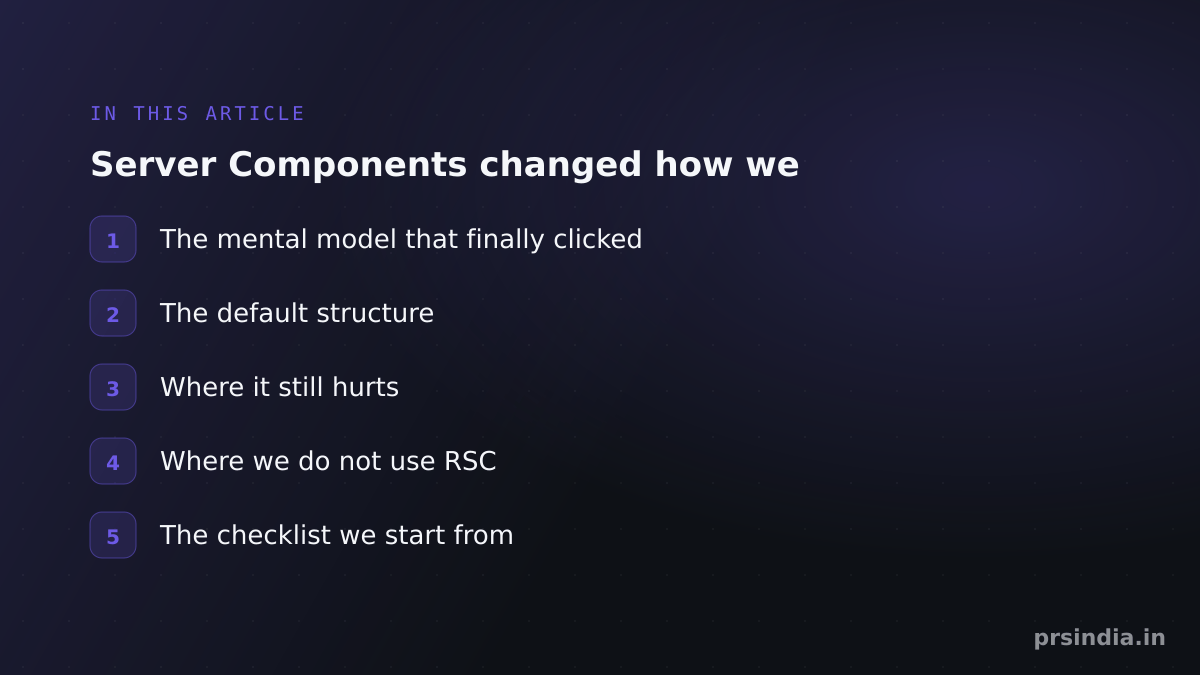 In this article
This is the structure we now start with by default, and the honest list of where it still bites.
The mental model that finally clicked
Stop thinking of "use client" as "this component is interactive". Think of it as a bundle boundary. The moment a module is marked as a client module, that module and everything it imports gets compiled into the browser bundle. The directive is not a per-component annotation; it is the root of a subtree that gets shipped to the user's phone.
That single reframing produces the rule we now apply mechanically:
Server by default. Push "use client" as far down the tree as it will go — to the leaves that actually own state — and pass everything else in as props or children.The or children does more work than it looks like. A client component can take server-rendered children and place them in its own layout without them joining its bundle — they arrive already rendered, and it only decides where they go. So a tab strip or a modal shell stays interactive without dragging its contents across the boundary. When we catch ourselves converting a whole subtree to client code because the thing at the top needs an onClick, this is the pattern we forgot.
The default structure
A route folder looks like this:
app/
  (marketing)/
    products/
      [slug]/
        page.tsx          <- server. fetches, composes, renders
        loading.tsx       <- streaming fallback
        _components/
          buy-box.tsx     <- "use client". owns qty + cart state
          gallery.tsx     <- "use client". owns the active image
          spec-table.tsx  <- server. pure render, zero JS shipped
  api/
lib/
  data/products.ts        <- "server-only". the ONLY place SQL/fetch lives
Two conventions do most of the work.
One: every data-access module is marked import "server-only". This is a build-time tripwire. If someone later imports lib/data/products.ts from a client component — which would leak the database URL or an internal API key into the browser bundle — the build fails instead of the security review catching it three weeks later.
Two: client components never fetch. They receive already-resolved data as props. If a client component needs to mutate something, it calls a Server Action. This kills the entire class of client-side waterfall bugs, because the fetches all happen on the server, on the same continent as the database, and they happen in parallel.
That last clause is a decision, not something the framework does for you. Awaiting three data functions on three separate lines is the same waterfall you deleted from the client, with a faster hop per leg and no network tab to make it obvious. The Promise.all below is the point of the example, not decoration: independent fetches start together, and a nested server component awaiting something its parent already awaited is the first thing to look for when a page is slow for no visible reason.
// app/products/[slug]/page.tsx  — server component
import "server-only";
import { getProduct, getReviews, getStock } from "@/lib/data/products";
import { BuyBox } from "./_components/buy-box";
import { SpecTable } from "./_components/spec-table";

export default async function ProductPage({ params }) {
  const { slug } = await params;

  // Parallel, on the server. Not three sequential useEffects.
  const [product, reviews, stock] = await Promise.all([
    getProduct(slug),
    getReviews(slug),
    getStock(slug),
  ]);

  return (
    <article>
      <h1>{product.name}</h1>
      {/* interactive leaf — this is the only JS on the page */}
      <BuyBox sku={product.sku} price={product.price} inStock={stock.available} />
      {/* pure render — ships zero JS */}
      <SpecTable specs={product.specs} />
      <Reviews items={reviews} />
    </article>
  );
}
Streaming is the payoff you should actually optimise for
The bundle size win is nice. The bigger win is that you can send the shell of the page before the slow query finishes. On an ecommerce PDP, the product record comes back in 20 ms and the "customers also bought" recommendation call takes 600 ms. Wrapping the slow one in <Suspense> means the user sees and can interact with the buy box while the recommendation strip is still resolving.
<Suspense fallback={<RecoSkeleton />}>
  {/* async server component — does not block the shell */}
  <Recommendations sku={product.sku} />
</Suspense>
The discipline here is to make the Suspense boundary match the slowest independent thing on the page, not to sprinkle boundaries everywhere. Every boundary is a place the layout can shift, and CLS is a real Core Web Vitals metric with a real conversion cost. Reserve height on the fallback.
Where it still hurts
1. Caching is the genuinely hard part
The framework has changed its caching defaults more than once, and any blog post you read from 2023 is now wrong. Our rule: be explicit, never rely on the default. Every fetch and every data function declares its own caching intent, with a tag, so revalidation is a deliberate act:
export async function getProduct(slug: string) {
  const res = await fetch(`${API}/products/${slug}`, {
    next: { revalidate: 300, tags: [`product:${slug}`] },
  });
  if (!res.ok) throw new Error(`product ${slug}: ${res.status}`);
  return res.json();
}

// in the Server Action that updates a price:
revalidateTag(`product:${slug}`);
If you cannot answer "how does this page get invalidated when the price changes?" for every page, you do not have a caching strategy — you have a stale-data incident waiting for a Diwali sale.
2. Third-party libraries that have not caught up
Plenty of otherwise-good npm packages still export a component that calls useState without shipping a "use client" directive of their own. The error you get is unhelpful. The fix is a one-line wrapper module in your own codebase that marks the boundary:
// components/vendor/chart.tsx
"use client";
export { ResponsiveLine } from "@nivo/line";
Annoying, but cheap. Budget an afternoon per project for this.
3. Serialisation errors are a real tax
Props crossing the server-to-client boundary must be serialisable. Dates survive, and so do Maps and Sets. Class instances, functions and — most painfully — the Prisma/Drizzle model objects with methods hanging off them do not. Every "Only plain objects can be passed to Client Components" error is a five-minute debugging session, and there will be a dozen of them per project. The fix is to make the boundary explicit: your data layer returns DTOs, not ORM entities. We now write an explicit mapper per entity: it is boilerplate, and it is cheaper than the dozen debugging sessions it replaces.
4. Auth and request context
Reading cookies or headers in a server component opts the route out of static rendering. That is correct behaviour and it is also a trap: a single "personalised greeting" component near the top of the layout can silently turn your entire statically-rendered marketing site into a dynamic one. We keep authenticated chrome (the avatar, the cart count) as a client component that hydrates from a lightweight endpoint — the one place we let a client component fetch — precisely so the page itself can stay static and sit on the CDN edge.
The price is that the page has to look right before the personalised part arrives: the chrome needs a placeholder of the same size, and the cart count cannot be something the layout reflows around. It is the wrong trade when the user-specific part is the content rather than the decoration — a pricing page showing contract rates is a dynamic page, and dressing it as a static one only moves the personalisation into a spinner.
Where we do not use RSC
An internal dashboard with twenty filters, a live-updating table and drag-and-drop is not a Server Components problem. It is an SPA. For those we still use a client-heavy tree with TanStack Query, because the state lives in the client, the interaction rate is high, and there is no SEO or first-load-cost argument to win. Fighting the framework to squeeze RSC into that shape produces worse code and a slower feature.
The rough test: if the page's job is to display, RSC. If the page's job is to manipulate, client. Most of an ecommerce site, a marketing site or a content platform is display. Most of an admin panel is manipulation.
 The short version
The checklist we start from
Every data-access module imports
server-only.No
"use client"above the component that owns the state. A client wrapper taking server-rendered children is fine; a directive in a layout is a bug.Client components receive data as props; they never fetch on mount — authenticated chrome on a page that has to stay static is the one exception.
Every fetch declares
revalidateand atag. Mutations callrevalidateTag.The data layer returns DTOs, not ORM entities.
Suspense boundaries have height-reserved fallbacks.
Cookies/headers are read as deep in the tree as possible, never in the root layout.
There is a CI check on the client bundle size, with a budget that fails the build.
None of this is exotic. It is mostly the discipline of deciding, per component, which machine it runs on — and then actually enforcing that decision in the build rather than in a code review.
 Build it with PRS India
Written by
Aditi
Building software at PRS India.